How to Make a YouTube Channel Logo (Free & Tools)
Learn how to design a logo for your YouTube channel. Get key elements, free tools, smart tips, and a checklist for final files.

Why a logo matters for YouTube branding
YouTube is crowded, and viewers decide fast. Your channel logo shows up in search results, suggested feeds, and the subscribe flow. If it is hard to spot, people may miss your channel. A clear logo helps your visual identity stand out.
A strong logo supports branding and visual identity. It lets new viewers remember your style after one or two videos. It also gives returning viewers a quick way to recognize you. That matters for audience engagement and channel growth.
If you are learning how to make logo for youtube channel, focus on usefulness. Your mark must work when it is tiny, like in a circular icon. It also needs to look consistent across thumbnails, end screens, and channel art.
Good graphic design here is not about decoration. It is about making your channel feel trustworthy and intentional. That is how a logo earns a place in your whole content system.
Key elements of a YouTube logo
When you search how to create a logo for youtube channel, you are really looking for an icon system. It must be readable, repeatable, and tied to your niche. The logo should communicate what your channel is about without needing color or context.
Use these core elements as your checklist for graphic design:
- Simplicity: Use bold shapes and clean edges.
- Memorability: Pick one strong symbol or style cue.
- Relevance: Use a visual hint from your topic area.
- Consistency: Keep colors and typography steady across assets.
- Scalability: Make it legible at small icon sizes.
Start with color theory you can support. Choose a main color, a secondary color, and one accent. Then test your logo in both light and dark backgrounds. If it loses contrast, adjust stroke weight or spacing.
Typography matters too. Use a font style that stays readable in a circle. Avoid thin strokes that blur at small sizes. Also keep letter spacing simple so forms do not merge.
Step-by-step: how to design a logo for your YouTube channel
If you want how to design a logo for youtube channel, treat it like a workflow. You are not only drawing. You are building a visual identity that can ship with your channel.
Here is a practical process for how to create a logo for youtube channel. It keeps decisions clear and reduces rework later.
- Write a brand goal: One sentence describing the vibe and topic.
- List brand traits: Choose three words that guide style and shapes.
- Pick a logo type: Choose icon, lettermark, or a combination.
- Build a color plan: Pick a palette that fits your theme.
- Select typography: Choose a style that reads at small sizes.
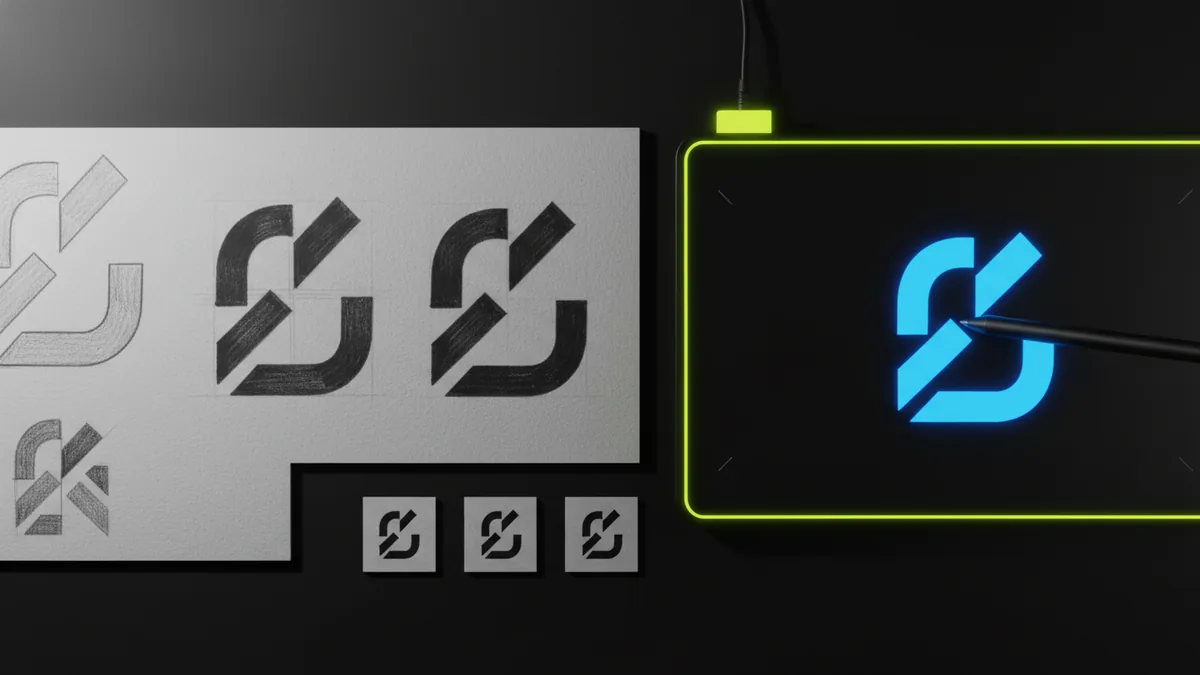
- Sketch 5 to 10 concepts: Start with silhouettes, not details.
- Create 2 to 3 digital drafts: Redraw with clean lines and spacing.
- Test at icon size: Check the logo inside a circle crop.
- Refine contrast and spacing: Make sure forms stay distinct.
Many people ask how to make logo in youtube, but the real goal is usable branding. The circle crop is unforgiving. So test your work early, not after you polish details.
Also think about your audience. A kids channel often benefits from rounded shapes and bright contrast. A tech channel usually looks better with cleaner geometry. Match the logo style to the expectations your viewers already have.
Tools for creating your logo (free and paid)
You have two main paths when you work on how to make a logo for your youtube channel. You can use an online logo maker, or you can use design software. The best path depends on how custom you need your result to be.
If you search create a logo for youtube channel free, you likely want quick drafts. Free online tools can help you learn layout and style direction. They can also speed up early iterations. Just keep an eye on export limits.
Before you commit, check what files you can download. You want at least a PNG for fast use. If possible, try to export an SVG for crisp scaling. Without the right formats, your logo may look blurry in later placements.
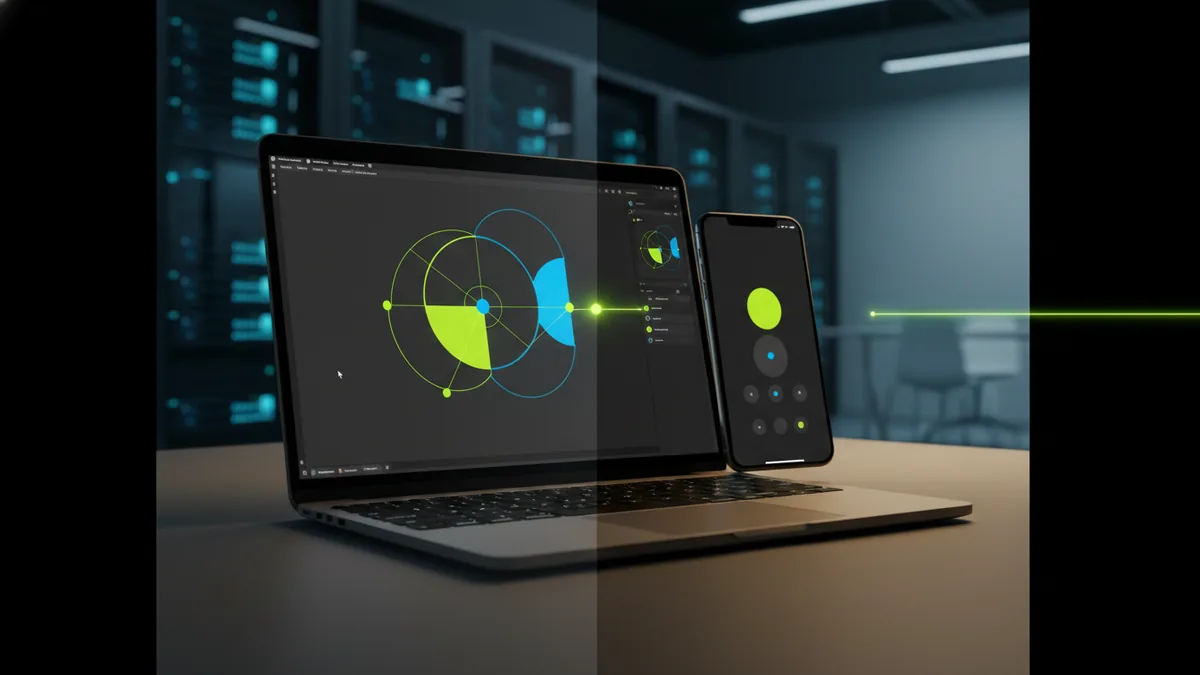
Paid tools give more control over typography and icon shapes. Vector design software is useful for scalable graphic design. It helps you keep sharp edges and consistent spacing across versions. That makes your visual identity easier to maintain.
- Online makers: Best for speed and early concept testing.
- Vector tools: Best for sharp icons and clean, reusable parts.
- General editors: Useful for layout and final touch-ups.
Whichever tool you pick, keep the process consistent. Build one logo that you can adapt into variants. Then you avoid starting over for each asset.
Tips for customizing your logo for YouTube
Customization is where the logo starts to feel like your brand. When you are figuring out how do i make a logo for my youtube channel, use your topic as the source of visual cues. A tech channel might use a simplified signal or circuit shape. A fitness channel might use motion lines or a strong emblem form.
Use your palette to guide every element. If your background often uses dark tones, test your logo in a light version too. If your videos use bright colors, test the logo on busy thumbnail-like colors. You are protecting readability, not just aesthetics.
Typography can be subtle. If you use a lettermark, choose a font with clear letter shapes. Avoid decorative fonts that lose meaning at small sizes. Also keep the icon and type aligned so the layout feels deliberate.
Make variants on purpose. You typically need an icon-only version and a full version. The icon-only one works best as the channel avatar. The full version can support banners and featured graphics.
- Design for multiple sizes: Avatar first, then larger placements.
- Limit complexity: If it needs tiny lines, simplify.
- Keep one focal element: Your viewer should see the logo in one second.
- Match the tone: Your logo style should fit your video promise.
These steps are especially useful when you are working on how to create logo for youtube channel free. Free tools can produce pretty results fast. Your job is to make sure the final mark still reads when it is small.
Common mistakes to avoid
When learning how to make a logo for youtube channel free, mistakes usually come from speed. Many creators add too many details or thin strokes. Then the logo becomes unreadable in the circular icon. That defeats the main purpose of the design.
Another common issue is weak relevance. If your logo does not connect to your topic, viewers cannot guess what you do. They might click once, but they will not feel a strong fit. Aim for a clear visual hint, not a random decoration.
Color mistakes also hurt performance. Too many colors make the logo feel noisy. Low contrast makes it vanish on common backgrounds. Use fewer colors and test contrast in both light and dark contexts.
Finally, people forget to create export-ready files. If you only have a screenshot or one low-quality image, you will struggle later. You need clean outputs for consistent use across your YouTube assets.
| Common mistake | What it causes | Better approach |
|---|---|---|
| Overly complex details | Blurry icon at small sizes | Keep shapes bold and simple |
| Thin typography | Unreadable letterforms | Use thicker strokes and spacing |
| Weak contrast | Low visibility on backgrounds | Test on light and dark pages |
| No usable exports | Quality drops later | Export PNG and, if possible, SVG |
Finalizing and implementing your logo
Finalizing is where you turn drafts into a usable system. Start by picking the strongest version that looks good as an avatar icon. Then create variations for different uses. This is how you finish a real logo for how to create a logo for your youtube channel.
Before you upload anything, do a quick consistency check. Your icon colors should match your thumbnails and brand graphics. Your typography should not conflict with your channel style. If your branding already uses certain tones, align the logo palette to them.
When you implement the logo, apply it across key touchpoints. Use it in your channel avatar. Use it as the basis for overlays and branded elements. Keep the same logo style so your visual identity stays recognizable.
Done well, your logo makes YouTube branding easier. It reduces confusion and speeds up production. Viewers recognize you faster. That support matters for long-term audience engagement.
FAQ: YouTube logo design
How to make a logo for youtube channel? Start with a brand goal, then sketch simple concepts. Choose bold shapes that stay readable in a circular avatar.
How to create a logo for youtube channel free? Use a free online maker to draft styles. Then refine it and confirm you can export clear PNG files, plus scalable formats if available.
How to design a logo for youtube channel? Build a palette, pick readable typography, and test at icon size early. Keep the design simple so it does not blur when tiny.
How to make logo in youtube? Design your logo as an icon first. Then reuse it consistently across channel assets, like avatar, banners, and end screens.
How do i make a logo for my youtube channel? Follow a workflow: define your vibe, sketch options, draft digitally, then test contrast and spacing. Export the files you need before you upload.
Can I create a logo for a YouTube channel on mobile? Yes, you can sketch and test ideas on mobile apps. For best quality, do final vector or high-res exports on a computer.
Frequently asked questions
- How to make logo for YouTube channel?
- Start with a brand goal, then sketch simple icon ideas. Design with bold shapes so it stays readable at small sizes.
- How to create a logo for YouTube channel free?
- Use a free online logo maker to generate drafts, then refine your best option. Confirm you can export clear PNG files and, if possible, scalable SVG files.
- How to design a logo for YouTube channel?
- Build your palette, choose typography that stays legible, and test your logo in a circle crop early. Keep details minimal to avoid blur.
- How do i make a logo for my YouTube channel?
- Follow a workflow: define the vibe, pick a logo type, draft digitally, then test contrast and spacing. Export your final files before you upload.
- How to make a logo in YouTube?
- Upload your finished logo as your channel icon. Use the same logo style across banners, end screens, and other channel graphics.
- Can I make a YouTube channel logo on mobile?
- You can brainstorm and draft on mobile, then finish final exports on a computer. This helps you get crisp results for all required sizes.
Related reading
How to Make a Business Logo: Tools, Tips, and Final Files
Step-by-step logo design: free tools, phone workflows, and final export tips.
How to Make T Shirt Logos: From Idea to Print-Ready Art
Learn how to make t shirt logos, from idea to print-ready design.
How to Create Animated Logo Videos for Free (No Skills Needed)
Create a polished animated logo video for free with online tools.