How to Make a Business Logo (Free Options + Tools)
Learn how to make a business logo step by step, including free options, phone and Canva workflows, and how to finalize scalable logo files.
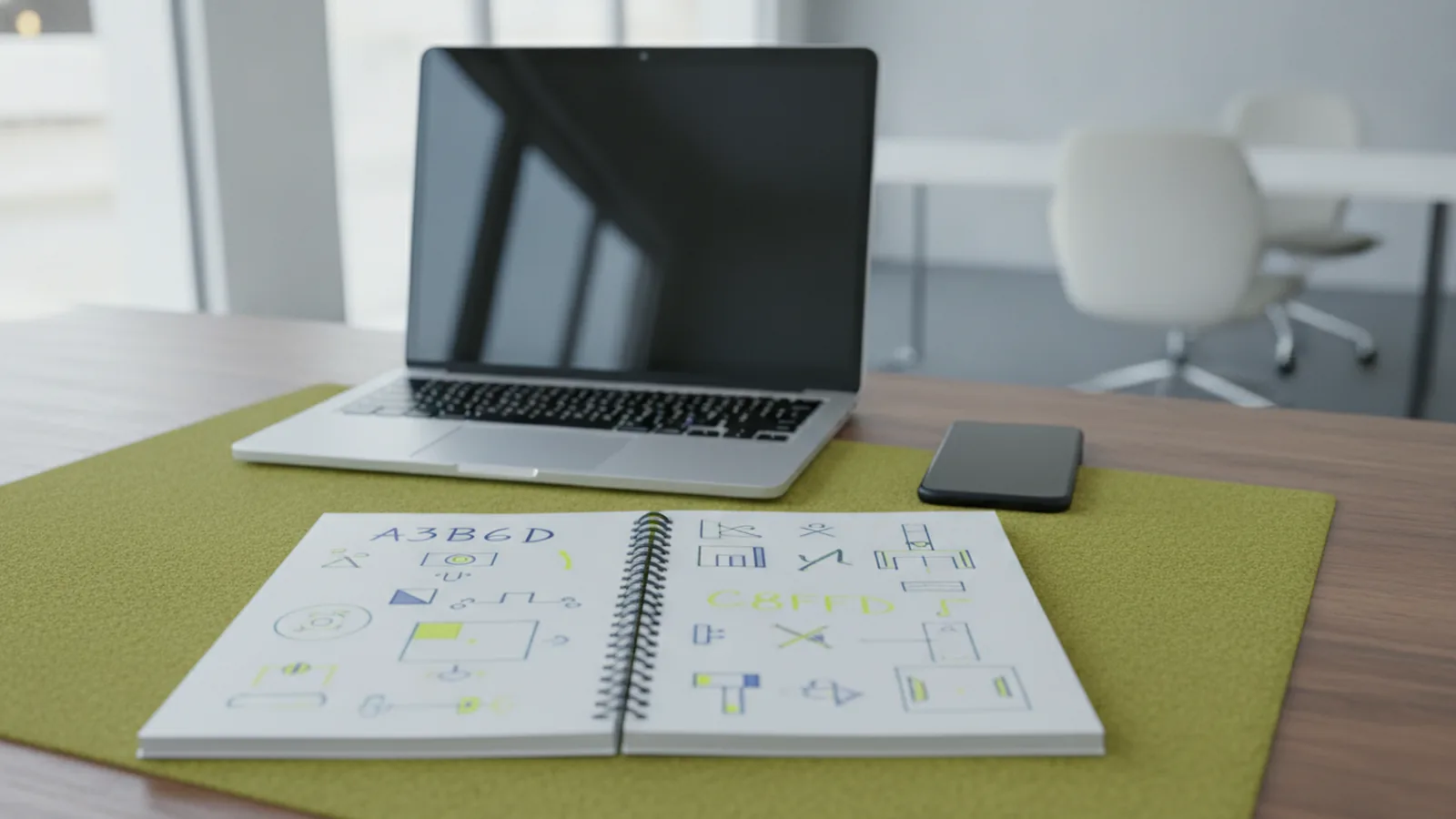
Understanding why your logo matters
When people search for you, your logo is often the first signal they see. It helps customers connect your business identity with quality and purpose. That first glance can shape trust before you ever speak to them.
Good logo design also supports brand identity across every channel. Your website header, social profile, and packaging should all feel like the same company. Consistency helps people remember you after the first encounter.
A logo can reduce friction in decision making. People recognize you faster, so you spend less time re-explaining who you are. It also makes your marketing look more complete and intentional.
- Clarifies your identity at a glance
- Improves recall after repeat views
- Signals professionalism and stability
- Creates a consistent brand experience

Steps to create your business logo
If you are figuring out how do i make a business logo, start with a clear process. This keeps you from jumping between colors, fonts, and icons. It also makes your final design more coherent.
Think of this as how to make your business logo as a system. You are not just making one picture. You are building a mark that works on screens, print, and small spaces.
1) Do target audience analysis and set business values
Before you design a business logo, write down who you serve. Then list what those people care about most. That can be speed, comfort, luxury, reliability, or adventure.
Next, translate those priorities into business values. Keep them in plain words. These values guide your color theory, font selection, and icon style later.
Example: a coffee shop might value warmth and craft. Their customers expect comfort and easy quality. A logo should support that feeling without needing an explanation.
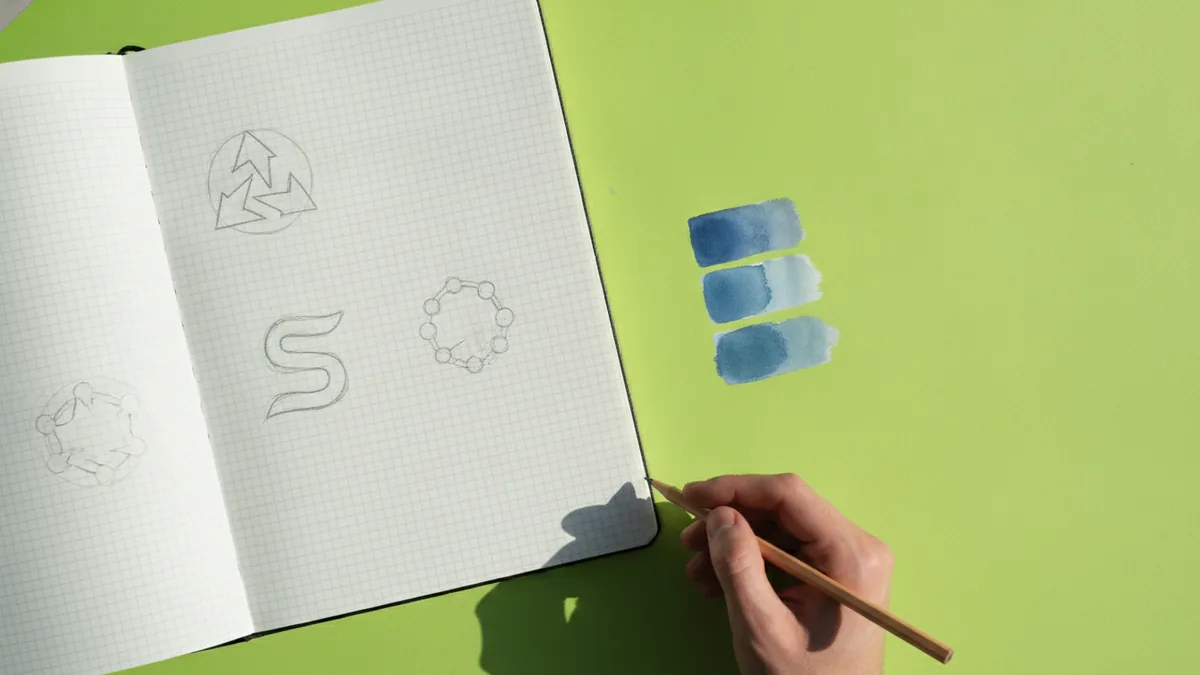
2) Sketch initial logo ideas or concepts
Start with rough sketches. Even quick thumbnails can unlock strong directions. This is the fastest way to find a style before you get stuck in software.
Decide early if you want an icon, a wordmark, or both. For many brands, a mix helps. An icon supports small sizes. A name helps people find you online.
If you are asking how can i make a business logo for different places, sketch variations now. Plan for a horizontal lockup and a stacked version.
3) Build the design using logo design tools
Now you can design a business logo in logo design tools. If you want make a business logo free, start with online editors. You can draft quickly and test multiple layouts.
If you are wondering how to make a business logo on phone, choose an app with layer control. You need to align shapes, manage spacing, and export clean files. Phone drafts are great first passes.
You can use Canva for fast drafts. You can also use Adobe Illustrator for vector graphics. Either path works, as long as you refine the mark and keep it consistent.
- Create a simple layout grid for alignment
- Draft 2 to 3 logo directions from your sketches
- Adjust spacing between icon and text
- Export a test version before fine details
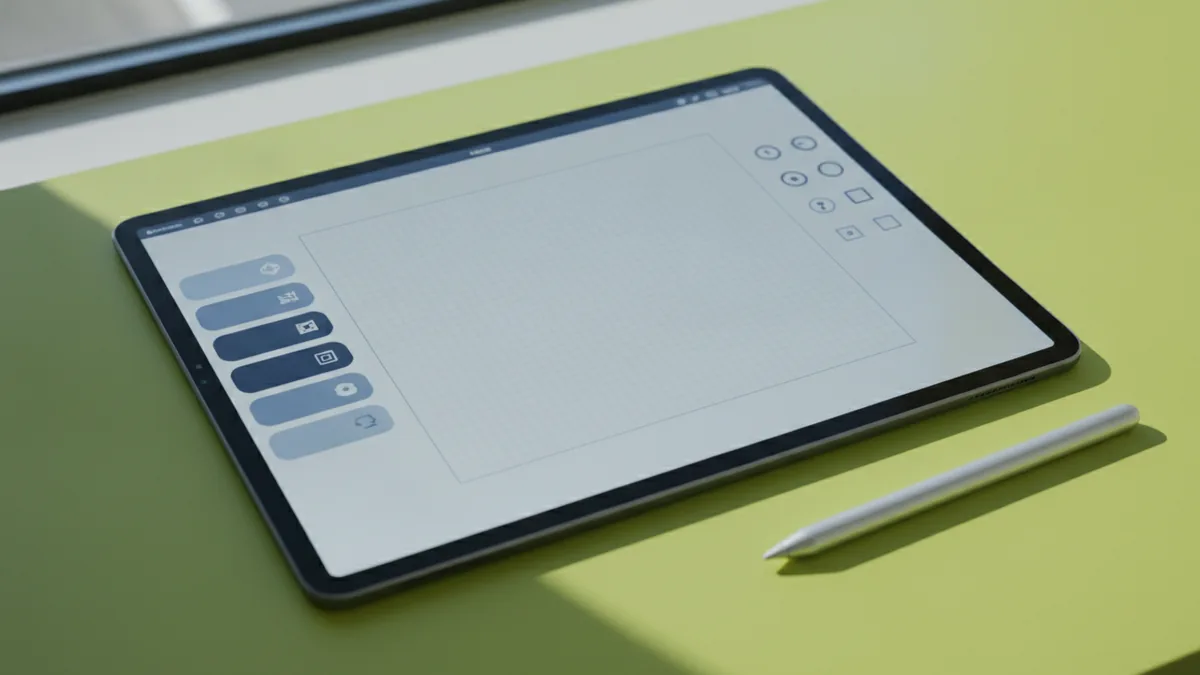
Choosing the right design tools for your goal
Tool choice affects your results, especially if you need print-ready files. Some apps are perfect for quick drafts. Others are better for vector graphics and sharp scaling.
If you want how to make business logo design for Instagram, think about placement. You need a mark that stays readable in a small profile circle. Your design should look clean at tiny sizes.
If you plan stickers or labels, design with production in mind. You may need a high-contrast version and a cut-friendly shape. The same logo can serve multiple formats if you plan early.
Tool pick guide by outcome
| Goal | Best tool approach | What to watch for |
|---|---|---|
| Quick social-ready drafts | Online logo makers or design editors | Export quality and resizing speed |
| How to make a business logo free for testing | Free tiers in design tools | Watermarks and export limits |
| Final logo for print | Vector-capable tools | Scalable shapes, not stretched images |
| Fine typography control | Typography-focused software | Consistent spacing and kerning |
If you are learning how to make a business logo on Canva, focus on mastering spacing and exports. If you want how to make your business logo in Photoshop, keep it simple and plan vector later. For Procreate, use it for sketching and bring clean shapes into a final tool.
If you are using Cricut, design with cuts in mind. Avoid complex gradients and tiny details. Keep shapes bold, because small parts can be hard to produce.
Design principles for effective logos
To design a business logo that looks right everywhere, use solid graphic rules. These are the core principles that keep logos from feeling random. They also help your logo survive different sizes.
Start with simplicity. A logo should look clear in black and white first. Then add color only when the shapes still feel strong.
Use consistent spacing and clean alignment. Uneven gaps can make a logo look amateur. A small spacing issue is easier to fix before you polish the final version.
Color theory and font selection that fit your message
Choose colors that match your brand theme. If you pick calm colors, your logo feels calm. If you pick bold colors, your logo feels energetic.
Your font selection should match your values too. A modern font can signal speed. A classic serif can signal craft. Avoid picking a trendy font that only looks good at one size.
When you test, check readability quickly. Zoom out and view the logo from a distance. If you cannot recognize it, simplify the mark.
- Keep one focal point
- Limit your color palette to a few tones
- Use fonts that stay readable at small sizes
- Test black and white first
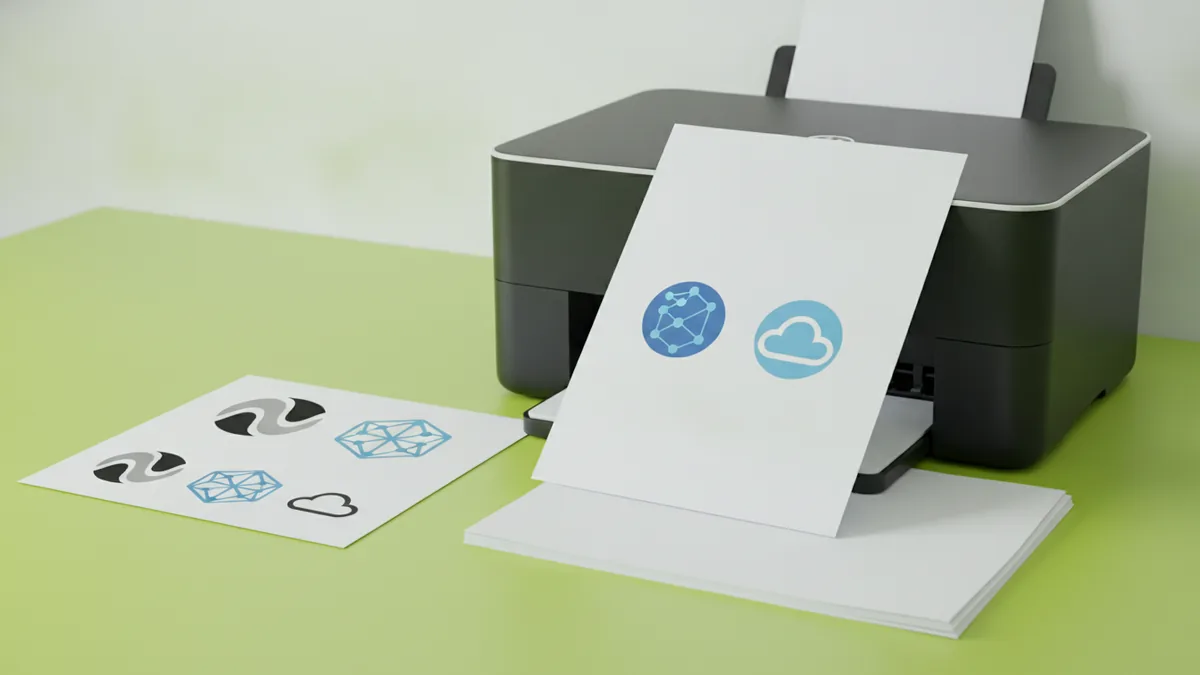
Tips for customizing your logo (and making it usable)
Once you have a first pass, customize it for real-world use. People ask how to make business logo usable on many platforms. That means making versions for web, print, and social.
Start by creating multiple formats. Make a horizontal version for headers. Make a stacked version for social and small spaces. Also create an icon-only version for favicons and tiny placements.
If you are trying to how to make business logo stickers, think about contrast and edges. Use solid fills instead of thin lines. Also plan how the sticker will look on light and dark surfaces.
Make your logo match your brand identity
Use your target audience analysis to refine your style. If your audience prefers minimal design, remove extra details. If your audience values craft, you can keep a slightly textured look.
Be careful with design trends. Trends change fast, but clarity lasts longer. If your logo depends on a trend, you may need a redesign soon.
Also check that your logo name reads well. If you are making a business name logo, test the wordmark length. Make sure the name is still readable when it is small.
- Create horizontal, stacked, and icon-only versions
- Prepare a one-color version for simple uses
- Test the logo at small sizes and in grayscale
- Export files for web and print separately
Finalizing and downloading your logo
After you refine the design, gather feedback from peers or potential customers. This step is how you catch confusion early. Ask people one simple question: what do you think this brand does?
If you are still deciding how to make your own business logo, use feedback to choose the best direction. Then lock the final colors and the final type choices. Do not keep changing tiny details after you get good results.
Before you download, confirm you have the right file types. For web, you usually need PNG formats. For print and scaling, you want vector graphics when possible.
Copyright and originality checks
Originality matters, especially if you plan to use the logo publicly. If you use icons from a random pack, confirm the license. Also avoid copying shapes from existing logos too closely.
If you are asking how can i make my business logo legally and safely, use your own concepts and build your own mark. If you borrow elements, use assets with clear commercial permission. Keep records of what you used.
Also check small details like letters and spacing. A logo that looks original at large size can still resemble something at small size.
Common logo design mistakes to avoid
Many first-time designers get stuck on a few repeat errors. These mistakes can make your logo look messy. They can also cause real problems when you export for print or stickers.
One common issue is over-detailing. Tiny icons and thin lines disappear at small sizes. Another issue is inconsistent spacing, which makes the logo feel unbalanced.
Finally, many people forget format testing. Your logo may look great on a white background. It might fail on colored backgrounds or in low resolution.
- Using thin lines that vanish in small sizes
- Choosing colors that do not work in grayscale
- Relying on one format only
- Copying recognizable logo shapes from others
FAQ: how to make a business logo
Do I need to be a designer to design a business logo? No. You need a clear process, good tools, and careful testing. Start with sketches, then refine in a design editor.
Can I make a business logo free and still use it? You can draft for free in many tools. For full commercial use, you may need a paid export plan or licensed assets.
How to make a business logo on phone? Use a mobile editor for layout and spacing. Keep designs simple, then export a clean version for later cleanup.
How to make a business logo for instagram? Create an icon that stays readable in a small circle. Export a square version for profile use and a simplified version for posts.
What if I want to make business cards with your own logo? Use a version with consistent margins and a clear one-color option. Then confirm it prints sharply by testing a proof.
Can I cut my logo with Cricut? Yes, but keep shapes bold and avoid tiny details. Plan for solid fills and strong edges so the cut comes out clean.
If you want a practical workflow for cleaner files, you can follow the W3C accessibility guidelines for general readability checks. That helps you test contrast and clarity for different backgrounds.
Step-by-step
- 01 Define audience and values
Write down who you serve and what they value most. Turn those ideas into simple brand values you can use for design choices.
- 02 Sketch multiple logo directions
Make quick thumbnail sketches for icon, wordmark, and mix options. Pick two favorites and refine their layout ideas.
- 03 Create drafts in your logo design tool
Build your chosen concept using an online editor or graphic software. If you are making drafts on phone, keep layers organized for later.
- 04 Apply design principles and test readability
Adjust color theory and font selection for clarity. Test the logo in black and white and at small sizes.
- 05 Get feedback and finalize formats
Ask peers what they think your brand does. Export web and print files, including a scalable vector when possible.
Frequently asked questions
- How do I make a business logo from scratch?
- Start with target audience analysis and business values. Sketch 2 to 3 concepts, then build the best one in a logo design tool and test it at small sizes.
- How can I make a business logo for free?
- You can draft for free in many design tools. Watch export limits and licensing for any icons or fonts you use.
- How do I make a business logo on phone?
- Use a mobile editor to plan layout and spacing. Keep the design simple, then export for later cleanup on desktop if needed.
- How do I make a business logo for Instagram?
- Create an icon or wordmark that stays readable in a small circle. Export a square version and test it on both light and dark backgrounds.
- How do I make business cards with my own logo?
- Use a clean one-color logo version plus your full color version. Confirm margins and image sharpness by printing a proof before ordering.
- Can I use Cricut to make logo stickers?
- Yes, if your design uses bold shapes and avoids tiny details. Prepare cut-friendly versions with clear edges and solid fills.
Related reading
How to Make T Shirt Logos: From Idea to Print-Ready Art
Learn how to make t shirt logos, from idea to print-ready design.
How to Create Animated Logo Videos for Free (No Skills Needed)
Create a polished animated logo video for free with online tools.
How to Create a Unique Fantasy Football Logo
Follow a clear process to design a fantasy football logo that feels like your team.