How to Create Animated Logo Videos for Free (Online Tools)
Learn how to create video logo animation for free using online tools. Follow a step-by-step guide, plus tips on formats, timing, and mistakes.
Understanding animated logos
An animated logo is a brand mark that moves over time. It can fade in, slide on, rotate, or “draw” itself like a pen stroke. A static logo stays the same in every frame. That difference matters because animation can add context, mood, and energy.
Most animated logos still use the same core graphic design as the static version. You might reuse the same logo shapes, colors, and spacing. Then you add motion design principles like timing, easing, and emphasis. Even simple movement can make your logo feel more alive than a single still image.
- Static logo: one frame, no motion
- Animated logo: multiple frames, timed motion
- Logo video: exported animation for video marketing
Why animated logos help your branding
Animated logos improve recall because motion is easy to notice. When your logo appears at the right moment, people remember the brand more often. This can boost watch time when used in video marketing intros, end cards, or product loops.
Animation also helps you communicate brand personality. A calm fade can feel premium and minimal. A snappy slide can feel bold and modern. These animation techniques support branding without changing your logo design trends too much.
Finally, animated logos can make UI elements feel more polished. For example, a small logo animation in an app splash can replace a hard cut. That is close to user interface animations, even if the source file is a logo.
Free tools for logo animation
If you are learning how to create video logo animation for free, start with tools that match your file type. Some tools work best with vector logos. Others accept PNG or SVG. If you only have a flat PNG, you may need to trace or rebuild shapes.
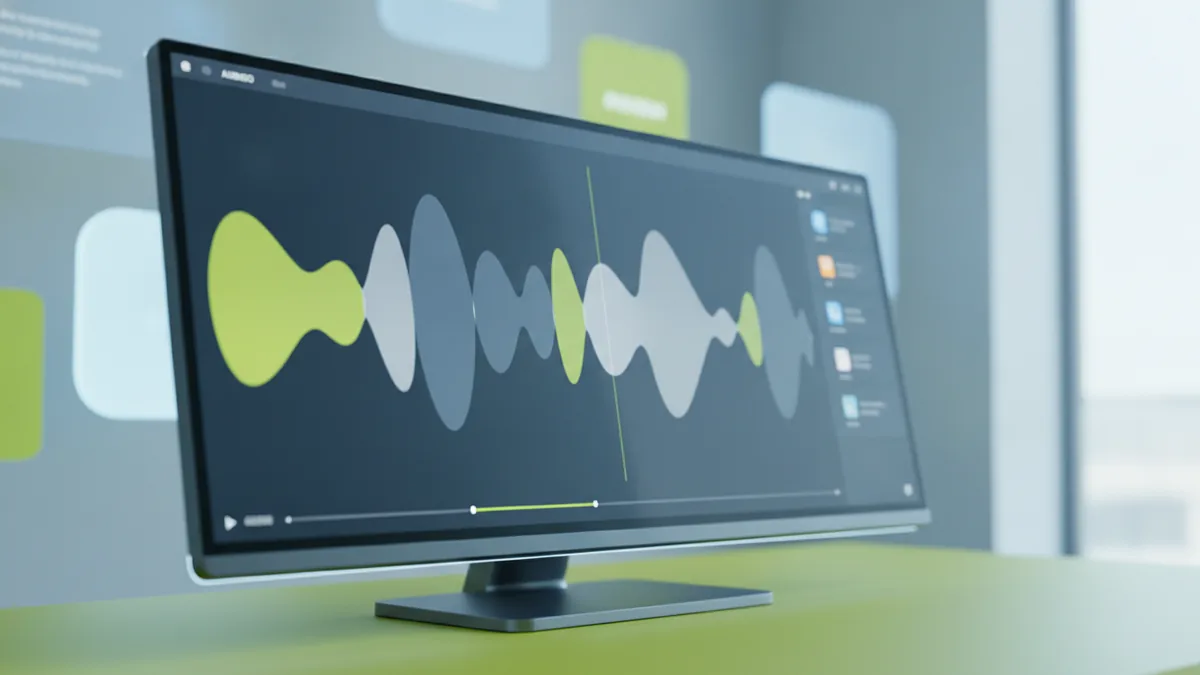
Here are practical free logo animation tools you can use in a browser or with free desktop apps. Choose one based on how your logo is stored today.
- Canva: simple logo motion with built-in animation and easy video exports
- CapCut (web or desktop): keyframe motion, text motion, and quick MP4 output
- Veed (free tier): quick animation and editing for video marketing assets
- Photopea + timeline workflow: basic frame animation using image layers
- Inkscape: rebuild and animate vector parts using free tooling
- SVG animators: if your logo is SVG, you can animate paths and transforms
If you want more control, you can also learn how to make logo animation in after effects. The classic route is paid, but some people use trial versions to learn timing and easing. If you only need a simple animation, online animation tools are often enough.
Step-by-step: creating a video logo animation for free
This is a solid workflow for beginners. It uses a common approach: keep the logo crisp, animate a few layers, then export a video file. By the end, you will have a “logo video” you can place on your site, social posts, or video overlays.
- Prep your logo files Decide what you have. If you have an SVG, use it. If you only have a PNG, consider recreating it as vector or tracing it. Better shapes make smoother motion.
- Create a new canvas Open your chosen free tool. Start a new project with a size like 1920×1080 for wide videos. For social, 1080×1080 or 1080×1350 also works well.
- Import the logo Add your logo to the canvas. Separate it into layers if the tool supports it. For example, split icon and wordmark so each can move.
- Choose one motion goal Pick one effect to start. Use a fade-in, a slide-in, or a “draw” style reveal. Keep the motion short, around 1 to 2 seconds, so it does not feel slow.
- Set timing and easing Move keyframes to define start and end states. Ease the motion so it accelerates then slows down. Most tools have an “ease” option that improves feel.
- Add a subtle secondary motion Add one extra detail to avoid a boring animation. Examples include a slight scale-up, a gentle rotation, or a soft shadow pop. Use it sparingly.
- Preview at full speed Watch the loop from the start to the end. Scrub the timeline and check if any parts jitter. If the movement feels harsh, adjust easing and distance.
- Export the animation Export as MP4 for video playback. If the tool supports GIF, also export a GIF for quick sharing. Start with MP4 for best quality.
This process is a direct way of how to make a logo animation online free. If you want something even simpler, you can create animated logo without software by using an online editor that accepts PNG or SVG and provides pre-set animations. Still, layer control usually looks better than canned effects.
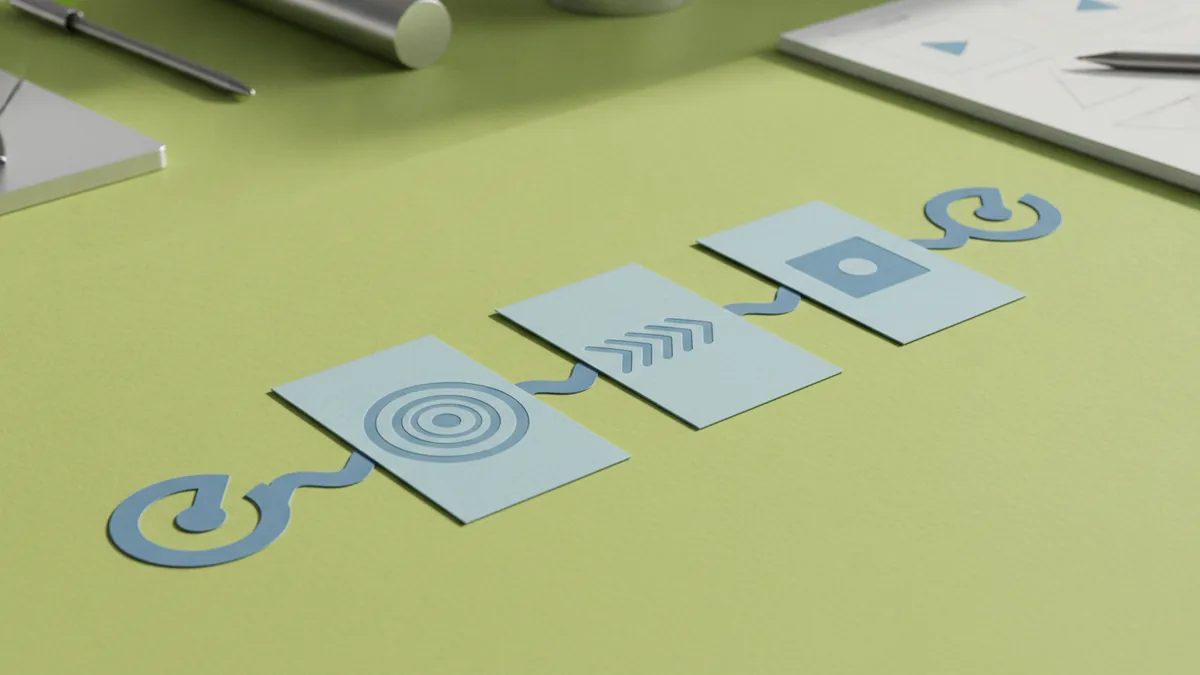
Tips for effective logo animation techniques
The best free logo animation techniques focus on clarity. Your audience must recognize the mark at a glance. That means you should avoid heavy warps and extreme rotations. Your logo is the main character, not the effect.
Try these motion design choices to make your animation more engaging and memorable. Each one is beginner-friendly and works for brand videos.
- Use a “reveal” moment: fade in first, then show the details, like icon then wordmark
- Match your brand mood: smooth easing for premium brands, snappier motion for energetic brands
- Keep it under two seconds: short loops look better in feeds and headers
- Add motion emphasis: scale up only during the reveal, then settle
- Use consistent spacing: align motion paths so the logo stays readable
- Consider loop behavior: end in a state that makes the start easy to repeat
If you are also doing graphic design for your brand kit, reuse the same color palette and type style. This keeps the motion from feeling disconnected. It also makes the animation easier to create because you are not designing new assets.
If your tool supports transparency, consider exporting with a transparent background when possible. That helps your logo video sit on top of different page designs. If not, use a background color that matches your site header.
File formats and resolutions for animated logos
Choosing the right file formats for animations prevents blurry exports and messy compression. MP4 is usually the best choice for video marketing because it supports smooth motion. GIF can work for small sharing, but it often looks chunky due to color limits.
Resolutions depend on where you will place the animation. For website headers, 1920×1080 is safe, and you can crop down using the site. For social posts, consider 1080×1080 for squares or 1080×1350 for portrait reels.
| Use case | Recommended format | Notes |
|---|---|---|
| Website hero or header | MP4 | Export high quality, then compress if needed |
| Fast sharing in chats | GIF | Expect larger size and less smooth motion |
| Transparent overlays | MP4 with transparency (if supported) | Check playback support in your target platform |
| Looping social clips | MP4 | Short duration helps keep files small |
If you are learning how to make a logo animation for free, prioritize MP4 exports first. Then add a GIF only if you need it for a specific channel. This keeps your workflow simple and your results crisp.
Common mistakes to avoid when animating a logo
Most beginners run into predictable issues. The fix is usually simple. You can avoid them by planning your motion and respecting readability.
- Animating too many elements: if everything moves, nothing stands out. Animate one main layer plus one helper.
- Moving too far: large swings can cause cropping or loss of recognition. Keep movement subtle and centered.
- Bad easing: linear motion feels robotic. Use easing to make the logo feel intentional.
- Long duration: if it lasts 5 seconds, people will stop watching. Aim for 1 to 2 seconds.
- Low export quality: blurry edges look unprofessional. Export at a high setting, then test playback.
- Hard loop edges: if the first and last frames do not match, the loop “jumps.” End in a state that matches the start.
- Ignoring contrast: if you use motion over a busy background, your logo can disappear. Test on dark and light backgrounds.
Another common pitfall is trying to create animated logo without software when your file is a flattened image. If the logo is not separable, you cannot animate individual parts. In that case, trace or rebuild as vector first. It saves time later.
If you follow a clean workflow, you will make a logo animation video that looks intentional. Then you can iterate with better spacing, new easing, and a stronger reveal.
Final thoughts on free logo animation
Learning how to make animation logo in after effects can be useful, but it is not required for good results. With free logo animation tools, you can create a strong video logo animation quickly. Focus on clarity, timing, and simple motion goals first.
When you test, pay attention to how it looks at small sizes. Many people first see your logo in a thumbnail. If it stays readable there, your animation will land better everywhere else.
Once you have one working animation, make a second version for another platform size. This small effort improves your brand consistency. Then you can explore more advanced animation techniques when you are ready.
Frequently asked questions
- What is an animated logo, and how is it different from a static logo?
- An animated logo adds motion over multiple frames. A static logo stays the same in every frame. The animation helps your brand feel more alive and memorable.
- Can I create video logo animation for free without animation skills?
- Yes. Start with a simple fade-in or slide-in and keep the motion under two seconds. Most free online editors include easing and timeline controls.
- What are the best free logo animation tools for beginners?
- Look for tools that accept PNG or SVG and let you animate layers or keyframes. Canva, CapCut, and web-based editors are good starting points. Choose the one that matches your logo file type.
- How do I make a logo animation online free and export it correctly?
- Import your logo, set keyframes for a short reveal, then preview at full speed. Export MP4 for best quality. Add a GIF only if a channel needs it.
- What file formats and resolutions should I use for a logo animation video?
- MP4 is usually best for smooth playback in most places. Use 1920×1080 for wide videos, and 1080×1080 or 1080×1350 for social. Test the animation at small sizes after export.
- What common mistakes should I avoid when animating a logo?
- Avoid moving too many parts at once. Do not use extreme motion that hurts recognition. Also check loop start and end frames to prevent a visible jump.
Related reading
How to Create a Unique Fantasy Football Logo
Follow a clear process to design a fantasy football logo that feels like your team.
How to Make a Unique YouTube Logo for Your Channel
Follow steps and free tools to design a memorable, unique YouTube logo.
How to Make an Anime Logo That Fits Your Brand Identity
Steps, tools, and tips for designing an anime logo that feels like you.