How to Make a Unique YouTube Logo (Free Tools + Steps)
Learn how to make a YouTube logo with key design elements, free tools, and a step-by-step process to customize and download it.

Why a YouTube logo matters for your channel
If you want to stand out, you need a recognizable look. A strong logo helps your channel build brand identity on YouTube and makes people more likely to click. It also shows up everywhere: your channel page, video thumbnails, and shared links. That repetition turns a simple icon into a visual shortcut for viewers.
Most viewers decide fast. A clear mark can improve user engagement because it signals what your channel is about. When your logo matches your content theme, viewers remember you after one or two videos. That is market differentiation in a very practical form.
When you ask “how to make a youtube logo,” start with purpose first. Decide what you want viewers to feel. Then reflect that in your design choices like color, type, and icon style. The goal is not to look “pretty.” The goal is to look consistent.
The key elements of a YouTube logo design
YouTube logo design elements should work at small sizes. Your icon may be tiny on a mobile screen, so details must stay readable. A good design also scales from a rounded channel avatar to a larger banner use later.
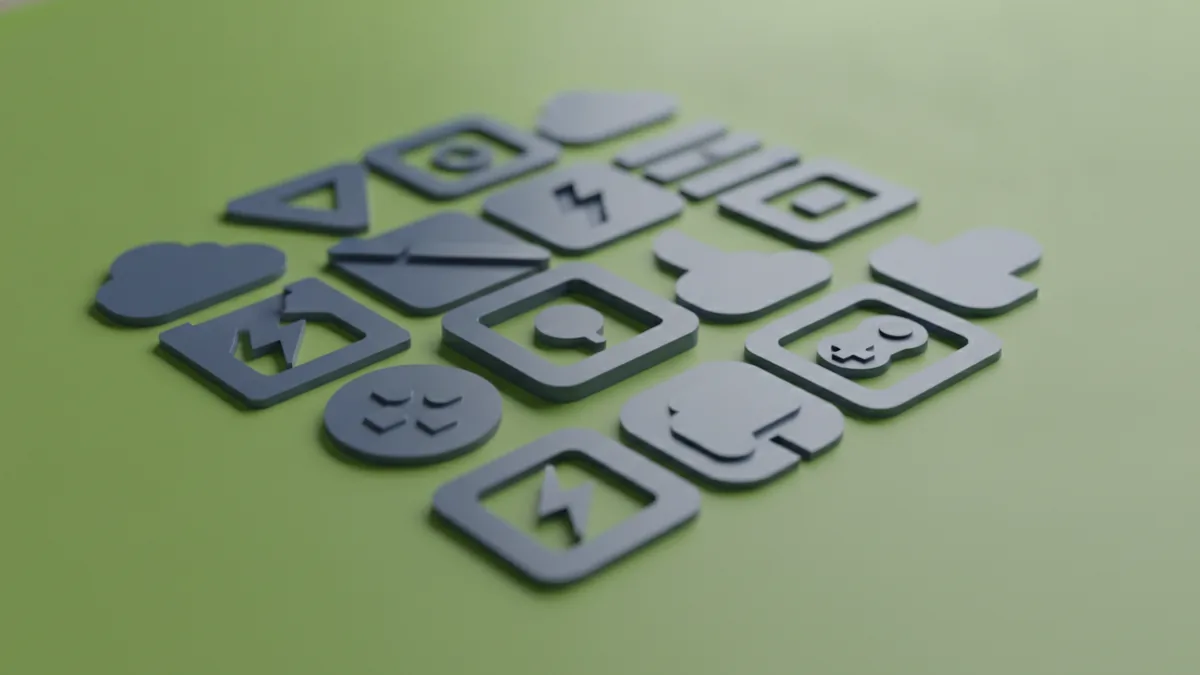
Common elements include iconography that matches the channel theme. Many logos use play button shapes, because the platform association is instantly clear. Others use symbols related to the niche, like game controllers for gaming. Still others use abstract shapes that signal energy, calm, or craft.
To design well, think in a few layers. First is the symbol, then the typography, then the color scheme. These layers create a coherent visual branding system instead of a one-off graphic.
- Symbol (icon): a simple mark that can stand alone
- Typography: the channel name in a clean, readable font
- Color palette: a few colors that match your tone
- Layout: an arrangement that stays clear at small sizes
- Consistency: the same style across thumbnails and banners
Free tools to make a YouTube logo
There are multiple ways to learn how to make a youtube logo without spending money upfront. You can use vector editors, photo editors, or template-based design tools. The best choice depends on whether you want full control or faster results.
Vector tools help because logos need clean edges. Templates can help you start quickly, especially if you are new to design software. The trick is to customize enough so your logo is not just a copy.
Here are good options to explore for how to create a youtube logo for free. Use one tool to build the logo, then export in formats that keep quality.
- Canva: easy drag-and-drop design, good for quick drafts
- Figma: great for vector shapes and reusable components
- Inkscape: free vector editor for more control
- Photopea: browser-based editor for quick edits and exports
Also plan for color and typography. A design system starts with choices that repeat well. If you pick fonts that look great together, you will save time later when creating thumbnails.
Step-by-step process to create your YouTube logo
There are different ways to make your own logo, but a reliable process keeps you from getting stuck. This section covers a practical workflow you can repeat. It also answers how do you make a youtube logo that looks intentional, not accidental.
- Write a one-sentence brand goal: describe what your channel is and how it should feel.
- Collect 10 logo references: focus on shapes and colors, not specific copies.
- Sketch 5 rough concepts: simple thumbnails in black and white are enough.
- Choose one icon idea: keep it simple so it remains clear at avatar size.
- Select a font pair: pick one font for the name and one style for emphasis if needed.
- Build the first clean draft: place the icon and text, then adjust spacing.
- Test at small sizes: shrink it to avatar scale and check legibility.
- Export for feedback: create a temporary PNG for checking on a phone.
When you are figuring out how to make your own youtube logo, use constraints. For example, decide your logo will use one icon and two colors max. That limitation forces better decisions. Simple designs often make a stronger impact because people can recognize them instantly.
If you want a channel-themed mark, connect it to your content. For gaming, a controller-inspired shape can work. For education, a book or pointer-style icon can fit. For tech, consider circuit-like geometry or clean abstract forms that suggest focus.
Tips to customize your YouTube logo (so it’s truly yours)
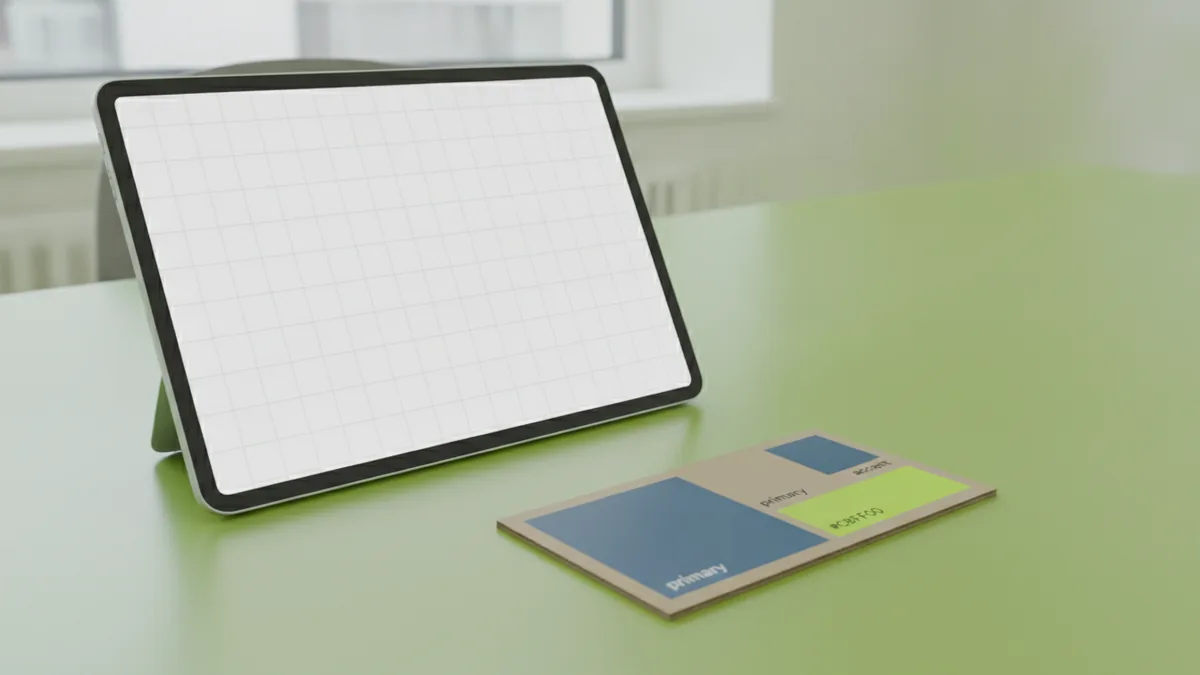
Customization options make the difference between “template-based design” and a unique identity. Start by customizing colors, typography, and layout. If you only change the channel name, the logo will still feel generic.
Use color theory in a practical way. Pick colors that match your personality, then limit the palette. A warm palette can feel friendly and energetic. A cool palette can feel calm and technical. Contrast matters too, so your icon still pops on dark and light backgrounds.
Typography should match your vibe. Rounded type can feel approachable. Sharp or condensed styles can feel modern and fast. Just make sure the letters remain readable when your logo is small.
- Adjust icon geometry: change angles, thickness, and proportions
- Pick a distinctive color pair: avoid the most common “default red and white” combo
- Refine spacing: align the icon and text to a consistent grid
- Choose a layout style: icon-left, stacked, or icon-only for avatars
- Create a backup variant: a simple icon-only version for profile use
For uniqueness, avoid copying the outline and style of a reference logo. Instead, borrow the concept. For example, if a reference uses a play-like triangle, change the shape to match your theme. That approach improves market differentiation while keeping your logo understandable.
You can also prepare for future growth. If you plan a series logo, choose a type style that can support that system. This is visual branding that supports consistent uploads. It also reduces the time spent tweaking thumbnails later.
Finalizing and downloading your YouTube logo
Before you call it done, export your logo in formats that work across uses. YouTube profile areas often rely on square crops. Make sure your key icon stays centered and not too close to edges.
When you learn how to make youtube logo free, you may use a tool that exports only one format by default. Still, try to get a high-quality PNG. If your tool allows it, also export an SVG or PDF for crisp scaling later.
Test your logo in real contexts. View it next to a video thumbnail mock, and check how it looks on a phone. If the icon becomes a blob, simplify it. If the text becomes hard to read, adjust font size or weight.
| Use case | Recommended format | Why it helps |
|---|---|---|
| Channel avatar | PNG (transparent if possible) | Sharp edges on small sizes |
| Website or slides | SVG or PDF | Crisp scaling without blur |
| Fast sharing | JPG or small PNG | Smaller file sizes |
If you want to make your own youtube watermark later, keep a simplified icon version. Watermarks work best when they are small and unobtrusive. Export the icon-only logo with consistent transparency so it blends into different video backgrounds.
You can also plan for variants like a “light background” and “dark background” version. Even if you only upload one now, having options prevents future redesign. That flexibility is part of good graphic design principles.
FAQ: quick answers about making a YouTube logo
How to make a YouTube logo that looks professional?
Start with one clear icon and a limited color palette. Test it at avatar size early. Use clean spacing and avoid tiny details.
How to make your own YouTube logo if I have no design experience?
Use a template-based tool first, then customize colors, fonts, and layout. Aim for a unique icon, not just a name change. Export and review it on your phone before finalizing.
How do you make a YouTube logo for free?
Use free tools like Figma, Inkscape, or Canva. Build a vector-style icon if the tool supports it. Export a high-quality PNG with transparency.
What are good logo design tips for YouTube?
Keep it simple and memorable. Choose colors and typography that match your brand mood. Make sure the logo stays readable when small.
Can I make a YouTube gaming logo that fits my channel theme?
Yes. Use iconography tied to your niche, like controllers or game-like shapes. Keep the icon clean so it still works when cropped.
How to make a YouTube logo animation?
Design a simple logo first, then create a short motion version. Animate one element, like a sliding icon or a quick fade-in. Export as an MP4 or GIF for easy sharing.
Frequently asked questions
- How to make a YouTube logo that looks professional?
- Use one strong icon and a limited color palette. Keep spacing clean and test at avatar size. Simplify any details that blur when small.
- How to make your own YouTube logo if I have no design experience?
- Start with a free tool and begin from a simple layout. Customize the icon, colors, and typography so it feels original. Review on a phone before you finalize.
- How to make a YouTube logo for free?
- Use free tools like Canva, Figma, or Inkscape. Build the logo as a simple vector-style design. Export a high-quality transparent PNG.
- What are YouTube logo design tips for better memorability?
- Aim for a simple, bold silhouette. Limit to two or three colors. Make sure the logo reads clearly at small sizes.
- How to make your own YouTube watermark?
- Use an icon-only version of your logo. Place it in a consistent corner and keep it small. Export with transparency so it works on different video backgrounds.
Related reading
How to Create Animated Logo Videos for Free (No Skills Needed)
Create a polished animated logo video for free with online tools.
How to Create a Unique Fantasy Football Logo
Follow a clear process to design a fantasy football logo that feels like your team.
How to Make an Anime Logo That Fits Your Brand Identity
Steps, tools, and tips for designing an anime logo that feels like you.