What Is a Logo? Marks, Symbols & Lockups Guide
Learn what a logo is, logo marks vs symbols, lockups, taglines, ideal dimensions, and how to choose a design that stays recognizable.
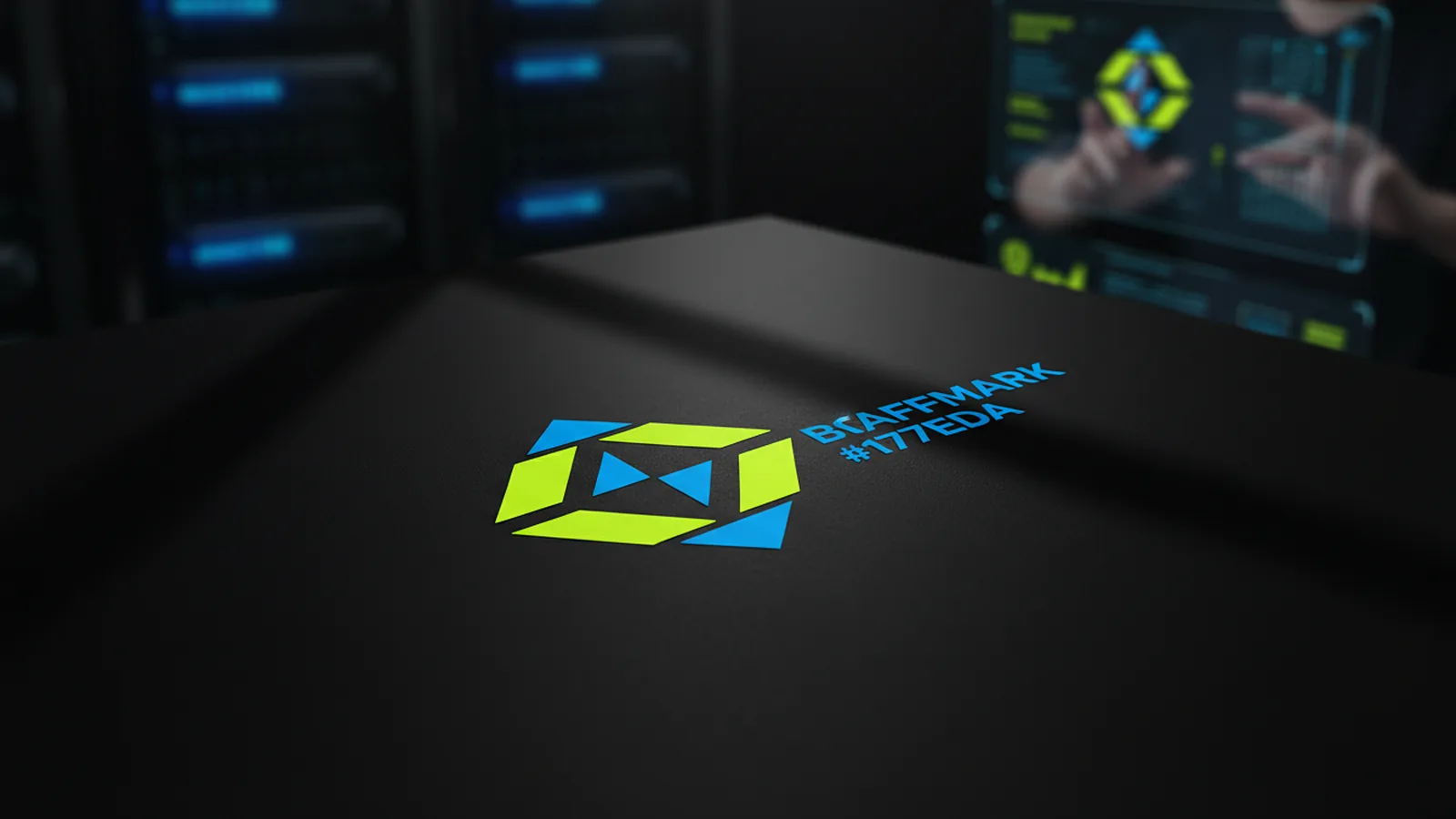
What a logo is (and why people notice)
A logo is a visual mark. It helps people recognize a brand quickly and well. It works at tiny sizes, like a favicon. It also scales to large formats, like signage. Clarity stays throughout.
In most businesses, a logo is the center of brand recognition. It shows up on websites, packaging, invoices, and product UI. Think of it as a shorthand for trust.
When used well, it cuts the effort needed to spot the brand. That instant recognition is the real value. Style matters less.
People ask: what's a logo short for? In daily use, it stands for logotype, logomark, or logo system. But "logo" is the standard label. What matters more is the role the design plays across touchpoints.
- Recognition: Helps people identify the brand quickly
- Consistency: Keeps brand presentation uniform across channels
- Scalability: Must remain legible at many sizes
Logo mark vs logo symbol vs logo lockup
Designers break identity into parts so each can be used on its own. The main parts are the logo mark, the logo symbol, and the logo lockup. Each plays a different role.
A logo mark is the main brand graphic. It can be text, an icon, or both. A logo symbol is the icon element alone. It must be clear without any supporting text.
A logo lockup is the set layout. It pairs the mark with the wordmark at a fixed spacing and alignment. It's the exact layout you use every time. That stops drift and keeps the brand consistent.
| Element | What it is | Common use |
|---|---|---|
| Logo mark | Distinctive brand identifier, icon/text or both | Favicon, avatars, quick placements |
| Logo symbol | Icon/pictorial element used alone | App icons, social profiles, badges |
| Logo lockup | Approved layout combining elements | Headers, posters, product pages |
What's a logo? What's a logo tagline?
"What is logo" is a common first question. At minimum, a logo is the main brand graphic—a mark or wordmark. Many brands add tagline text to show what they do. Simple as that.
A logo tagline is a short phrase next to the logo. It can show value, tone, or category in one line. Taglines aren't required. Use one when your brand needs more context to stand out.
Think about how a tagline behaves at small sizes. On mobile screens, tagline text gets hard to read fast. Most systems say when to use the tagline lockup. They also say when to switch to a mark-only version.
- With tagline: Best for marketing pages, storefront headers, and brand decks
- Without tagline: Better for small UI components and fast-scan placements
- Switching rules: Use your design system guidelines to define breakpoints
Logo design fundamentals: clarity, balance, and system thinking
Good logo design isn't just about picking a nice shape. It's about building an identity that stays clear in any context. That means light and dark backgrounds, different screen sizes, and varied print methods.
When someone asks "what logo is this," they're testing the design. It must hold up in real use. Start with a strong silhouette so the mark stays clear when small.
Avoid fine details in any symbol—they vanish at small sizes. Balance the type spacing if you have a wordmark. Simple forms win.
Design for variations next. A basic logo system has three parts. You need a main lockup, a mark-only version, and a reversed version for dark backgrounds. Consistent assets keep customers recognizing you. That's logo retention.
- Sketch for silhouettes: Ensure the form reads at thumbnail size
- Define spacing rules: Lock in padding and alignment for the wordmark
- Create variants: Full lockup, mark-only, and color-reversed versions
- Test on real backgrounds: Screens, prints, and mixed contrast environments
What dimensions should a logo be? (Practical specs that work)
People searching "what dimensions should a logo be" expect one magic number. There isn't one. Logos should be vector files when possible. The right size comes from the output: web, app, print, or signage.
A vector logo scales to any size without losing crisp edges. For web and UI, you'll export multiple sizes. Don't guess. Set a workflow so the same identity stays crisp every time.
In product UI, plan a minimum size. The mark must stay readable at small scales. Define a few safe output sizes for common placements. Let the browser scale within those limits.
| Usage | Typical target size | Notes |
|---|---|---|
| App/brand icons | 64–512 px | Must keep shapes recognizable at the smallest export |
| Website header logo | 120–360 px width | Test at different breakpoints to avoid cramped spacing |
| Social profile | 320–1080 px | Prefer a mark-only version for best clarity |
| Print (general) | Vector or high-res exports | Use vector ideally; export at print DPI when needed |
Logo retention: consistency rules that keep recognition strong
Logo retention means your brand stays known over time. It comes from consistent use: the right logo version, correct spacing, and correct color treatment. Even a great design can fail if teams use it in inconsistent ways.
To protect recognition, set rules for which version to use where. Primary lockup, mark-only, or tagline lockup—each has its place. Also define minimum sizes, clear-space rules, and what not to do—like stretching or skewing.
When teams follow the rules, customers see one clear brand every time. That's the goal. Treat your logo as part of a broader identity system. Align it with brand colors, fonts, and UI style. The logo should feel like part of a system, not an add-on.
- Version control: Use the same approved files across teams
- Spacing & sizing: Keep consistent margins and proportions
- Color handling: Specify primary, reverse, and monochrome uses
- Do-not list: No stretching, skewing, or recoloring outside rules
Common "what logo is this" questions: symbols and unusual themes
People come here to identify meaning. "What logo has a cornucopia" is a common one. Some brands use that icon to signal abundance, harvest, or seasonal goods. Many brands use similar icons. Reliable ID comes from the full brand system and context.
If you're analyzing a logo, start by isolating the parts. Is it a symbol-only mark? Does it include a wordmark? Is there a tagline lockup? Once you know the structure, ID becomes easy.
Logo terms vary by region and discipline. Some say "logo mark" when they mean the symbol. Others say "logo symbol" when they mean the full lockup. Focus on how the identity behaves. What stays the same, and what changes?
If the mark survives resizing, color changes, and spacing shifts, it's a real logo system. Not a one-off graphic.
Putting it all together: a quick checklist for evaluating any logo
To evaluate a logo, use a checklist focused on usability. Not just looks. A strong logo is legible, scalable, and consistent. It has clear lockups for every situation. You don't need to be a designer to judge these points.
When you review a logo, check if it works as a standalone mark. Does it form a clean lockup with text? Does it have light and dark versions? Then test it in real layouts. Spacing, contrast, and sizing are rarely perfect in the wild.
Use this list to check if the identity will hold up in daily use.
- Legibility: Read it at small sizes without guessing
- Scalability: It still looks intentional when scaled down
- Consistency: Mark, lockup, and variants match across contexts
- System readiness: Clear-space and minimum-size guidance exists
- Real-world testing: It looks good on web and print-style backgrounds
FAQ: answers to the most searched logo questions
Still unsure about logos? These answers cover the most common questions. They clarify terms and help you make better design choices.
- What is a logo? A visual brand identifier used consistently across touchpoints.
- What is logo short for? In practice, it's a shorthand for a brand's logotype/logomark elements.
- What is a logo lockup? The specific approved layout combining identity elements.
- What is logo retention? The ongoing recognizability supported by consistent usage.
- What is logo design? Planning and creating an identity system that works across sizes and contexts.
Frequently asked questions
- What is a logo?
- A logo is a visual identity that helps people recognize a brand quickly and consistently across touchpoints. It can be an icon, text, or a combination delivered as an approved system.
- What is logo design?
- Logo design is the process of creating an identity system—mark, lockup, and variants—that stays clear at different sizes and backgrounds. Good design includes rules for spacing, usage, and consistency.
- What is a logo lockup?
- A logo lockup is the specific approved layout that combines the logo elements in a fixed arrangement. It defines spacing, alignment, and hierarchy so the identity doesn’t drift across use cases.
- What is a logo mark vs a logo symbol?
- A logo mark is the distinctive identifier element(s), which can include icon, text, or both. A logo symbol usually refers to the icon portion used on its own.
- What does logo retention mean?
- Logo retention refers to keeping your brand recognizable over time through consistent application of the correct logo versions, spacing, and colors. It’s largely about consistent usage, not redesigning every time.
- What dimensions should a logo be?
- There isn’t one universal dimension for a logo. Plan for common output contexts (web, icons, print) and use scalable formats like vector so the logo remains crisp when resized.
Related reading
How to Copyright a Logo (and When to Trademark It)
Steps to copyright a logo, costs, and how trademark changes protection.
Logo Sizes Guide: Optimal Dimensions for Web, Print, and More
Use the right logo size for every place it appears—web, print, and social—without losing brand consistency.
How to Make a Spinning Logo: Tools, Tips, and Exports
Make a spinning logo with After Effects or online tools, then export MP4 or GIF.