What Is a Lettermark Logo? How to Make One
Learn what a lettermark logo is, when to use it, and how to make a strong lettermark step by step—from sketches to final files.
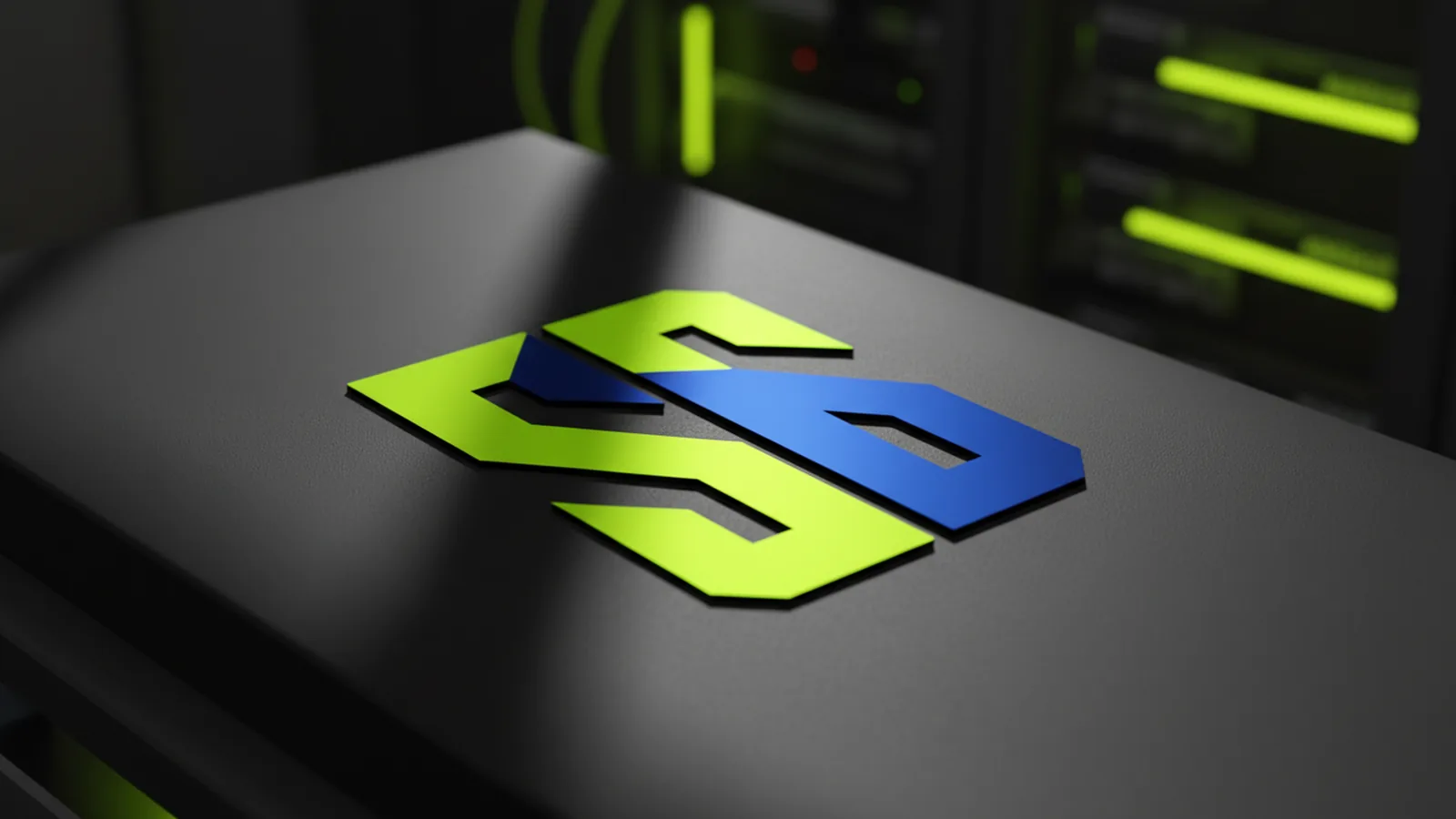
What a lettermark logo is (and why brands use it)
A lettermark logo uses initials or short letters to stand in for a full brand name. It skips the rest. Built from type, it can feel crisp, modern, and sharp when the letters are well designed.
Brands choose lettermarks for practical reasons. They work well at small sizes. They’re easier to use across contexts. They can also make a brand feel more refined. This matters when a full name is too long for a favicon, app icon, or label.
Lettermarks also have their own design logic. You’re not just picking a font. You’re building a mark from letters. Spacing, alignment, and stroke flow all matter. In strong lettermarks, the letters become one unified symbol.
- Best fit for long brand names or multi-word names
- Great for scaling down to small sizes and black-and-white use
- Feels intentional when spacing and letter relationships are designed, not guessed

When a lettermark is the right choice (vs. alternatives)
A lettermark is not always the best choice. If your brand name is short and easy to read, a wordmark may work better. If your brand has a strong visual theme — a symbol or icon — a combination mark may suit you more.
Use a lettermark when the main challenge is fit and readability. If your full name runs long, it cuts the clutter. It also helps if your brand is already known by its initials. People will recognize it right away.
Also think about where your logo will appear. If it needs to work at tiny sizes — app icons, badges, or favicons — a lettermark holds up better than a complex mark.
| Logo type | Best when… | Common pitfall |
|---|---|---|
| Lettermark | Your name is long, and initials are used | Using default type with poor spacing |
| Wordmark | Your name is short and readable | Too much text for small spaces |
| Icon / symbol | You want a non-typographic anchor | Forgetting to connect it to the brand |
| Combination | You want flexibility across placements | Inconsistent lockups |

How to make a lettermark logo: process from concept to final files
Making a lettermark starts with treating it like a type design problem. Your goal is a mark that reads clearly and shows personality through letter shapes. Sketch variations. Compare spacing. Refine until the letters feel like one unit.
Start with the letters you’ll use — usually initials. Decide if the mark will be a monogram or a two- or three-letter set. Then pick rules to follow: consistent stroke weight, a uniform baseline, and a spacing approach that avoids gaps.
Finally, test the mark in real contexts. Try small sizes, black-and-white, and different backgrounds. If it only works at large sizes, it’s not done. A lettermark must work as a full logo system.
- Define your letters and layout - choose the exact characters, and decide on one-line or stacked layout.
- Select a strong base typeface - pick a font whose letter shapes match your brand tone (e.g., geometric, humanist, or serif).
- Customize letter spacing - tighten tracking, adjust kerning, and look for overlaps where forms naturally connect.
- Refine strokes and angles - keep terminals, curves, and corners consistent across all letters.
- Create variants - at least a horizontal and a compact version for different layout needs.
- Test for legibility - check at favicon size and in one-color use.
Design principles that make lettermarks look professional
The gap between typed initials and a real lettermark is almost always craft. Typography — the art of arranging type — is more than picking a font. It’s about alignment, spacing, and making letters feel like they belong. If something looks off, viewers won’t know why. But they will feel it.
Start with balance. Align baselines and x-heights (the top of lowercase letters). Make sure heavy and light strokes look even. Watch the counters — the enclosed spaces inside letters. Two similar counters can look mismatched if the spacing around them differs.
Pick a style direction early. Lettermarks can be airy, bold, or minimal. Choose one and stick to it. If you use straight angles throughout, don’t add a rounded terminal in one letter without a reason.
- Optical spacing: adjust letter gaps by perception, not only by default kerning
- Consistent stroke behavior: terminals and curves should feel related
- Single-signature silhouette: the mark should read as one shape at a glance
- Monochrome readability: test in black and white to catch thin strokes
Deliverables, file formats, and brand usage tips
Once the mark is done, prepare files for real use. Vector formats scale without quality loss. Include at least a full-color version and a one-color version.
For web and product UI, you’ll need a compact version. The goal is to keep it legible in headers, buttons, and nav bars at any scale. It just works.
When you hand the logo to a team, write down simple rules. Set a minimum size and clear space around the mark. Note the preferred layouts. This keeps the lettermark consistent across the whole brand.
| Use case | Recommended asset | Notes |
|---|---|---|
| Website headers and landing pages | SVG or vector | Use responsive sizing and keep whitespace |
| App icons / favicons | Small-size optimized variant | Test at intended display sizes |
| Print and signage | Vector + one-color | Ensure it prints cleanly in grayscale |
| UI monochrome badges | One-color logo | Thin strokes can disappear - verify contrast |
Common mistakes to avoid when making a lettermark
The most common mistake is using default type settings. If you just type initials in a font, the result often lacks precision and balance. It won’t have the “locked together” feel of a real lettermark. Uneven stroke weight is also common — especially when letters have different natural shapes.
Another pitfall is a mark that only works in one context. A lettermark can fail on busy backgrounds, at small sizes, or in one color. Test in black and white early. That’s the fastest way to catch problems before you finalize.
Finally, avoid complex letter connections. If the mark needs to be large to read, it will fail in smaller contexts. A strong lettermark stays readable at any size — in a UI or on a small label.
- Skipping kerning and spacing refinement
- Ignoring small-size legibility
- Overcomplicating overlaps
- Not providing one-color and compact variants
FAQ: lettermark logos
What is a lettermark logo?
A lettermark logo uses initials or selected letters to stand in for a brand name. It’s built to be clear at small sizes. It’s a unified mark — not just typed text.
How do you make a lettermark logo?
Choose your letters and a base typeface that fits your brand. Then refine spacing and kerning until the initials look like one symbol. Test at small sizes and in one color. Then export vector files.
Should a lettermark be built from initials?
Most lettermarks use initials or a short form of the name. The principle is the same: pick the letters your audience already knows. That’s a strong starting point.
What font style works best for lettermarks?
There’s no single best style. Geometric fonts feel modern. Serif fonts feel traditional. Humanist styles feel warm. Pick the one that fits your brand’s personality.
How small can a lettermark logo be?
It depends on stroke weight, spacing, and complexity. Test at favicon size and at the smallest spot you’ll use it. Adjust until it stays legible.
What file formats should you request from a designer?
Ask for vector files — SVG or AI format. Get one-color variants too. If you’ll use it in UI, ask for a compact version built for small sizes.
Frequently asked questions
- What is a lettermark logo?
- A lettermark logo is a typographic logo made from initials or a small set of letters. It’s designed to read clearly and function as a cohesive mark rather than plain text.
- How to make a lettermark logo?
- Choose the letters, select a typeface that matches your brand tone, then refine spacing, kerning, and letterforms until they feel unified. Test legibility at small sizes and create vector-ready final files.
- When should I use a lettermark instead of a wordmark?
- Use a lettermark when your full name is long or hard to fit, or when audiences recognize your brand by initials. It also often performs better at small UI and icon sizes.
- Can I create a lettermark logo using a free font?
- Yes, you can start with a free font, but you should still customize kerning, spacing, and letter relationships. The mark becomes “yours” through refinement, not just the initial font choice.
- What makes a lettermark look professional?
- Professional lettermarks show optical balance, consistent stroke behavior, and a silhouette that reads as one unit. Clean one-color and small-size performance are also key indicators.
- What files do I need for web and product UI?
- Request vector files such as SVG for scalability, plus one-color variants. If the logo will be used in small UI placements, ask for a compact version that stays legible.
Related reading
How to Copyright a Logo (and When to Trademark It)
Steps to copyright a logo, costs, and how trademark changes protection.

Logo Sizes Guide: Optimal Dimensions for Web, Print, and More
Use the right logo size for every place it appears—web, print, and social—without losing brand consistency.

How to Make a Spinning Logo: Tools, Tips, and Exports
Make a spinning logo with After Effects or online tools, then export MP4 or GIF.