What’s the Difference Between an Icon and a Logo
Learn what an icon and a logo are, how they’re used, and when each works best for branding, UI, and marketing.
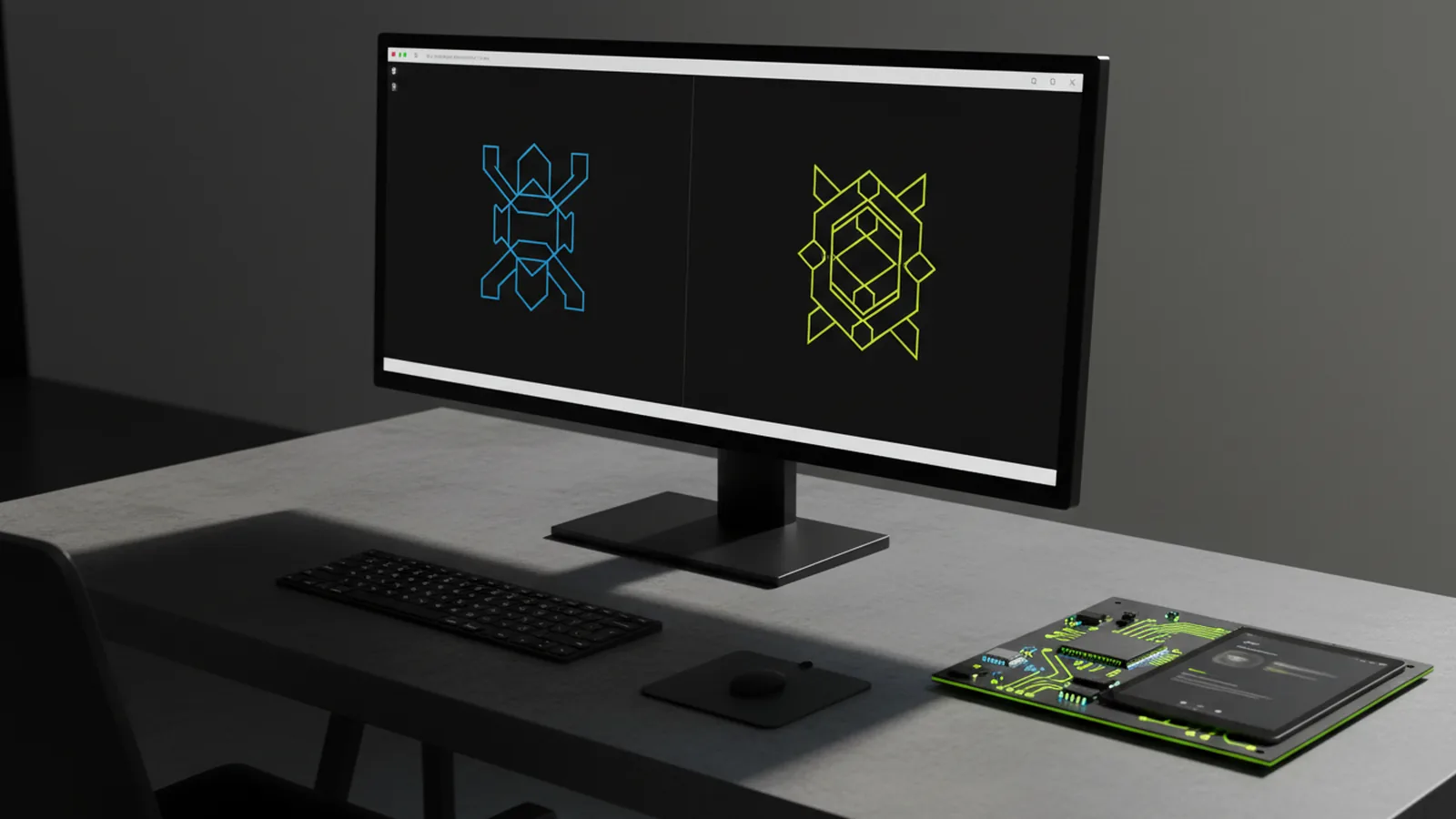
Icon vs. logo: the practical difference
An icon and a logo both help people recognize your brand. But they do it in different ways. An icon is a simple symbol built for quick recognition in interfaces. A logo is a brand mark used across marketing, packaging, and digital channels. The real difference is less about looks and more about purpose, context, and how people read the mark.
In product design, icons guide actions. They show functions like search, settings, or navigation. In branding, logos stand for the company itself. They carry meaning beyond a single action. That's why logos flex across size, color, and placement. Icons focus on clarity at small scales.
Once you know those roles, choosing gets easy. Use an icon for usability. Use a logo for brand identity. Mix them up and your system becomes unclear.
What is an icon?
An icon is a visual sign for an idea, feature, or action. In interfaces, icons cut down the mental effort of finding things at a glance. UI layouts are dense. So icons must be clear at small sizes and consistent across screens.
Good icons share a few traits: strong silhouette, limited detail, and a style that fits the product's design system. They can stand alone or pair with text labels. Either way, they must communicate fast. No explanation needed.
Icons may be part of your brand. A distinctive symbol used in the product is one example. But their main job is functional: "what can I do here?"
Common icon use cases
- App and website navigation (menu, tabs, categories)
- Buttons and UI controls (play, pause, delete, filter)
- Product icons that match the interface style
- Feature indicators in dashboards and onboarding flows
- Small badges, status markers, and empty states
Icon requirements that drive design
Icons often appear at 16–24px or in tight UI grids. So designers focus on recognizability first. That means fewer gradients, less detail, and higher contrast. Icons follow one style — line, filled, or duotone. This keeps the UI coherent.
Some brands build a custom icon library. In that case, the icon's brand value comes from consistent style and symbolism. It doesn't come from being read as the company name.
What is a logo?
A logo is a brand mark for your whole organization. It can be a wordmark, a symbol, or a combination of both. Audiences link it to your brand over time. Logos work across many contexts. Think website headers, social profiles, and printed materials.
Logos carry brand meaning: your values, your market position. Even a brief glance should make people think "that's them." Not "what does that do?" That's why logos use careful proportions and spacing. They're built with brand guidelines.
Icons are judged on clarity at tiny sizes. Logos need more. They must look credible on a billboard and sharp on marketing assets.
Common logo use cases
- Website headers and footers
- Marketing assets (ads, brochures, landing pages)
- Social profiles and app store listings
- Email signatures and business documentation
- Signage, packaging, and event branding
Logo variants: why brands keep multiple versions
Most brands keep multiple logo versions. You might see a full lockup (symbol + wordmark), a smaller version, and a one-color option. Each version fits a different layout. Designing them well prevents the "cramped logo" problem. That's what happens when one mark is forced into every size.
Web and product teams feel this directly. Your UI often lacks space for the full logo. A strong logo system has versions that still feel on-brand in tight spots.
Key differences between an icon and a logo
So what is the difference between an icon and a logo? Short answer: an icon shows a concept or action. A logo shows the brand itself. In practice, they differ in how people read them and where they fit in your design system.
Here are the key differences when building brand assets or a UI.
| Aspect | Icon | Logo |
|---|---|---|
| Main purpose | Functional meaning (action/feature/status) | Brand identity (the company or product) |
| Primary context | Interfaces and product screens | Marketing, communications, and brand touchpoints |
| Design constraints | High legibility at small sizes | Consistency and recognition across scales |
| How it's interpreted | Often paired with text labels | Expected to stand alone as the brand |
| System role | Part of UI component library | Part of brand guidelines and identity system |
What this means for real projects
Building a dashboard? Icons help users move through it. Building a landing page? The logo builds trust and memory. Mix up these roles and your product feels inconsistent. Your brand starts to look like a generic app.
One common mistake: using a logo symbol as a UI icon. It hasn't been adapted for small-scale readability. Another mistake: using a UI icon as a brand logo. Sometimes it works. But often it lacks the weight needed for brand recognition.
How to decide: do you need an icon, a logo, or both?
Most businesses need both. Icons handle product UX and interface clarity. Logos anchor brand recognition across channels. Start by defining your goals. What should users understand right away? What should they remember over time?
Then match goals to assets. Your product UI needs icons with a consistent style. Your marketing needs a logo system that looks sharp at many sizes.
Not sure which you need? Think about how the mark will be used. Will it sit next to text inside clickable controls? You need icon rules. Will it appear alone, with no extra text? You need logo rules.
Quick decision checklist
- Will users see it inside a UI component grid? If yes, prioritize icon design rules.
- Will it represent the organization without explanation? If yes, prioritize logo design rules.
- Will it need multiple color treatments? Logos usually do. Icons often do too, but for different reasons — contrast and theming.
- Will it be used at very small sizes often? Icons are built for this. Logos may need dedicated small versions.
- Will it appear in both product and marketing? You may need both a symbol and a full logo system.
When an icon can become part of a logo
Overlap is fine. A brand can use an icon symbol as the core of its logo. This works well for modern brands that want a compact, clear mark. The key: the symbol must still work in brand contexts. Not just in UI.
Many teams design one versatile symbol. It works as an icon in the product. It also works as a simple logo in headers or social avatars. But the system around it — type, spacing, and usage rules — must still support logo-level identity.
Best practices for using icons and logos on websites and web apps
On the web, the icon vs. logo difference shows up in layout and asset choices. The header needs a logo that feels balanced and clear. Buttons and navigation need icons that match the UI style. Those icons should also handle interactive states well.
High-performance sites need smart asset formats. Use vector files for logos and icon sets built for crisp rendering. This cuts blurry scaling and avoids heavy raster images. When both are designed well, the UI feels sharp and loads fast.
For developers, keeping icons and logos as separate asset types makes maintenance easier. Your design system defines icon sizes, stroke rules, and theming. Your brand guidelines define logo versions and spacing rules. Keep them separate. Your system stays clean.
Implementation tips teams can follow
- Prepare separate logo variants for headers, footers, and social avatars
- Use an icon set that matches your UI style (line vs filled vs duotone)
- Ensure sufficient contrast for icons in both light and dark themes
- Test icon legibility at the smallest intended size before launching
- Keep icon usage consistent: one meaning per icon, not "repurposed symbols"
Design icons and logos as distinct tools. Your brand feels consistent. Your product feels usable.
FAQ: what people usually ask about icons and logos
What is the difference between an icon and a logo?
An icon shows an action, feature, or concept in a UI. A logo identifies the brand. It appears in headers, marketing, and social profiles.
Can an icon be used as a logo?
Yes. An icon symbol can serve as a logo if it's distinctive and built for brand recognition. You may still need extra logo versions for different sizes and placements.
Should a logo also be used like an icon in product UI?
Not always. Logos are built for brand contexts. Their spacing and composition may not work in tight UI components. Many teams use a simplified symbol or separate icon versions instead.
Do icons need brand guidelines?
They benefit from them. Icons are functional, yes. But a consistent icon style improves usability. It also makes the product feel cohesive with your brand.
What format should you use for icons and logos on websites?
Vector formats are best for crisp rendering at multiple sizes. The right choice depends on your build pipeline. But scalable assets generally avoid quality issues.
Frequently asked questions
- What is the difference between an icon and a logo?
- An icon is mainly for UI meaning like actions or features. A logo is mainly for brand identification across marketing and product touchpoints.
- Can a logo function like an icon in an app interface?
- It can, but it’s often not ideal. Logos may lose clarity at small sizes, while icons are designed to stay legible and consistent inside UI components.
- When should you use an icon instead of a logo on a website?
- Use an icon for navigation, buttons, and feature indicators where users need quick functional recognition. Use a logo in headers, footers, and branding areas where identity needs to be remembered.
- Can an icon become the basis for a logo?
- Yes—many brands start with a recognizable symbol and build a logo system around it. Ensure the symbol has the right composition and you prepare lockups for different sizes.
- Do icons and logos need different design rules?
- Yes. Icons are optimized for silhouette and legibility in small UI spaces, while logos are optimized for brand presence across diverse placements and scales.
- What files or formats are best for icons and logos online?
- Vector-friendly assets are usually best for crisp scaling. Your toolchain may vary, but the goal is consistent sharpness across common web sizes.
Related reading

How to Copyright a Logo (and When to Trademark It)
Steps to copyright a logo, costs, and how trademark changes protection.
Logo Sizes Guide: Optimal Dimensions for Web, Print, and More
Use the right logo size for every place it appears—web, print, and social—without losing brand consistency.
How to Make a Spinning Logo: Tools, Tips, and Exports
Make a spinning logo with After Effects or online tools, then export MP4 or GIF.