How to Make T Shirt Logos for Custom Tees
Learn how to make t shirt logos for custom apparel. Get design basics, tool picks, a step-by-step workflow, and print-ready tips.
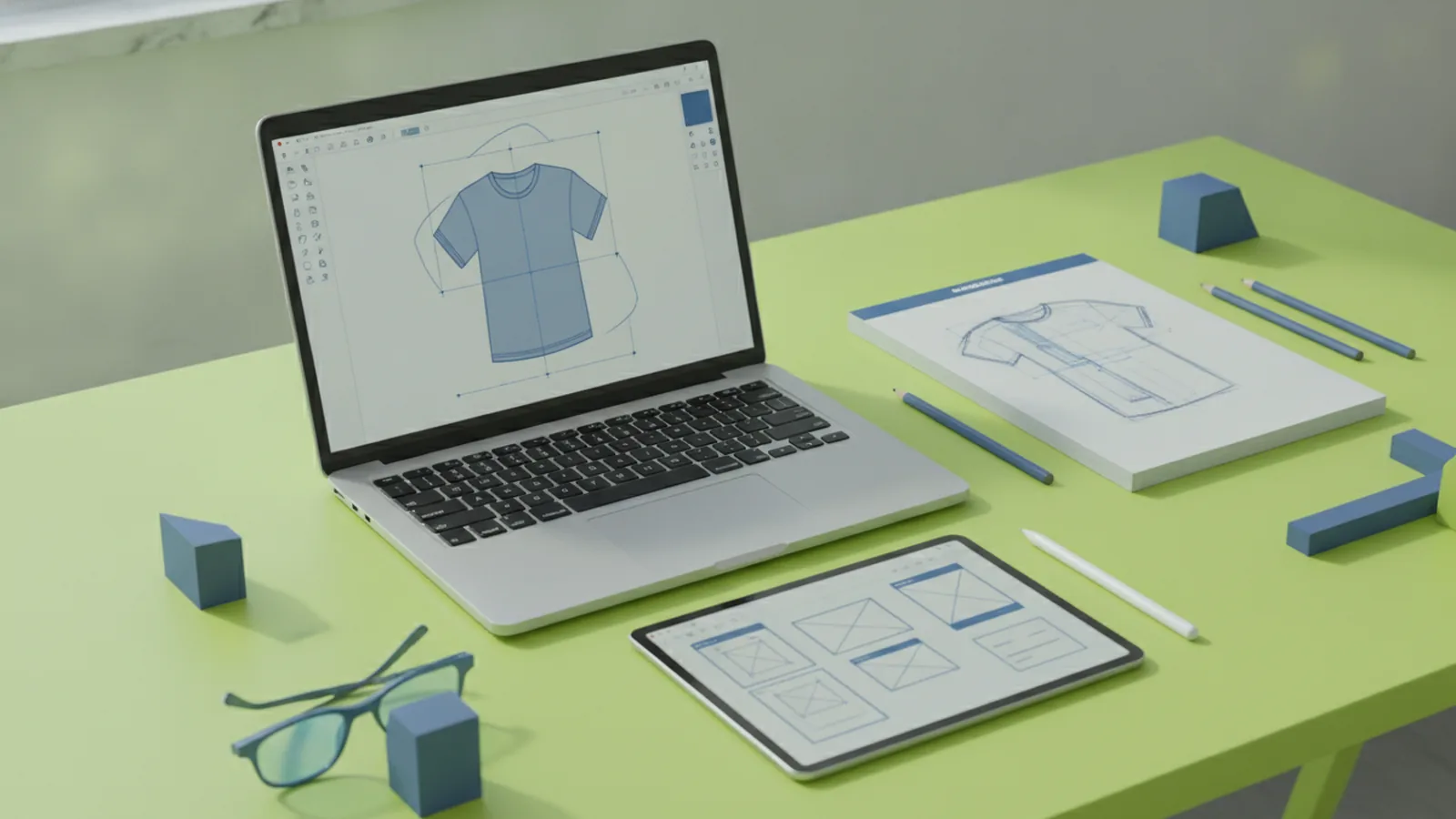
If you’re wondering how to make t shirt logos, the fastest path is simple: sketch a concept, build it in vector form, choose a tight color scheme, and test it in mockups before you export for printing. This guide walks you through how to make your own t shirt logo from start to finish, with design rules that hold up on fabric. You’ll also learn common mistakes, where to find logo ideas, and how to get feedback early.
Understanding T-Shirt Logos
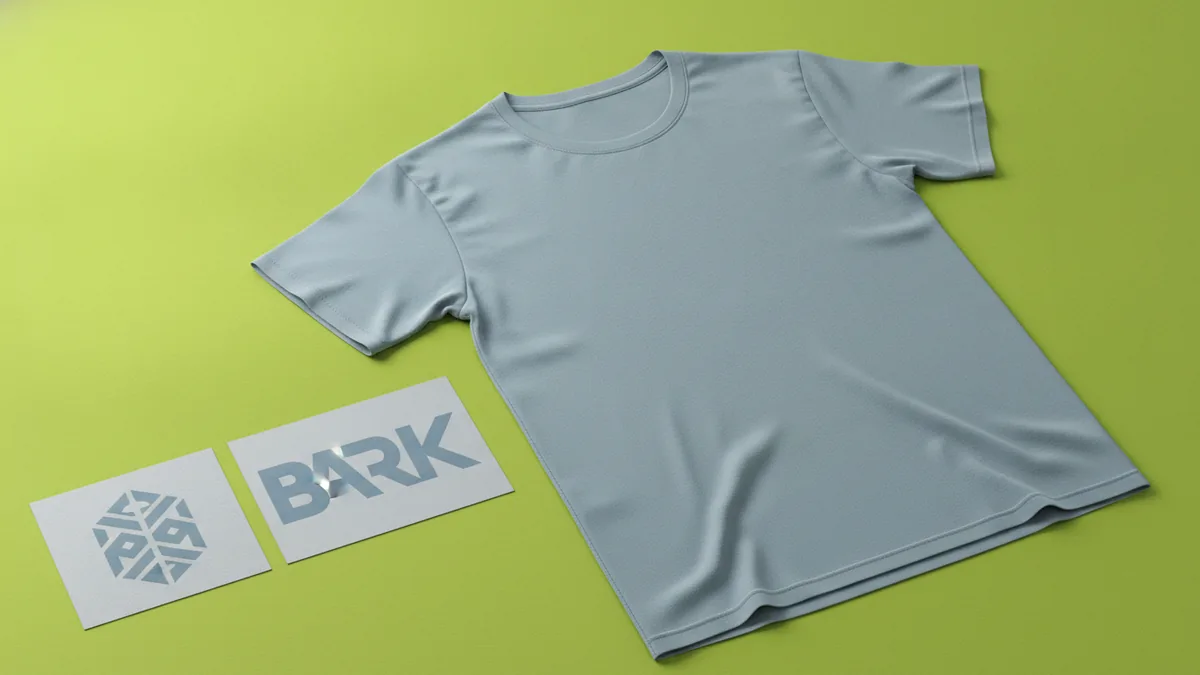
A t-shirt logo is the visual mark that represents a brand, group, or theme on custom t-shirts. It can be a standalone emblem, a wordmark, or a logo plus icon. On apparel, it matters because your design must stay readable at small sizes and still look clean after printing.
Good logos also help you make branding decisions. Once your mark works on a chest print, it becomes easier to plan stickers, hats, and future shirt drops. That is why branding and graphic design connect here.
Think about the print process too. Many custom t-shirts use screen printing, direct-to-garment, or heat transfer. Each method favors different art traits, like bold shapes and limited colors.
- Emblem logos work well for small chest placements.
- Wordmarks can be strong if typography is the focus.
- Icon-and-text logos work when the icon is instantly clear.
Design Basics for T-Shirt Logo Ideas
Start with two fundamentals: color schemes and typography. Color schemes should create contrast against the shirt fabric. If your logo has thin lines, they can blur on dark shirts or low-resolution prints, so prioritize strong shapes.
Typography should match the vibe of your brand. Rounded letters can feel friendly, while sharp angles can feel bold. Use a limited set of type styles, and avoid decorative fonts if you expect small print sizes.
Next, simplify the design for fabric. Most great shirt logos can be reduced to a few big shapes. If you cannot describe your logo in a short sentence, the design is probably too complex.
Color theory that works on fabric
Use contrast first. A bright color on a light shirt usually reads well. For dark shirts, use lighter colors, and consider adding an outline or a base shape.
Typography rules for apparel
Choose legible letterforms. Test your logo at the final print size while you design. Also watch spacing, since tight kerning can turn into muddy blobs when printed.
| Design choice | Why it matters on shirts | Practical tip |
|---|---|---|
| High contrast colors | Improves readability | Test on the exact shirt tone |
| Bold shapes | Print holds line weight | Keep strokes thick and even |
| Few type styles | Avoids clutter | Use one font family max |
Tools for Creating T-Shirt Logos
For how to make your own shirt logo, you need a tool that can output clean vector graphics. Vector graphics scale without losing edges, which is key for print techniques and different shirt sizes. You can use pro apps or simple web tools, but vector output is the goal.
Popular options include Adobe Illustrator for full control, and Canva for quick design and easy layouts. If you want a free path, Inkscape is a common choice for vector editing. For sketching ideas, many people start in a drawing app, then move to a vector tool for the final.
Mockups are also part of the tool stack. Mockups let you spot problems before you pay for printing. They are not a perfect preview, but they catch sizing, contrast, and balance issues early.
- Adobe Illustrator: strong vector control and export options.
- Canva: fast layout for icons, text, and simple logos.
- Inkscape: free vector work for DIY logo builds.
- Photo mockup tools: preview placements and sizes.
Step-by-Step Logo Creation Process
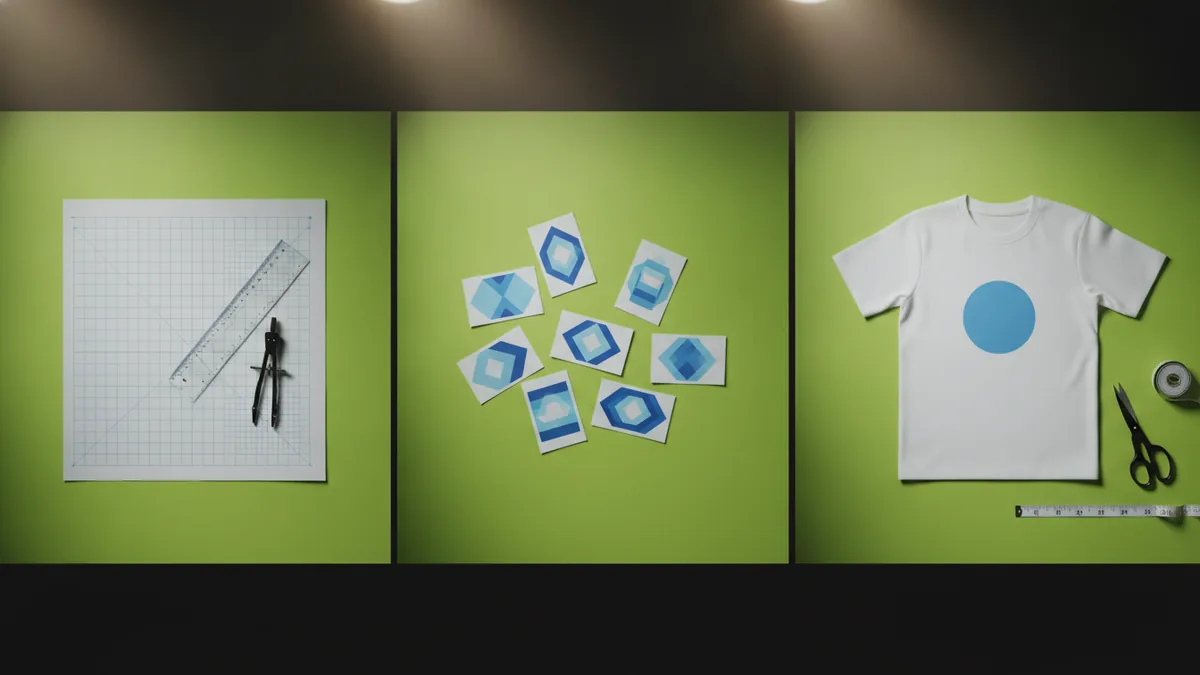
Here is a detailed workflow you can follow when you want how to make a shirt logo that looks good in real life. Plan for concept time first, then build in vector, then test, then export. This order prevents rework.
Step 1: Collect references and pick a direction. Look at logos you like, then write down what you want to copy: the shape style, type mood, and color approach. Choose one direction, not five. This keeps your creative process focused.
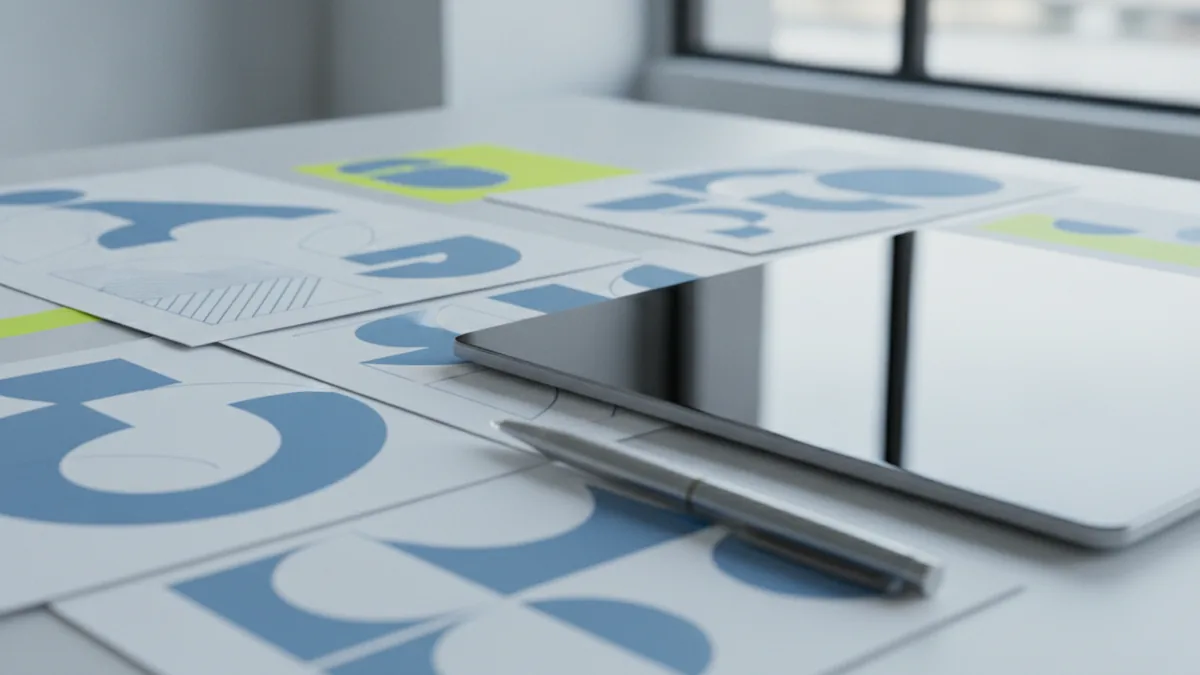
Step 2: Sketch rough layouts on paper or a tablet. Make 3 to 6 thumbnail sketches. Use simple shapes and blocks. At this stage, you are deciding composition and hierarchy, not details.
Step 3: Build a vector base. Start your digital file in vector. Create the biggest shapes first, then add details last. If your logo uses icons, draw them as clean shapes, not thin effects.
Step 4: Choose a tight color scheme. Pick two to three main colors. Then decide where each color sits. Make a version for light shirts and another for dark shirts if needed.
Step 5: Refine typography and spacing. Set the text to match the logo’s rhythm. Adjust letter spacing so the logo feels balanced. Also ensure the smallest words still read at your print size.
Step 6: Check for print-friendly details. Zoom in and inspect thin lines, tiny gaps, and small text. If an element is likely to fill in during printing, simplify it. This is the moment to remove overly delicate features.
Step 7: Create mockups and run quick tests. Place the logo on a shirt mockup at the target size. Then view it from normal reading distance. If it feels too small or too busy, revise now.
Step 8: Export files your printer can use. Export vector formats for best results. If your printer asks for PNG, export with a clear background decision. Keep an editable version too, in case you need color or sizing tweaks.
- Pick one concept direction from references.
- Sketch thumbnails and choose one layout.
- Build the logo as vector shapes.
- Limit colors and fix contrast.
- Refine type size and spacing.
- Simplify any print-risk details.
- Test in mockups on light and dark shirts.
- Export print-ready files and keep source edits.
Tips for Effective Logo Design
Designing a logo is not just making something you like. It is making something that reads fast and survives printing. Here are practical ways to improve your results before you finalize.
Use inspiration with a filter. If you want unique logo ideas, draw from nature, art, culture, and local symbols. Then convert those references into simple shapes. This keeps your logo original while still grounded in real forms.
Keep it scalable. Your design should still work at a small chest print and a larger back print. If you cannot make the icon readable when scaled down, redesign the icon first.
Common mistakes to avoid
- Too many colors. Complex color palettes can increase print costs and muddy contrast.
- Thin strokes and tiny text. These often blur or fill in after printing.
- Low-contrast combinations. Light-on-light or dark-on-dark can vanish on fabric.
- Over-detailing. Effects like gradients can look great on screen, but they may not print well.
- No vector cleanup. Jagged edges or messy paths can ruin the final look.
Gather feedback before you pay for prints
When you test a logo, do it in small rounds. Ask people to judge readability, not just style. For example, send two versions and ask which one reads faster from two feet away.
You can also test feedback using simple checks. Print a small paper copy at the intended size, then tape it to a shirt or a wall. This helps you spot balance issues that screens hide.
If you plan a run of custom t-shirts, verify with your printer about print techniques. Some printers prefer fewer colors and clearer separation between elements. Getting that guidance early saves time.
Showcasing Your T-Shirt Logos
Once your logo is ready, presentation matters. People judge logos in context, so show your design on realistic mockups. Include at least one light-shirt and one dark-shirt preview to prove contrast.
When you share your logo, show the design at multiple placements. A chest logo and a back print placement have different viewing distances. That difference changes what looks “balanced.”
Also include a short brand story. One or two sentences can explain the icon choice or typography mood. This turns a logo into a branding signal, not just an illustration.
| Where to preview | What to check | What “good” looks like |
|---|---|---|
| Front chest | Small text legibility | Clear shape at quick glance |
| Back print | Icon center and spacing | Feels centered and bold |
| Close crop | Line weight and edges | No rough edges or tiny gaps |
If you keep your source file, you can iterate for future shirt drops. That is how your logo grows into a consistent system across custom apparel.
Frequently asked questions
- What’s the best way how to make t shirt logos from scratch?
- Start with sketches, then build the logo in vector shapes. Keep colors limited, refine typography, and test in mockups before exporting.
- Do I need vector graphics to make a shirt logo?
- Yes, vector graphics usually give the cleanest print edges. They also scale for different shirt sizes and placements.
- Which tool should I use to make your own t shirt logo?
- If you want full control, use Adobe Illustrator or Inkscape. For quick layouts, Canva can help, but plan to export clean vector-ready artwork.
- What common mistakes break a logo on custom t-shirts?
- Thin strokes, tiny text, and low contrast are the big issues. Overly detailed gradients can also look messy on fabric.
- How can I test and get feedback on my logo before printing?
- Show mockups on both light and dark shirts, and ask people about readability. You can also print a small paper version at the target size and compare it in context.
- Can nature and culture help me create a unique logo?
- Yes, use them as reference points for shapes and symbols. Convert them into simple forms so the final logo still feels original.
Related reading
How to Create Animated Logo Videos for Free (No Skills Needed)
Create a polished animated logo video for free with online tools.
How to Create a Unique Fantasy Football Logo
Follow a clear process to design a fantasy football logo that feels like your team.
How to Make a Unique YouTube Logo for Your Channel
Follow steps and free tools to design a memorable, unique YouTube logo.