How to Design a Logo: Free, Step-by-Step Guide
Learn how to design a logo step-by-step, including how to design a logo for free, choose type & colors, and test your logotype.
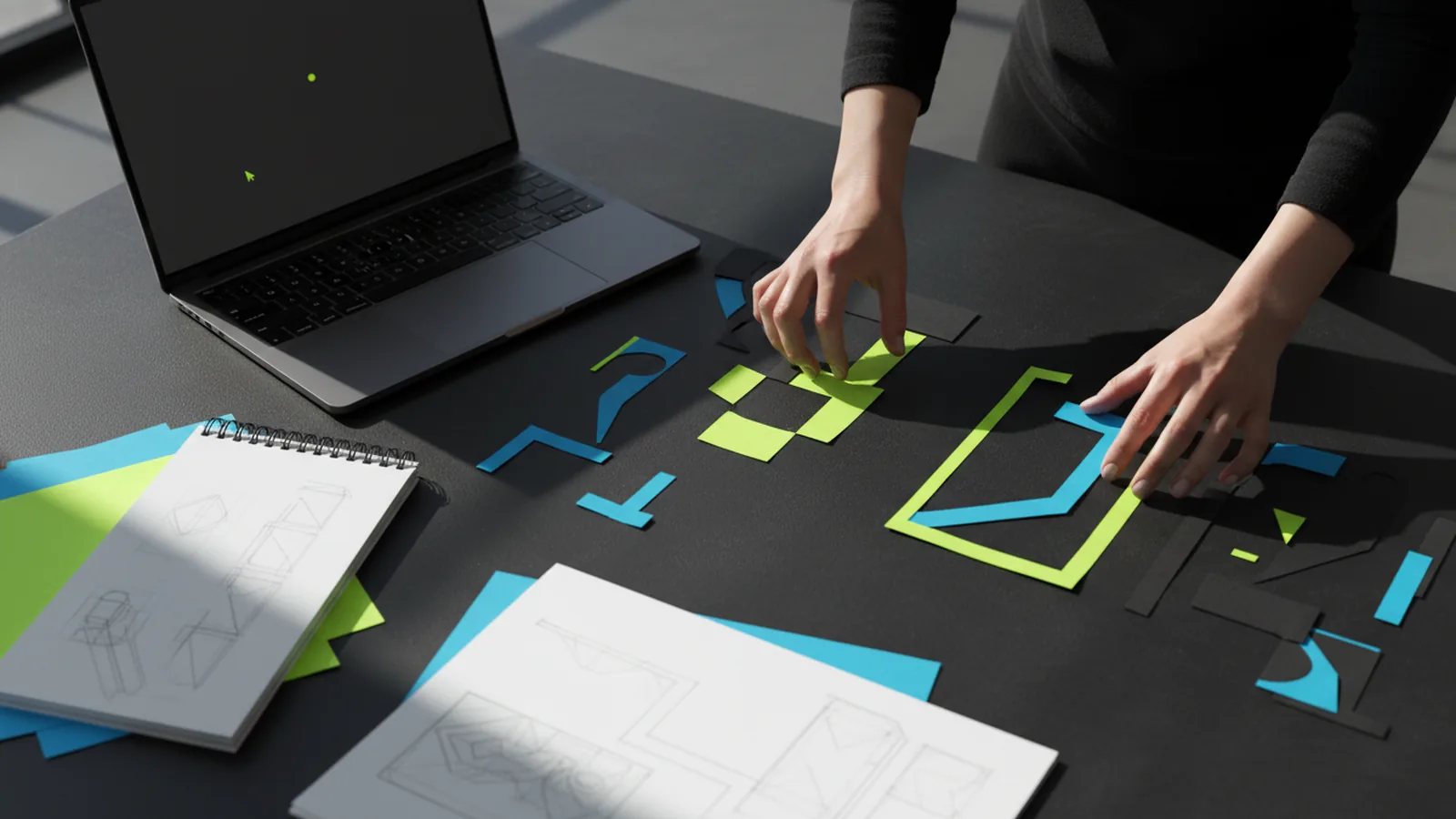
Start with strategy: what your logo must communicate
Before you touch a design app, define what the logo should do. A logo is not decoration - it’s a compressed message that helps people recognize you, trust you, and understand what you offer.
Write down your audience, the action you want them to take, and the traits you want your brand to feel like. If you’re asking “how do i design a logo” or “how can we design a logo,” the answer starts the same way: by clarifying the purpose and constraints so your design decisions aren’t random.
Then set a simple checklist for the first version: readable at small sizes, works in one color, and fits across common placements (website header, app icon, letterhead, social profile). This prevents the common problem of building a detailed mark that breaks as soon as it’s scaled down.
- Audience: Who is it for, and what do they care about?
- Brand traits: Examples: premium, playful, technical, human.
- Usage: Where will it appear and at what sizes?
- Must-haves: One-color version, legibility, simple shapes.
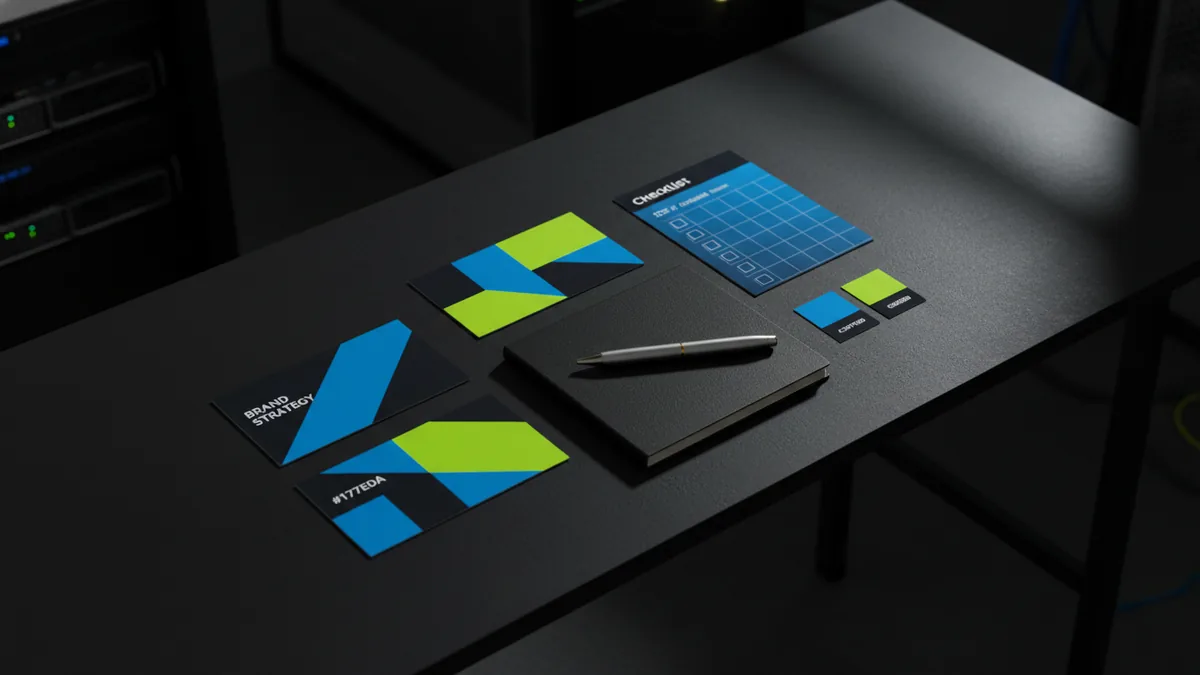
How to design a logo: a clear workflow you can follow
If you’re wondering “how to design your logo” or “how do you design a logo,” using a repeatable workflow makes the process faster and less stressful. The goal is to iterate: create options quickly, narrow them down with criteria, then refine the best candidate.
Start by researching competitors and adjacent brands. Don’t copy - observe patterns like common icon styles, typography moods, and color expectations in your category. Next, generate several concept directions (not one). Even if you plan to design a logo for free, you still want variety because the “right” solution often appears after comparing different routes.
Finally, refine only after you’ve selected a direction. This is where proportions, spacing, and balance matter most. Many people who ask “how can i design a logo design” end up with something that looks decent at first glance but lacks clarity under scrutiny; refinement is what gets you from “looks okay” to “feels intentional.”
- Gather inputs: brand traits, audience, references, and constraints (small-size, one-color).
- Sketch variations: multiple thumbnails for icon and/or logotype layouts.
- Choose a direction: pick 1–2 concepts that best match your criteria.
- Build in vector: refine shapes/letters with consistent geometry.
- Test legibility: small sizes, grayscale, and tight spacing.
- Export deliverables: PNG for previews + vector for future use.
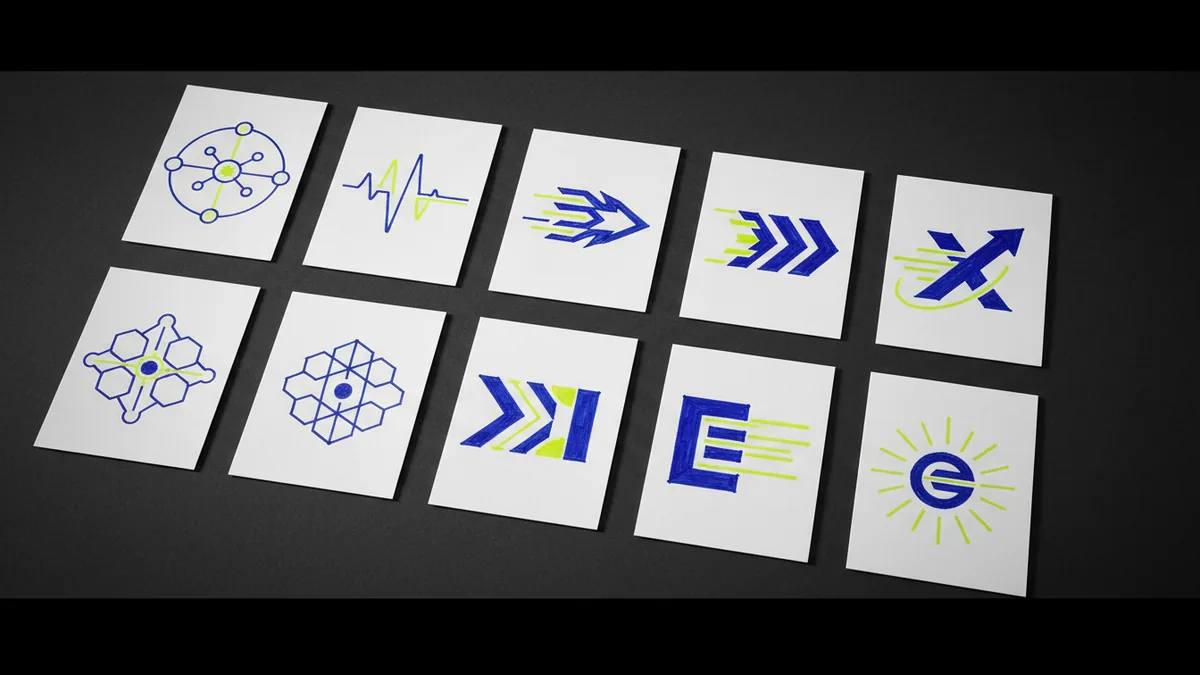
Choosing the right logo type: icon, logotype, or combination
One of the most practical answers to “how can you design a logo” is deciding what kind of logo you actually need. Logos typically fall into three buckets: a logotype (typography-based), an icon (symbol-based), or a combination mark (both together).
A logotype is often the best starting point for individuals and small businesses because you can focus on typography, spacing, and uniqueness. If your name is distinctive, learning how to design a logotype can be easier than designing an icon from scratch. On the other hand, if your brand is better explained visually (e.g., a product concept or category), an icon might carry more meaning.
Whatever route you pick, plan for scalability. If you want “how to design your own logo” to work across real placements, you need a version that stands alone. For example, a combination mark usually needs a simplified lockup where only the icon (or only the logotype) remains legible.
| Logo type | Best for | Common risk |
|---|---|---|
| Logotype | Distinctive names, service brands, personal brands | Unclear letter spacing or inconsistent stroke feel |
| Icon | Product concepts, app-like brands, visual categories | Too many details that disappear at small sizes |
| Combination mark | New brands needing clarity and recognition | Too complex lockups without a simplified version |
Typography and style: how to design a logo that looks credible
Typography is where most “how do i design a logo” questions converge, because letters are hard to fake. Even if you use templates or free tools, you must treat the type like design material: weight, spacing, and rhythm determine whether the logo feels confident or temporary.
Pick a font mood that matches your brand traits. For premium and technical brands, look for clean, consistent letterforms. For friendly or creative brands, you can choose a warmer style, but avoid fonts that become illegible when scaled down. If you’re aiming to “design your own logo,” consider customizing: adjusting letter spacing, aligning baselines, and refining curves (rather than relying solely on a default font look).
Beyond the font choice, pay attention to hierarchy. If your logo includes a name and tagline, ensure the tagline doesn’t compete visually. A strong logo design hierarchy often means the name is the hero, while secondary text supports it without becoming clutter.
- Legibility test: shrink the logo until the name is still readable.
- Spacing: check tracking and sidebearings for a balanced feel.
- Consistency: keep stroke weight and corner radii harmonious.
- Hierarchy: name first, tagline (if any) second.
Color and contrast: how to design a logo for free and still look professional
Color can make your logo memorable, but it can also create fragility if you don’t plan for variants. When people search “how to design a logo for free,” they often start with a bright color palette and forget to check contrast and one-color usability.
Use a simple palette: pick a primary color that communicates your brand tone and one accent color at most. Then build a grayscale version to ensure the logo still works when color is removed. If the identity relies on subtle color differences, it will struggle in print, small social avatars, or monochrome signage.
Also think about meaning. Warm colors can feel energetic or approachable, while cooler tones can feel calm or technical. The key is not to follow stereotypes blindly, but to choose a direction that supports your brand story and look across your existing website and UI.
| Variant to create | Why it matters | Quick check |
|---|---|---|
| One-color | Print and embossing, low-cost uses | Does it read in solid black/white? |
| Grayscale | Accessibility and photo backgrounds | Do key shapes still separate? |
| Full color | Brand recognition | Does it stay clear on mobile? |
How to design a logo for free: tools, templates, and what to avoid
Yes - you can design a logo for free, but you need to distinguish between “free to start” and “free to use responsibly.” Free logo creation tools can help you explore ideas quickly, but your final output should ideally be vector so it doesn’t degrade when resized.
When you’re learning “how to design a logo design” or “how can i design a logo for free,” use templates as inspiration - not as a final dependency. Many free outputs are locked to the tool’s ecosystem, which can make future updates expensive or difficult. Plan to export or recreate key elements in a vector workflow if possible.
If you’re using a free approach, the biggest avoidable mistakes are complex micro-details, overly customized letterforms that are inconsistent, and exporting only a raster image. A good identity is built to last and to travel across formats - so aim for a clean vector master and then generate presentation files from it.
- Start free: concept sketches and quick drafts are fine.
- Use vector for the master: keep it scalable and editable.
- Export multiple formats: PNG for preview, SVG/PDF for production.
- Avoid over-detail: simplify until it works at small sizes.
Testing and polishing: make sure the logo works in real life
Once you have a logo that looks good on your screen, test it where it actually appears. This is where many “how can we design a logo” attempts fail: they’re designed in isolation without checking legibility, spacing, and balance in common contexts.
Create mockups with backgrounds (light/dark), sizes (large header vs tiny avatar), and materials (flat color and grayscale). Don’t overthink mockups - focus on whether the logo reads instantly and whether the geometry holds up. If the logo relies on thin lines, consider thickening strokes or simplifying shapes.
Finally, refine the details that audiences don’t consciously name but do feel. Adjust alignment between words and icon, ensure consistent stroke weight, and correct awkward kerning. When people ask “how to design my own logo,” the best advice is to treat polish as a requirement, not a bonus.
- Test small size legibility (social avatar scale).
- Check one-color readability (black/white).
- Verify spacing consistency across lockups.
- Run a quick grayscale check for contrast issues.
- Export final assets and keep the editable master.
Deliverables checklist: what you should have after you design your logo
Whether you used free tools or paid resources, your deliverables determine how easily you can use and maintain your brand. If you want “how to design your own logo” to be a complete project, you should end with a clear asset set - so you’re not stuck recreating files later.
Your core deliverables should include vector files for editing and scalable exports for everyday use. Also create the lockups you’ll need: full logo, simplified version, and one-color version. If your logo includes a logotype, consider versions for horizontal and stacked layouts.
When you’re ready to implement on a site or product, you’ll appreciate having the right formats. A logo used across UI/UX, e-commerce headers, and cloud-based apps needs reliable assets that won’t pixelate or look inconsistent under different display sizes.
- Vector master: editable file (recommended: SVG/PDF or equivalent)
- PNG previews: transparent background at multiple sizes
- One-color files: black and white variants
- Lockups: horizontal and stacked (if applicable)
- Favicon-sized version: simplified and legible at small scale
If you want a practical web-side partner while you finalize your identity, logomentary.com can help connect your logo to a high-performance site and UI/UX implementation after you have the core assets ready.
Frequently asked questions
- How do I design a logo for free?
- Start with quick sketches and a free drafting tool to explore directions. When you’re ready to finalize, prioritize vector output or a workflow that lets you edit and scale your logo without quality loss.
- How do you design a logo that looks professional?
- Use clear criteria: legibility at small sizes, consistent spacing, and a strong typographic foundation. Then test one-color and grayscale versions to catch issues before you finalize.
- What is the best way to design a logo for a small business?
- Often a logotype (typography-based) or simple combination mark works well because it’s easy to keep consistent. Build a simplified version that still reads when used as an avatar or favicon.
- How can I design my own logo without design skills?
- Use templates only as starting points, not final products, and focus on typography, spacing, and simplification. Iterate through multiple concepts so you’re selecting, not guessing.
- How do you design a logotype?
- Choose a font mood that matches your brand, then refine letter spacing, alignment, and the rhythm between characters. Test the logotype at small sizes and in one-color.
- What files should I have after I design a logo?
- You should have an editable vector master plus exports like transparent PNG previews and one-color versions. Include the lockups you’ll need (horizontal and stacked) so you can use the logo consistently across channels.
Related reading
How to Get a Free Business Logo: Tools, Steps, and Downloads
Create a clean, professional free logo using easy tools—then download the right file types.
How to Start and Run a Logo Design Business That Gets Clients
Learn how to start a logo design business, build a client-ready portfolio, and market effectively.
How to Make an Animated Logo for YouTube and Beyond
Learn how to make an animated logo with the right steps, tools, and exports.