How to Create a Logo Design: Process, Tips & Tools
Learn how to create logo design from idea to final files. Get steps, brand tips, sketching methods, and tools to design a logo.
Understanding logo design (what you’re really making)
A logo is the face of your brand. It shows up on your website, packaging, pitch decks, and ads. It also shapes first impressions before people read a single sentence. That is why logo design is more than drawing something that looks good.
Most logos combine a few core parts: a mark, a wordmark, or both. A mark is the symbol. A wordmark is the text style. You can also create an icon-like version for small spaces, like app icons or favicon sizes.
Before you start, define the “job” your logo must do. It should work at different sizes, in one color, and on multiple backgrounds. It should also fit your brand identity and values, not just your taste.
Why a good logo matters for brand recognition
A strong logo helps people remember you. When the design is simple and consistent, brand recognition gets easier over time. That recognition can improve trust, because people feel like they already know what to expect.
Good logos also reduce friction across your marketing materials. If your logo scales well and stays readable, you spend less time fixing layouts. You can place it on a blog header, landing page hero, social post, or printed flyer without redesigning each time.
On the other hand, a weak logo can slow growth. If customers can’t spot your brand quickly, you lose chances to build familiarity. That is why clarity, differentiation, and consistency matter so much.
Steps to create your own logo design
Here is a practical workflow for how to create logo design from scratch. Follow it as a sequence, but expect to revisit earlier steps. Logo work improves through a cycle of sketches, tests, and revision.
Start by gathering brand context. You are designing for brand identity, not for a single platform. Then explore multiple directions before you commit to one.
- Create a logo design brief with your brand goals, audience, and tone.
- Collect references from your industry and outside it to understand patterns.
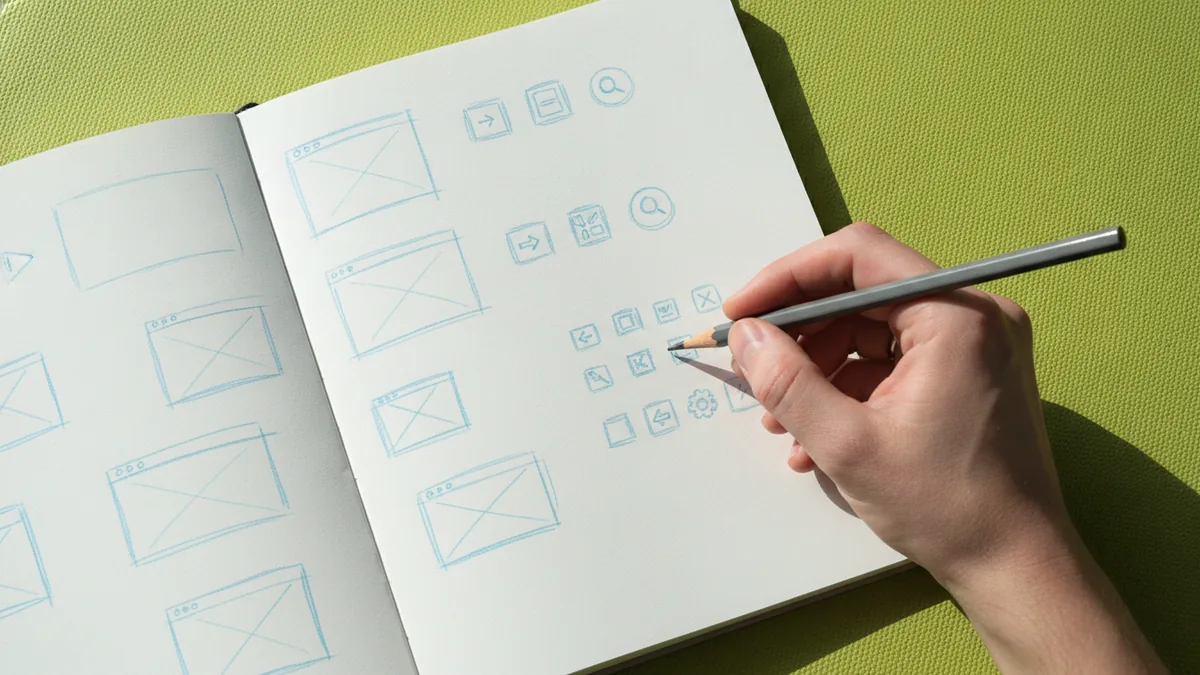
- Sketch ideas in black and white to focus on form and concept.
- Pick 2–3 concepts to digitize for side-by-side testing.
- Refine the best concept with clearer shapes, better spacing, and fewer lines.
- Prepare final versions for web, print, and small-size use.
If you want a direct answer to “how can I create my own logo design,” this is it. The next sections show what to do inside each step.
Create a logo design brief that drives the whole project
Learning how to create your own logo design gets easier when you write a short brief first. Think of it as your design contract. It should guide choices about style, tone, and how the logo should feel.
A good brief includes brand identity basics. Write down your brand values in plain language. Then describe your target audience and what problem you solve. Add three words for personality, like “confident,” “friendly,” or “precise.”
Also state practical needs. Where will the logo appear most often? For example, website header, app icon, product packaging, or event banners. This matters because a mark that looks great on a billboard might fail at 24px.
If you use templates, keep them short. You can create a logo design brief in one page. The goal is clarity, not bureaucracy.
Sketching, testing, and turning ideas into digital concepts
Sketching helps you explore quickly. It is how you generate options without getting stuck in details. You can produce 20 to 40 thumbnails in an hour. That speed leads to better outcomes than polishing one early idea.
Start with black and white logo design. Remove color to focus on shape, balance, and readability. This step reduces the risk of choosing a palette that hides weak structure. You will also spot which concepts hold up in a single-color stamp.
When you digitize, test each concept in real conditions. Place the logo on a dark and light background. Shrink it to a small size and check legibility. This is a key part of the logo revision process.
- Draw simple silhouettes before adding fine details.
- Check spacing between letters and symbol elements.
- Test at small sizes like favicon and social icons.
- Compare against competitors to spot look-alikes.
Tips for effective logo design that people remember
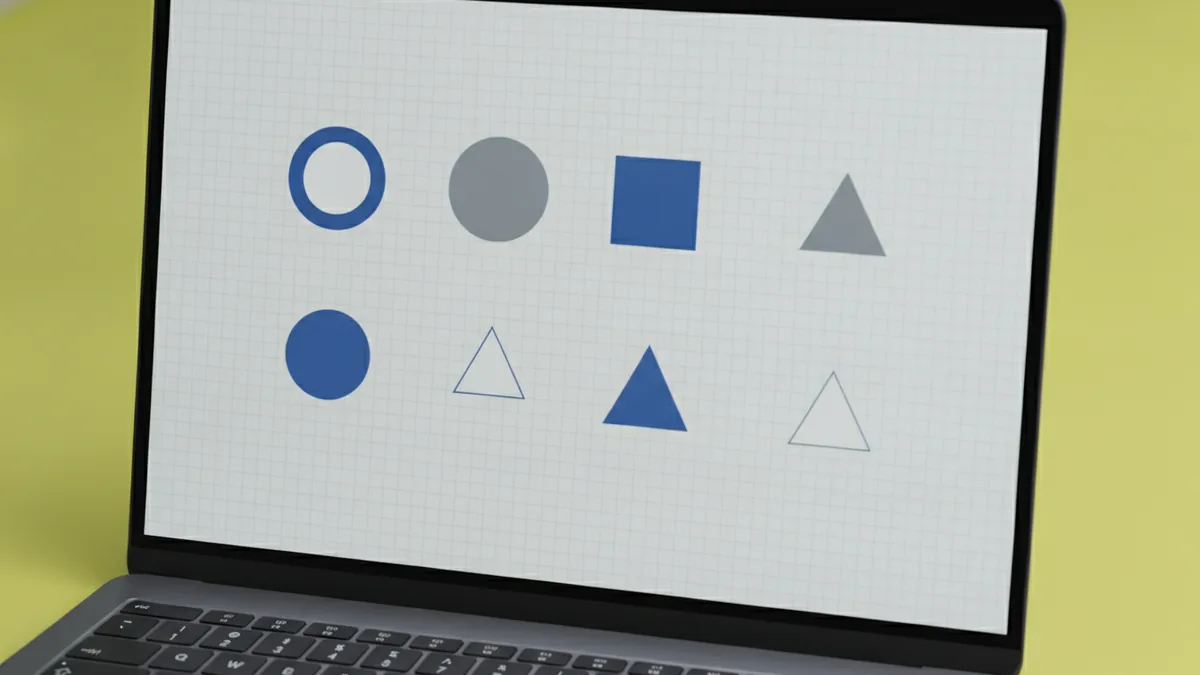
Most logo design tips point to simplicity. Simplicity enhances memorability. People can recall the logo at a glance when the form is clear and the design avoids visual clutter.
Another key is differentiation. Your logo should stand out from competitors. Do not copy styles that are common in your niche. Instead, pick a distinctive shape language or letter treatment that still fits your brand identity.
Use consistency across contexts. Consider the broader brand identity, like your website tone, typography direction, and content style. A logo that fights your brand voice can feel off even when it is technically well-made.
Rule of thumb: if you need an explanation to recognize it, it’s probably too complex.
Color theory in logo design can help later. Use color as an extra layer, not as a crutch. If your concept is solid in black and white, adding color becomes a refinement, not a rescue.
Tools and software for logo creation (from free to pro)
You can create logo design in several ways, depending on budget and skill. Some people start with free tools, then upgrade when they want more control. Others jump straight into professional digital design tools.
Common options include vector editors and design platforms. Vector work is valuable because logos must scale cleanly. If you design only in raster formats, you risk blurry results for print.
| Tool type | Best for | What to watch |
|---|---|---|
| Logo maker apps | Quick concept exploration | Export quality and file formats |
| Vector design tools | Final logo production | Mastery of shapes and spacing |
| Presentation or layout tools | Simple mockups | May not support true vector exports |
If you are trying how to create logo design in Canva, you can do it for initial drafts and client-friendly previews. The main limitation is that you may need to confirm export options for crisp vector-like output. If you need production-grade files, plan to move to vector workflows.
For how to create logo design free, use a two-stage approach. Stage one creates rough concepts using a free sketch or design platform. Stage two converts the best concept into clean shapes using a vector tool, even if it is a trial.
If you are wondering about how to create a logo design gig on Fiverr, treat it as a sourcing option, not a design shortcut. You still need a clear brief. A good brief helps freelancers match your brand identity and deliver usable formats for web and print.
Finalizing your logo design (files, consistency, and handoff)
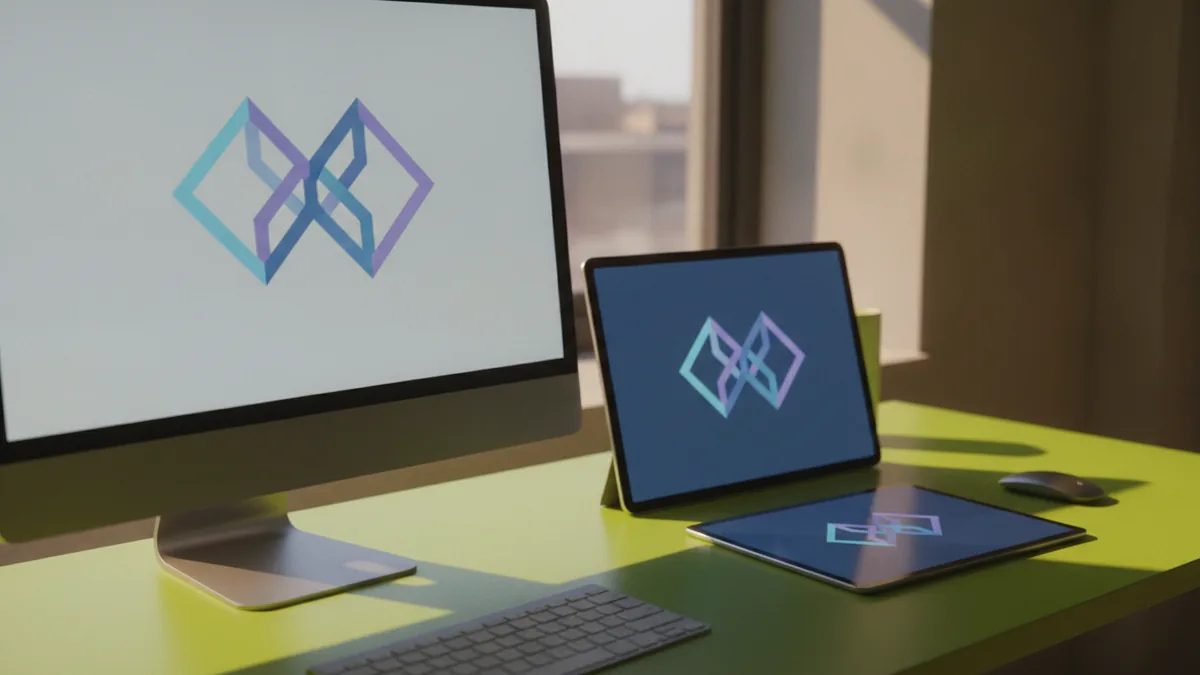
Finalizing is where your logo becomes usable. You should produce multiple versions so your brand looks consistent everywhere. Create a primary logo for typical use. Then create variations for smaller spaces and different backgrounds.
A practical final set includes: a full-color version, a single-color version, and a black-only and white-only version. Also include horizontal and stacked layouts if your mark supports it. These choices prevent “resize and hope” mistakes across your marketing.
Before you call it done, test it on real surfaces. Place it on a website header mockup and a product label mockup. Check it in monochrome and in low-contrast settings. These checks reduce the chance you will redo work after launch.
- Export scalable files for web and print production.
- Validate readability at small sizes.
- Lock spacing rules so versions stay consistent.
- Document usage so others apply it correctly.
When you learn how to create logo design for free, it helps to plan for the handoff from day one. Make sure you can export usable files. Then your logo revision process becomes simpler later.
Examples of successful logos and what they teach
Successful logo examples often share the same traits: clear shapes, strong contrast, and easy recognition. Many also use limited colors, which makes them easier to reproduce. Even when a logo is colorful, it still works as black and white.
Look at well-known brands and notice how their logos behave in different sizes. A good logo keeps its identity even when scaled down for mobile screens. It also stays distinct from competitors in the same market.
Use these examples to guide your own iterations. If a competitor logo uses rounded forms, you might pick a sharper geometry. If they rely on dense detail, you might choose a simpler silhouette. Differentiation does not mean being random. It means choosing a distinct direction that still fits your brand identity.
You can also study your own process. Review which concepts scored highest in your testing. Then refine the one with the best memorability and brand fit.
FAQ: quick answers for common logo design questions
How do I create a logo design brief? Write your brand goals, audience, and tone. Add where the logo will be used, plus any must-have formats.
How do I create my own logo design if I have no experience? Start with sketching and black and white shapes. Then digitize two to three concepts and test at small sizes.
Can I create logo design free and still get professional output? You can start free, but plan for export quality. Build the final logo in a vector-ready workflow.
How can I create logo design in Canva? Use it for draft concepts and mockups. Then confirm your export formats meet your real needs.
What’s the fastest way to improve my logo revision process? Test concepts on real backgrounds early. Then reduce details and tighten spacing before you finalize.
Do I need color theory in logo design? Only after your structure works in black and white. Color should enhance meaning, not fix unclear shapes.
Frequently asked questions
- How do I create a logo design brief?
- Write your brand goals, audience, and tone. Add where the logo will be used and what files you need for web and print.
- How do I create your own logo design if I’m a beginner?
- Begin with sketching thumbnails and keep it black and white. Digitize two to three concepts, test them, then refine the winner.
- Can I create logo design free and still get good results?
- You can create strong drafts for free, but plan for export quality. Build the final logo in a vector-ready workflow when possible.
- How can I create my own logo design in Canva?
- Use Canva for concept drafts and easy mockups. Then confirm you can export files that stay crisp for your real use cases.
- What should I include in the final logo files?
- Create full color plus single-color versions. Also make horizontal and stacked layouts if they fit your mark.
- How do I improve my logo revision process?
- Test early on real backgrounds and at small sizes. Reduce details and tighten spacing before you finalize.
Related reading
How to Make a Clan Logo That Looks Memorable
Learn how to make a clan logo with gaming-ready design tips.
How to Turn a Logo Transparent (PNG, SVG, and Clean Edges)
Learn how to turn a logo transparent with clean edges, PNG/SVG tips, and background removal workflows.
Apple Logo Stuck: How to Fix iPhone, MacBook, and Watch Boot Loops
Stuck on the Apple logo? Learn quick fixes, recovery steps, and when to contact Apple Support.