How to Make a Clan Logo (Unique + Gaming-Ready)
Learn how to make a clan logo with gaming-ready design tips. Cover colors, fonts, icons, and exporting PNG and SVG.
Understanding clan logos
A clan logo is a quick visual cue for who your group is. It works on profiles, recruitment posts, Discord banners, and tournament pages. When people recognize your mark at a glance, your visual identity becomes easier to remember.
Your logo should also reflect clan values and personality. Think about what you want others to feel when they see it. Are you aggressive and fast, or calm and tactical?
Uniqueness matters because clans often look similar at first glance. Two designs might both use a skull and flames, but only one will feel like it belongs to you. Your goal is a logo that people can connect to your clan even without reading the name.
- Identity: show your clan’s vibe and shared traits
- Consistency: use the same colors and shapes across channels
- Recognition: stay clear at small sizes like PFPs
Steps to create your own clan logo
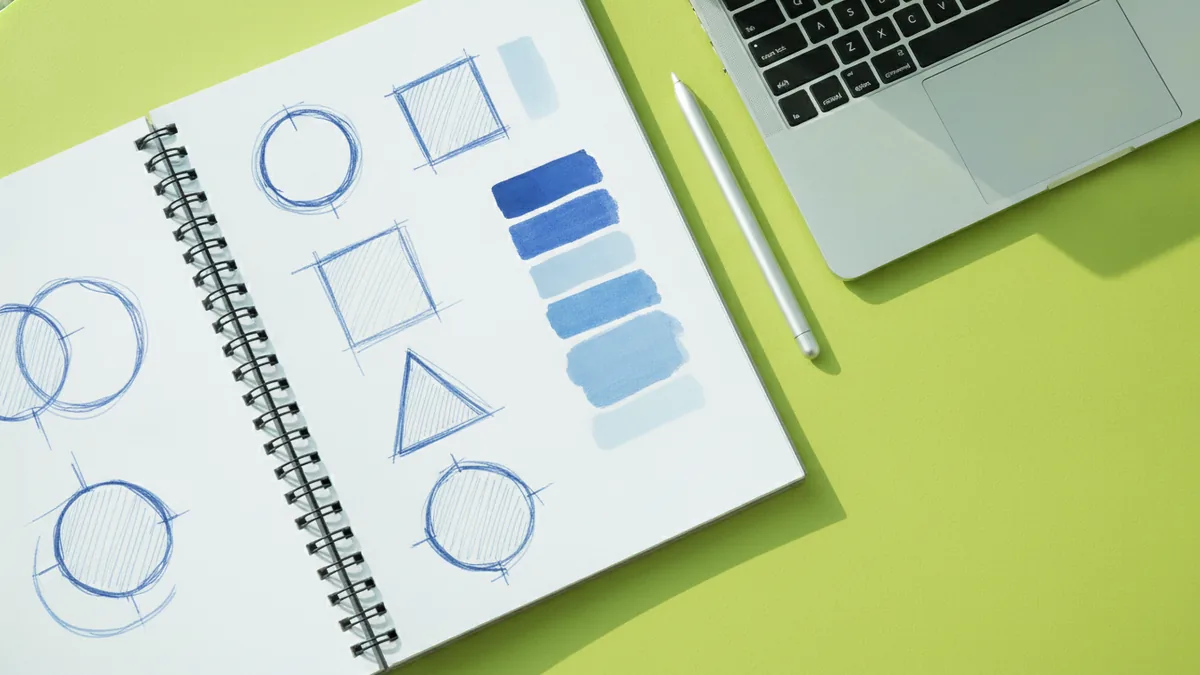
Start with a short idea sprint, not a blank canvas. Write down 5 words that describe your clan. Then pick 1 main theme and 2 supporting themes.
Next, brainstorm symbols and styles that match those words. For a gaming clan, you might blend game imagery with your own twist. The best marks often use simple shapes plus one strong focal element.
Then sketch 10 to 20 quick concepts on paper or a basic drawing app. Don’t aim for polish at this stage. Aim for clear silhouettes and readable icons.
- Brainstorm: define vibe, theme, and values in plain words
- Sketch: produce multiple rough layouts and silhouettes
- Refine: choose one direction and adjust proportions
- Create: build it with logo tools or a vector editor
- Test: check it at thumbnail size and in grayscale

Design elements to consider
Design elements decide whether your logo survives real-world use. Clan logos show up small and fast, especially when you create a PFP. If details vanish at 64×64 pixels, viewers will miss your concept.
One solid approach is to design around a strong center shape. Add secondary shapes only if they support the main idea. Keep the iconography readable even when the background changes.
When you want a design templates style workflow, focus on building blocks. Use a limited set of shape types, like rounded forms or sharp angles. This helps you keep a consistent look across updates.
| Element | What to optimize | Quick test |
|---|---|---|
| Composition | Clear silhouette | View at small size |
| Iconography | Single readable idea | Check at one color |
| Taglines in logos | Short and optional | Read in one second |
| Branding | Reusable rules | Apply to banners |
Color psychology in logo design
Color schemes carry meaning even before someone reads your name. In gaming clans, colors also help your logo pop on busy backgrounds. Pick colors that match your tone and how you want to be perceived.
For example, red often signals energy, aggression, and urgency. Blue can feel focused and controlled. Green can suggest growth or stealth, depending on the shade and contrast.
Use a practical palette strategy. Choose one main color, one accent color, and one neutral. Then test the logo on dark and light backgrounds so it works everywhere.
- Main color: sets the emotional tone
- Accent: highlights the most important shape
- Neutral: improves readability and balance
Choosing fonts for your logo
Font selection can make your logo feel like a team or a brand. The trick is to keep the text legible in fast-scrolling views. Avoid tiny letterforms and overly decorative scripts.
Match the font tone to your clan’s identity. If you are building a tactical clan, use clean, sturdy lettering. If your clan is playful, consider a more rounded style. Your goal is harmony between typography and iconography.
When you include a clan name or letters, think about hierarchy. The icon should usually be the first thing people see. Text should support the icon, not compete with it.
| Clan vibe | Font direction | Design note |
|---|---|---|
| Competitive and sharp | Condensed sans serif | Use high contrast |
| Bold and loud | Blocky display type | Keep strokes thick |
| Stealth and control | Geometric type | Use muted accents |
Incorporating icons and symbols
Icons and symbols boost recognition and can encode clan values. A symbol can represent your playstyle, your role, or your shared goal. For instance, a shield can suggest protection and teamwork.
When you design a logo for a specific game theme, include the right cues. If you are asking how to make a Fortnite clan logo, your design should connect to the game’s feel without copying other marks. Think about motion, battle gear, or character-inspired shapes, then turn them into something original.
If you also plan how to make a Fortnite PFP, simplify even more. A PFP needs one clear focal point. Use high contrast and avoid thin lines that disappear at small sizes.
Also consider making your logo adaptable. A single icon version works on small avatars. A combined version with full text works on banners and clan recruitment images.
Finalizing and downloading your logo
Before you export, run a last quality check. Look at the logo in grayscale and at thumbnail size. Then check it on at least two backgrounds, like a dark Discord card and a light webpage header.
Once it passes, save your work in multiple formats. Use a vector format for the cleanest scaling. Vector format logos usually stay sharp on everything from stickers to big banners.
Then export raster files for quick use. PNG is great for transparent backgrounds. SVG is ideal for crisp vector use in design tools and web setups.
- PNG: best for instant use with transparency
- SVG: best for vector format logos and scaling
- Export sizes: include a small PFP size and a banner size
If you are building a clan identity system, set rules now. Decide which colors and font styles your clan will always use. That’s how customizable logos stay consistent after updates.
And if you are specifically figuring out how to make your own clan logo for Fortnite, repeat the process but keep it game-aware. Your design should feel at home in the Fortnite visual world. Focus on a strong silhouette, readable iconography, and bold contrast.
Frequently asked questions
- How to make a clan logo that looks unique?
- Brainstorm themes that match your clan’s values, then sketch many silhouettes. Pick one direction, simplify it, and test it at small sizes to avoid generic results.
- How to make a Fortnite clan logo that fits the game theme?
- Use game-inspired cues like battle gear or motion shapes, then turn them into an original icon. Keep the silhouette bold and readable so it works in fast-feed contexts.
- How to make a Fortnite logo and still keep it readable as a PFP?
- Design the icon first, then add text only if it stays legible. Export a small version early and adjust line weight until it remains clear.
- What logo creation tools work best for beginners?
- Start with user-friendly logo tools that support transparent backgrounds and easy exports. If you want maximum flexibility, use a vector editor once you pick your final concept.
- Should I include a tagline in my clan logo?
- Only include a tagline if it stays short and readable. Most clans do better with an icon plus clan name, then optional slogan in banners.
- What file types should I download for a clan logo?
- Download PNG for quick sharing with transparency. Also save SVG for a crisp vector format logo you can resize without blur.
Related reading
How to Create Your Own Logo Design: A Practical Guide
Learn how to create logo design with a clear process, tools, and revision tips.
How to Turn a Logo Transparent (PNG, SVG, and Clean Edges)
Learn how to turn a logo transparent with clean edges, PNG/SVG tips, and background removal workflows.
Apple Logo Stuck: How to Fix iPhone, MacBook, and Watch Boot Loops
Stuck on the Apple logo? Learn quick fixes, recovery steps, and when to contact Apple Support.