How to Make a Logo in Mobile: Apps, Steps, Tips
Learn how to design logo in mobile with top apps, a step-by-step process, export file formats, and tips to avoid costly mistakes.
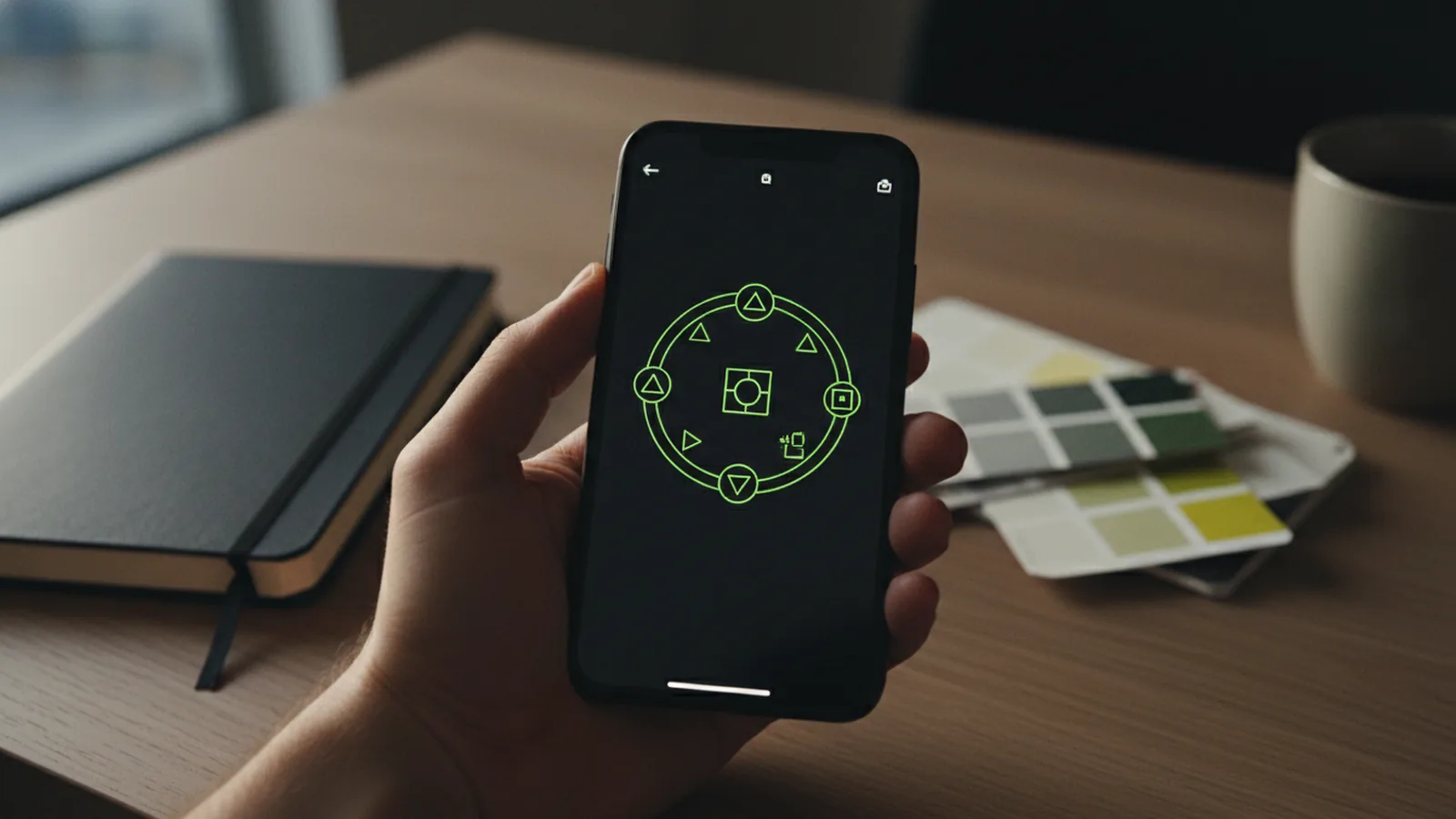
Introduction to mobile logo design
You can create a logo on a phone in about an hour. Start by picking a logo design app, choosing a layout, and then customizing fonts and colors. This approach works well because most apps are built for small screens and fast edits.
If you are searching for how to make logo in mobile, focus on two outcomes. First, you need a clean design that looks sharp on screens. Second, you need the right file formats for later use.
Most people begin with logo templates. Then they swap icon styles, adjust spacing, and refine the brand identity. That workflow is the core of how to design logo in mobile without getting stuck.
- Pick an app that exports common file formats
- Use templates as a starting point, not a final design
- Check usage rights before you download

Why designing logos on mobile is worth it
Mobile logo design is convenient and flexible. You can sketch ideas in minutes, test color options on the spot, and iterate while inspiration is fresh. That means you can keep momentum instead of waiting for a desktop computer.
It also supports design creativity in real life settings. For example, you can snap a reference image, then adapt the style for your mark. Or you can design during a commute and polish it later at home.
Another advantage is speed. Many logo design apps let you tweak sizes and alignments with simple gestures. That creates a user-friendly interface that feels intuitive when you are learning.
Finally, mobile apps often support quick sharing. You can send a draft to a client or cofounder immediately, then adjust based on feedback. That tight feedback loop can improve your end result.
Top logo design apps for phones
There are many logo design apps. The best one depends on your goal, your budget, and whether you need vector output. Some apps focus on templates and theme packs, while others help you build from scratch.
Most logo design apps offer a range of logo templates and customization options. You can usually change icons, edit typography, adjust color palettes, and rearrange elements. Some also include industry-specific suggestions that can jump-start your brand identity.
Be aware of limited free features. Many apps let you create and preview a design for free. Downloading full-resolution files or exporting vector formats often requires a paid plan.
- Template-first apps: Fast for beginners and quick brand concepts
- Editor-style apps: More control over layout and typography
- Industry or event packs: Useful when you need a themed look quickly
- Vector-aware apps: Best when you want scalability for print and signage
When choosing an app, test three things during the trial. First, can you change the main icon and the wordmark? Second, can you export with transparency? Third, do you get vector files for clean scaling?

Step-by-step: how to create a logo on mobile
Below is a practical workflow for how to create logo on mobile. It is designed to get you from blank idea to a usable logo draft without heavy design tools.
- Set a simple goal for the logo design: Decide what your logo must communicate in one glance. Then choose a style direction like modern, classic, playful, or bold.
- Pick a logo template that matches your direction: Browse options and choose a layout similar to what you want. Templates help you avoid empty-canvas decisions.
- Customize the icon and colors: Swap the icon or graphic style to match your brand voice. Use a tight color palette, usually one main color plus one supporting color.
- Adjust typography and spacing: Change the font style and size until it reads clearly at small sizes. Then align elements so the mark feels balanced.
- Check legibility at multiple sizes: Zoom out to thumbnail scale. If it looks muddy, simplify shapes and increase contrast.
- Export in the right file formats: Download a PNG for transparent use. Then also export vector when available for long-term use.
- Verify commercial usage rights: Before you commit, confirm whether the app lets you use the logo commercially after purchase. If rights are unclear, consider an alternative app or plan.
This is the same basic method behind how to make logo in mobile free, then move to paid exports when needed. Start with a good template, improve it, and only then pay for the final files you truly require.
If you want to create logo using mobile app while keeping options open, save your project file. Then export multiple versions. For example, export a horizontal logo and a stacked logo for different placements.
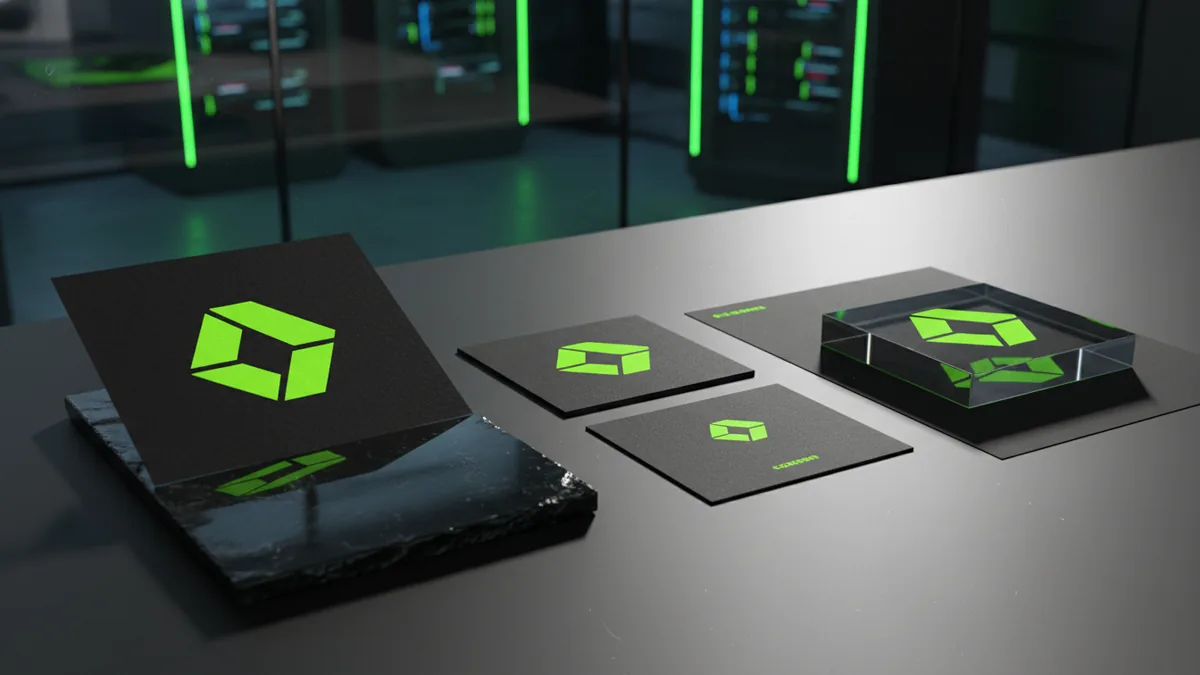
Tips for effective logo design on your phone
Mobile screens can hide details, so you need specific checks. Use contrast first. A logo should work in both dark and light backgrounds, especially for website headers and social banners.
Keep the design simple. Many templates include extra icons and decorative effects. Remove anything that does not support the brand identity, and keep the core mark strong.
Think about how the logo will look in real uses. Your logo will appear on app icons, website favicons, email signatures, and printed materials. That makes scalability important, so vector output is often worth seeking.
- Design for small sizes: Ensure text is readable at thumbnail scale
- Use fewer fonts: One clean font family usually looks more professional
- Limit your colors: Two to three colors helps the mark stay consistent
- Align by eye, then re-check: Small spacing tweaks can change the whole feel
- Test with mock backgrounds: Try the logo on light, dark, and mid-tone surfaces
When you are following how to design logo in mobile, remember that design customization is iterative. Make one change, then evaluate the result. If you change everything at once, it becomes hard to learn what improved the design.
Common mistakes to avoid
One frequent mistake is downloading the wrong file formats for later use. PNG is useful, but it can pixelate when you scale up. If your app exports vector, prefer that for long-term brand work.
Another common issue is unclear licensing. Some apps restrict commercial use unless you buy the right plan. That can block you later when you want to use the logo for products, marketing, or client work.
Also avoid over-reliance on templates. Templates are great for starting, but leaving everything default can make the logo look generic. Add your own design choices through colors, spacing, and icon selection.
Finally, watch for low-quality exports. A blurred logo can come from tiny text, thin strokes, or export settings that reduce resolution. If the mark looks soft on your phone after export, it will likely look worse elsewhere.
| Mistake | Why it matters | Fix |
|---|---|---|
| Only exporting JPEG | It may not support transparent backgrounds | Export PNG with transparency and use JPEG only for flat cases |
| Ignoring vector options | You lose clean scaling for print and signage | Export a vector format when your app allows it |
| Skipping usage rights checks | Your business may not be allowed to use the logo commercially | Confirm commercial licensing before you pay and download |
| Leaving template fonts unchanged | The logo can look like a stock design | Change font, size, and letter spacing for uniqueness |
Conclusion and next steps
To learn how to make logo in mobile, build a simple workflow: pick a logo design app, start from templates, customize details, then export correctly. This process is quick, flexible, and made for mobile screens.
Next, treat your logo like a brand identity asset. Create at least two variations, like a horizontal version and a simplified version. That gives you flexibility for different surfaces and sizes.
When you are ready, keep going beyond the first draft. Test your logo on a few real backgrounds, check readability, and confirm licensing for commercial use. Then you can confidently use the mark for your website, social profiles, and future marketing materials.
If you want to keep improving, iterate in small steps. Use your mobile app to refine one element at a time. In a few rounds, your design will look intentional and polished.
Frequently asked questions
- How do I make a logo in mobile using a logo design app?
- Pick a logo design app, choose a template, then customize icon, colors, and typography. Export the final files once you confirm licensing and formats.
- Is it possible to make a logo on mobile for free?
- You can usually preview a design for free. Full-resolution downloads and vector exports often require a paid plan.
- What file formats should I export for my logo?
- PNG is common for transparency on websites and overlays. Vector formats are best for scaling without blur.
- How do I ensure my logo can be used commercially?
- Review the app’s licensing terms before buying. Some apps restrict commercial use unless you purchase the right download rights.
- Do logo templates reduce originality?
- They can, if you leave everything default. Make the logo yours by changing the icon choice, spacing, and type style.
- What should I check before finalizing a mobile logo?
- Test it at small sizes for legibility. Then check it on both light and dark backgrounds.
Related reading
How to Make the Apple Logo Glow on iPhone (13 or 12)
Make the Apple logo glow on iPhone 13 or 12 using settings or custom Photoshop glow.

How to Make a Cartoon Logo: Tools, Steps, and Design Tips
Learn how to make a cartoon logo with tools, steps, and export tips.

How to Add a Logo to a Video (and Photos, PDFs, and Email)
Learn how to add a logo to video, photos, PDFs, and more—step by step.