Create a Professional Logo for Free Online (Best Tools)
Learn how to create a logo for free online using online tools. Follow steps, customize templates, avoid mistakes, and download high-resolution files.
You can create a professional logo for free online by choosing a logo maker, picking an industry-ready template, and customizing icons, fonts, and colors to match your brand identity. Start with your audience and brand style, then design with graphic design fundamentals. Finally, download in high-resolution formats for web and print use.
Overview of free logo design
Free logo design usually means you can build a logo without paying at the start. Many online logo generator tools offer free steps like choosing a template and testing colors. Some also let you download low-resolution images for quick use.
Before you design, lock in your brand identity. Brand identity includes your values, tone, and what your business wants people to feel. It also includes your target audience, since a logo for dentists will look very different from a logo for skate brands.
Think of your logo as a small visual system. It should work in one color, in small sizes, and on both light and dark backgrounds. If you plan for those cases early, you avoid rework later.
- Pick a clear audience first: age range, industry role, and location if relevant
- Define 2 to 3 brand traits: calm, bold, playful, premium, techy
- Choose a simple goal: web header, app icon, or business card
Steps to create a logo online
Here is a practical workflow for how to create logo for free online. You will move from brand basics to a template, then you customize and test. This process keeps your design choices intentional.
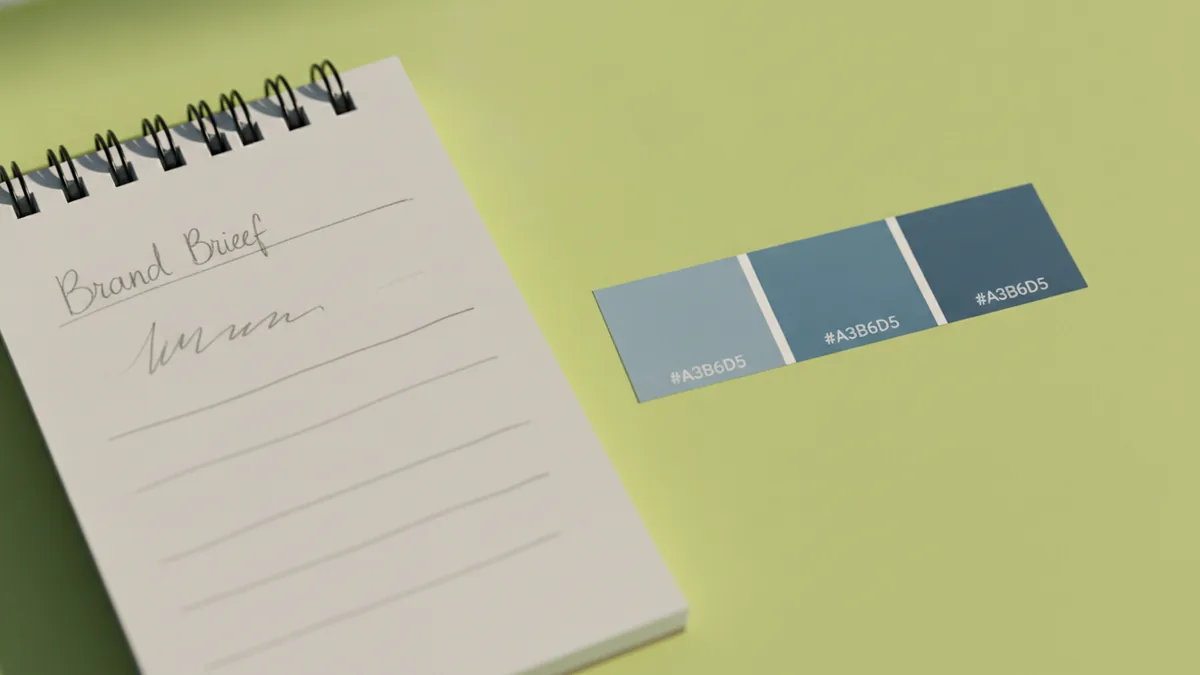
- Write a 1-paragraph brand brief. Include what you sell, who buys, and what you want the logo to signal.
- Select a style direction. Try “modern and clean” or “friendly and rounded” before you touch the editor.
- Choose a template that fits your industry. Look for shapes and icons used by similar brands.
- Replace placeholder text and adjust spacing. Make sure the logo stays readable at a glance.
- Export a test version. Check it at small sizes and on both light and dark backgrounds.
When people search “how to make a logo for free online,” they often skip the brief. That is the reason logos feel generic. A template can be a starting point, but your brand identity should control the choices.
Also, be honest about effort. If your business is new, you may need a faster path. A template-based approach is still valid when you customize it well.
Customizing your logo
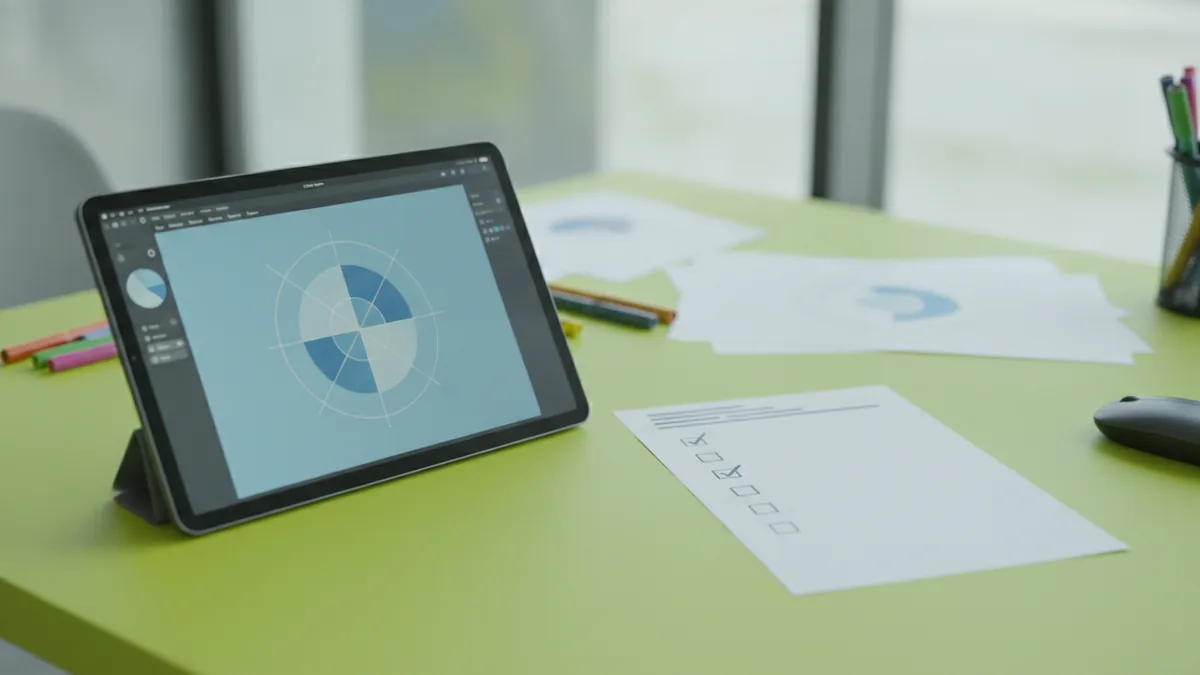
Most online logo design tools include design customization controls. You can swap icons, change fonts, and adjust colors without editing files in software. This is the core value of a logo design tools workflow.
Start with the icon and mark. If your icon communicates too much, simplify it. A good custom logo design often looks clearer when you remove extra details.
Next, tune typography. Typography is a big part of graphic design fundamentals. A logo name set in a heavy font can feel strong, while a thin font can feel elegant.
- Use 1 type family for the logo name
- Limit to 2 font weights max in one logo
- Avoid tiny letter spacing tweaks that reduce legibility
Then, use color theory to choose a palette that fits your brand. Two or three colors usually beat rainbow palettes. If you pick one “main” color and one “support” color, your logo stays consistent.
Many editors let you work at a component level. That means you can adjust icon stroke thickness, font color, and background shapes. That flexibility supports create a logo for free online while still producing a cleaner result.
If you are wondering about “how to get placeit logo for free,” the best answer is to use the tool’s official free trial or promo options when they are available. Availability can change, and you should verify download rights before you publish your logo publicly.
Best free logo maker tools
There is no single best free logo maker for every business. The right choice depends on how much customization you need and what you plan to use the logo for. Some tools focus on templates, while others bundle branding assets.
When you compare tools, look for these features. They matter for real-world use, not just preview screens.
| What to look for | Why it matters | Example of how you’ll use it |
|---|---|---|
| Icon and color editing | Lets you match your brand identity | Swap a generic camera icon for your niche symbol |
| Font choices and text spacing | Improves typography and readability | Adjust letterforms so the name stays sharp |
| High-resolution downloads | Prevents blurry logos | Use a crisp version for print flyers |
| Export formats | Supports web and print workflows | Export one file for headers and another for cards |
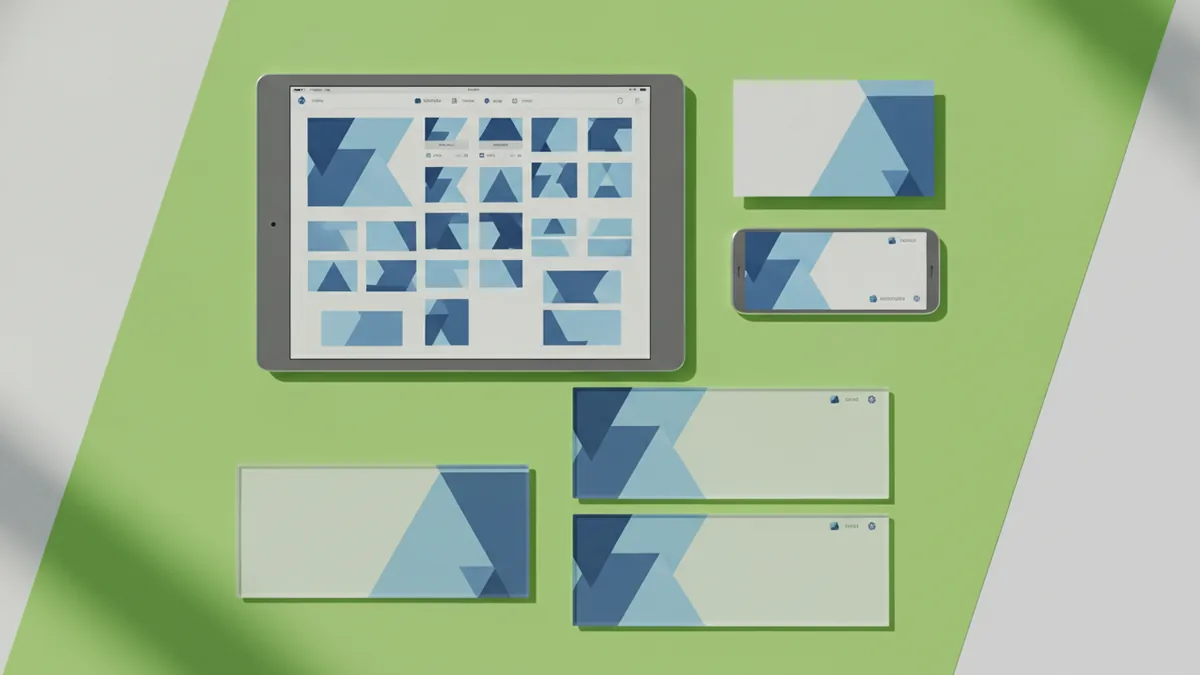
Also check the “extras” section. Many online logo generator tools include branding kits, social media assets, and business card designs. These can save time because the logo is already placed into common layouts.
One caution: extras can tempt you to skip your own testing. You still need to confirm the logo looks good at small sizes. You also need to confirm it works in one color.
Here is a simple evaluation method. Create the same basic logo in two tools, then compare outputs at 64px and at 8cm print size. Choose the one that stays clear and balanced.
Common mistakes to avoid
Free logo creation has a learning curve. Mistakes are common, and many happen because templates encourage autopilot design. Avoid those traps early and you will get a more custom-feeling result.
1) Designing before you know your audience
If you do not define your target audience, you cannot pick an appropriate style. The same icon can feel trustworthy or childish depending on the audience. Write the brief first, then choose templates that match your niche.
2) Overloading the logo with details
Templates can be busy. Icons with too many elements lose clarity when the logo shrinks. Simplify the icon and reduce the number of small shapes.
3) Ignoring color contrast
A logo can look great on a white preview and fail on a dark header. Test both backgrounds. Use contrast so the logo name stays readable.
4) Using low-resolution downloads for print
Many free downloads are smaller than you expect. High-resolution downloads matter for business cards and signage. If the tool offers different export sizes, pick the highest option.
5) Forgetting scalability
Scalability means your logo stays usable across platforms. Your website header, mobile app icon, and social avatar have different sizes. Test at small, medium, and large scales.
- Check the logo at 24px, 64px, and 200px
- Check one-color versions on both light and dark backgrounds
- Check spacing around letters and the icon
Finalizing and downloading your logo
Finalizing is where many “free” projects go wrong. A preview looks sharp, but exports can be blurry if you picked the wrong file type. So, focus on download choices and usage needs.
For high-resolution downloads, confirm what formats you can export. Web use often works well with PNG. Print use can require vector formats so your logo stays crisp at any size.
Plan for your logo lifecycle. You will likely need a web version for headers and a print version for stationery. If the tool offers a transparent background, save that too.
- Export the web version for headers and social posts.
- Export a transparent background version for flexible placement.
- Export a high-resolution or vector option for print.
- Save a one-color variant for stamps and simple uses.
- Download the branding kit assets if you need mockups fast.
Finally, check usability. The logo should look balanced when cropped into an avatar. It should also remain readable when printed in black and white. If it fails one test, go back to design customization and adjust spacing, color, or icon detail.
When you do it this way, create, free, and online become practical rather than risky. You end up with a logo that fits your brand identity and works across the places customers will actually see it.
Frequently asked questions
- How to create logo for free online without it looking generic?
- Start with your brand identity and target audience, then choose an industry template. Customize the icon, typography, and color palette so the result matches your traits.
- What is the best free logo maker for beginners?
- A good beginner option includes template variety plus easy design customization. Look for exports in high resolution, and test your logo at small sizes.
- How to make a logo for free online and download it in good quality?
- Use the tool’s highest download option available. Confirm the file supports your use case, like web headers and print business cards.
- How to get placeit logo for free?
- Use official free trials or promotions when they are offered. Check the download rights before you publish your logo publicly.
- Can a logo template be considered a custom logo design?
- Yes, if you modify key elements like icon choice, typography, spacing, and colors. The more you align it with your brand identity, the less generic it feels.
- What files should I download for using my logo everywhere?
- Download versions for web and print, plus a transparent background if available. Also save one-color and high-resolution options for scalability.
Related reading
How to Make a Logo Online for Free: Tools, Tips, Downloads
Make a custom logo online for free. Learn tools, template edits, and smart export tips for web and print.
How to Build a Logo: Steps, Tools, and Testing
A practical guide to how to build a logo—steps, tools, and logo testing.
How to Price Logo Design Services: Costs, Models & Client Fit
Set logo design prices with ranges, models, and client-ready deliverables.