How to Make a Twitch Logo (Free Options + Tips)
Learn how to make a Twitch logo with free tools, clear steps, and design tips. Get a logo that scales and fits your channel vibe.
Why a Twitch logo matters for your channel brand
If you want people to recognize you instantly, you need a clear logo. Your Twitch logo shows up on your channel page, stream overlays, and when viewers follow or subscribe. A well-designed Twitch logo helps establish your channel’s brand identity.
Think of it as a visual shortcut. When your icon is consistent, viewers build familiarity faster. That familiarity can lead to better recall, stronger community trust, and more loyal returning viewers.
Logo work also sets up your other assets. Your Twitch pfp, emotes, panels, and even color palettes often come from the same visual direction. So the logo should be designed to carry the rest of your brand.
- Improves instant recognition during browsing
- Creates consistency across overlays and profile images
- Supports faster recall of your channel identity
Pick a logo style that fits how you stream
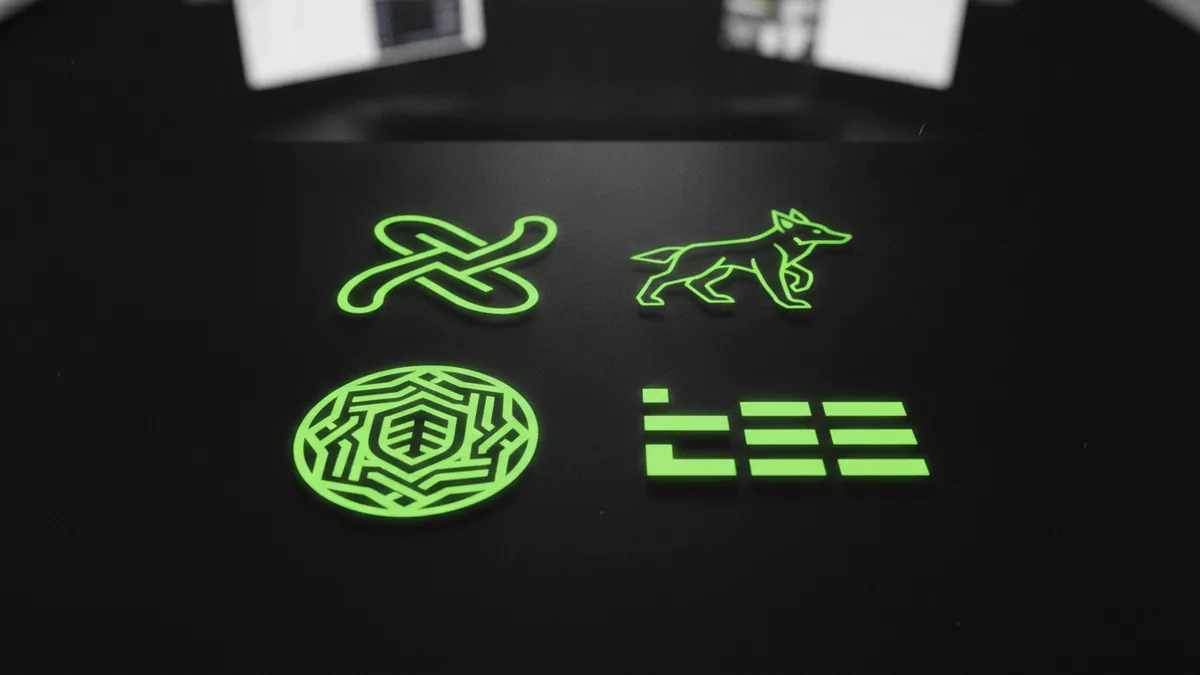
Before you start how to make a twitch logo, decide what kind of identity you want. Most Twitch logos fall into a few common logo styles. Each style communicates a different vibe, so match it to your content and personality.
Here are common logo styles to consider. Pick one as your main direction, then refine it into a version that looks good at small sizes. That matters because your avatar and profile thumbnails are tiny.
| Logo style | Best for | What to watch |
|---|---|---|
| Abstract | Modern, minimalist branding | Keep shapes readable at small sizes |
| Mascot | Personality-forward channels | Avoid too many tiny details |
| Emblem | Community symbols and team vibes | Use thick lines for clarity |
| Wordmark | Creator names as the brand | Test legibility at 64px |
Also consider “hybrid” approaches. Many creators combine a simple icon with a short wordmark. That often works best when you want a strong logo and an easy-to-read Twitch pfp.
Steps to create your Twitch logo from idea to finished mark
If you are figuring out how to make your own twitch logo, start with a tight process. The fastest path is usually idea first, then style, then testing at small sizes. This prevents you from investing time in something that looks good only in a large mockup.
Use these steps to guide your workflow. You will likely repeat color and shape choices as you test. That is normal. It is also how you get to a logo that works across real Twitch surfaces.
- Brainstorm the core idea. Write down three traits viewers should feel (for example: cozy, chaotic, competitive). Then connect those traits to visual cues like shapes, motion, or symbols.
- Choose colors and build a palette. Start with 1 primary color and 1 accent color. Then pick a neutral like dark or light for contrast. Keep the palette small so the logo stays consistent.
- Pick a font direction. If you use a wordmark, choose a font that stays clear at small sizes. Avoid hairline fonts that disappear in tiny thumbnails.
- Create simple vector shapes. Build the icon with clean geometry first. Then refine edges and add details only if they still read at 48px.
- Make scalability a requirement. Test your logo in multiple sizes. Export both a full logo and a simplified icon version for avatar use.
- Plan a version for your Twitch pfp. Your profile image will not be the same as a full banner logo. Design a centered, high-contrast avatar version early.
During this process, incorporate design elements that feel unique to you. Personal icons, custom illustrations, or a signature object can boost recognition. For example, a particular animal shape, gaming prop silhouette, or hobby-themed symbol can become your visual hook.
Use free tools and resources to speed up your design
If you are exploring how to make a twitch logo for free, you have options. Free tools can get you from idea to a usable logo quickly. The key is to use tools that support crisp shapes and exporting.
Online logo makers can help with layout and basic icon choices. You can also build your own design from scratch using vector-focused tools. Many creators start free, then upgrade only when they need better export options.
When comparing tools, prioritize these features. They keep your final logo usable across Twitch. They also reduce the risk of ending up with a blurry avatar.
- Vector output or clean scaling for high-resolution logos
- Multiple exports for icon and full versions
- Transparent background to place your logo anywhere
- Easy color palette control so your brand stays consistent
Even with free tools, you should still think about vector files. Vector files make it easier to create high-resolution logos. They also help you maintain sharp edges when you resize for overlays and badges.
Tips for customizing your logo so it feels truly yours
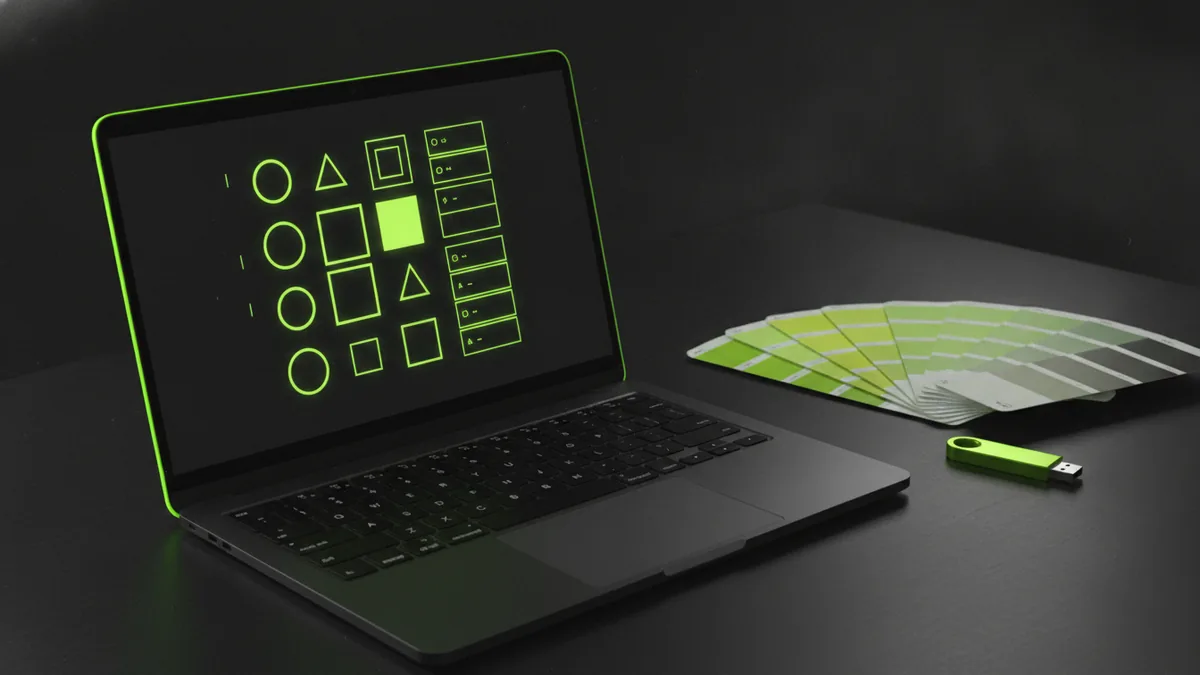
Logo customization is where your brand identity starts to show. A stock-looking icon is fine at first, but viewers will remember you more when the mark includes your specific design elements. Aim for distinct choices in the icon, colors, and silhouette.
Here are practical ways to make your logo feel original. Use them one at a time so you do not overload the design. Keep the design simple, then refine the single best concept.
- Add a unique element. Use a personal icon or a small signature detail tied to your content.
- Build custom illustrations only if they still read small. Simplify shapes until they work as an avatar.
- Use consistent color palettes. Repeat your main colors across panels and overlays for cohesion.
- Choose clear font selection. Keep typography readable and avoid overly decorative styles.
- Create a tagline version only if it stays legible. If your tagline fails at small sizes, drop it from the pfp.
Also, test how your Twitch logo interacts with your channel theme. If you stream horror games, a cold color palette and high-contrast lines can fit. If you stream creative or cozy content, softer shapes and warm contrasts might feel right.
Finally, do not ignore logo scalability. If your logo’s inside details vanish at small sizes, viewers will not recognize you. Your goal is a mark that stays readable on a dark background and a light background.
Best practices to design a memorable, scalable Twitch logo
Great logos follow simple rules. They are easy to recognize, easy to reproduce, and consistent across sizes. If you want to make twitch logo assets you can rely on, design with constraints from the start.
Start by reviewing competitors. Look at channels in your category and note what works visually. Do not copy. Instead, capture the idea of “what makes this icon readable” and apply it to your style.
Use these best practices as checkpoints. They protect your time and help you avoid common mistakes.
- Keep it simple. If viewers cannot tell what it is in a second, simplify the shapes.
- Use high contrast. Your avatar should stand out on typical Twitch backgrounds.
- Limit details. Details that look cool in a large mockup often fail in a small avatar.
- Build one strong silhouette. A recognizable outline beats a complex illustration.
- Test readability. Check at 64px and 32px. If it collapses, redesign the icon.
- Match your channel personality. Your logo should represent your content and tone, not just your taste.
A good logo also supports different uses. You may need a circular avatar version for profiles and a wider version for channel pages. Plan those variants before you export final files.
Finalize your logo, then use it across Twitch
Once your logo looks right in small sizes, it is time to finalize. This is where you export a clean set of files and set up versions for the main use cases. If you are asking how to make your own twitch avatar, this step is where your avatar version becomes official.
Create at least two deliverables. One is the full logo, and the other is the simplified icon for your pfp. Keep a version with a transparent background so you can place it on overlays and panels.
After exporting, double-check colors and edges. Some tools export slight shifts in color or line thickness. Fix those now so you do not end up with a different-looking logo later.
- Full logo for channel header and brand materials
- Icon-only avatar for pfp and small badges
- Transparent background for overlays and theming
- High-resolution exports so you keep sharp edges
Then roll it out. Update your channel profile, and use the same color palette in your overlays. When new viewers land on your stream, your branding should feel consistent from the first glance.
Quick FAQ: making a Twitch pfp and logo
How to make a twitch logo if I can’t draw?
You can use free online logo tools to start with shapes and icons. Then customize one element so it matches your channel’s personality. Focus on silhouette and color contrast, not artistic perfection.
How to make a twitch logo for free without ending up blurry?
Use vector-friendly tools or export options that support scaling. Test your logo at 64px and 32px. If the small version fails, simplify the design and re-export.
How to make your own twitch logo with a strong avatar?
Design the icon first, then build the full logo around it. Export an icon-only avatar version with a transparent background. Make sure the icon stays clear when cropped to a circle.
How to make a twitch pfp from my logo?
Export an icon-only version and center it. Use high contrast so it stays readable on dark and light backgrounds. Then use that file directly as your Twitch pfp.
Should I include a tagline in my Twitch logo?
Only include a tagline if it stays readable at small sizes. Many creators keep the pfp icon-only and use the tagline only on larger assets. This keeps your avatar clean and recognizable.
Frequently asked questions
- How to make a Twitch logo for free?
- Start with a free logo tool or vector workspace to build simple shapes. Export vector-friendly files and test the logo at small sizes. If it looks blurry at 64px, simplify and re-export.
- How to make your own Twitch logo that works as a pfp?
- Create an icon-only version first. Center it and keep high contrast for circular cropping. Export it with a transparent background so it stays clear anywhere.
- What logo styles work best for Twitch channels?
- Abstract, mascot, emblem, and wordmark styles all work. The best choice depends on your channel vibe and how readable the icon stays at tiny sizes.
- How do I customize my Twitch logo without it looking generic?
- Add one unique element like a personal symbol or simplified custom illustration. Keep the rest of the design clean so the avatar stays readable. Repeat your palette across the rest of your branding.
- Should I review competitor Twitch logos before designing mine?
- Yes. Look for patterns like strong silhouettes and readable icon shapes. Use the insight to guide your design direction, not to copy the look.
Related reading
How to Copyright a Logo (and When to Trademark It)
Steps to copyright a logo, costs, and how trademark changes protection.
Logo Sizes Guide: Optimal Dimensions for Web, Print, and More
Use the right logo size for every place it appears—web, print, and social—without losing brand consistency.
How to Make a Spinning Logo: Tools, Tips, and Exports
Make a spinning logo with After Effects or online tools, then export MP4 or GIF.