How to Make a Profile Logo: A Practical Twitch Guide

What “profile logo” actually means
A profile logo is your small, round, or square mark used in headers, sidebars, and chat lists. It needs to stay readable when it’s tiny. That is why a simple shape beats fine details.
For Twitch, your profile picture sits in many sizes across desktop and mobile. The safest design targets bold silhouettes and clear contrast. You are aiming for one glance recognition.
When people search “how to make a profile logo,” they usually want two outcomes. A clear mark and a ready-to-upload file. This guide covers both.
- Readable at small sizes
- Looks good on dark and light backgrounds
- Exports cleanly for common platform uploads
Plan the logo before you open any design tool
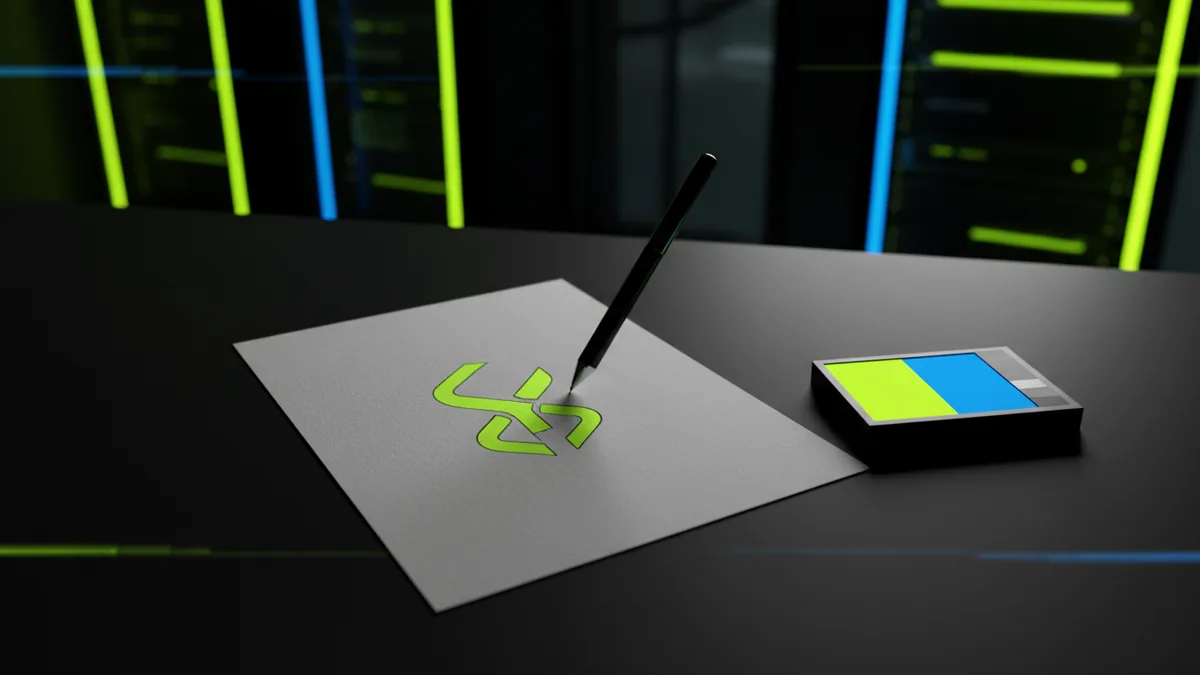
Start with a quick identity note. Write the vibe you want people to feel in two words. Examples are “friendly fitness” or “serious strategy.”
Then pick a shape system. Most profile logos use circles, shields, or monograms. Choose one shape so the logo feels consistent at every size.
Finally, decide how you will test legibility. You will shrink your work to a tiny preview. If you can’t read it, you must simplify.
Use this small planning checklist before design time.
- Pick 1 focal idea (symbol or initials)
- Limit to 2 colors plus a neutral
- Choose one background style (dark, light, or both)
- Sketch three options in rough form
How to make your own profile logo: the build steps
Open your design tool and set up a square canvas. A clean starting point is 2000 by 2000 pixels. Use a vector workflow if your tool supports it. Vector shapes scale without blur.
Next, create the core mark. Use thick strokes and simple geometry. If you add thin lines, they will vanish at profile size.
Then add color with restraint. Pick one accent color and one supporting color. Keep the background either pure dark or pure light when possible.
After that, make a “small-size check” pass. Zoom out until your design looks like a tiny avatar. Fix any shapes that merge or lose contrast.
- Prefer icons you can describe in one sentence
- Use rounded corners for a friendly look
- Keep spacing inside the outer shape
- Avoid text if you are not confident
Make a profile logo from initials (optional)
Initial-based logos work well for streamers and creators. Use two letters at most. Too many characters turn into visual noise at small sizes.
Turn the letters into shapes. Merge overlapping parts so the result is one clean silhouette. A good monogram reads like a single object.
If you want a more unique look, bend one letter into the outer shape. For example, let a line wrap around a circle. That creates a consistent icon even when cropped.
How to make your own profile picture for Twitch
Your Twitch profile picture is still a logo, but with platform-specific cropping. Twitch may crop circles and apply different masks. So you must design inside a safe zone.
Use a circular preview overlay if your tool has it. Place your main mark in the center. Keep important details away from edges so they survive cropping.
Also plan for chat and notification contexts. In those places, the image is often smaller than you expect. Your colors must pop in both dark and bright UI panels.
Follow this upload-ready checklist for “how to make your own profile picture for twitch.”
- Build on a square canvas
- Design within the central area
- Check readability at small scale
- Export a high-quality version
- Export an extra smaller version for backups
Common mistakes to avoid
Many people struggle with “how to make profile logo” because details get lost. Thin outlines, small text, and busy gradients usually fail first. Simplify until it still looks clear when shrunk.
Another common issue is low contrast. A logo that looks great on white can disappear on dark UI. Always test on both backgrounds.
Finally, avoid overly complex shadows. Shadows can blur and turn into muddy blobs. Instead, use solid color shapes and clean edges.
Export and file prep for crisp results
After you finish the design, prepare files for upload. Export your master as vector (if possible) and export a raster copy for immediate use. A raster export should be sharp at avatar size.
Use PNG for most profile uploads. PNG keeps edges clean and avoids messy compression artifacts. If you need transparency, PNG is usually the safer pick.
For best flexibility, keep your background and your mark separate. Then you can create a dark-mode version fast. That helps when you rethink your design later.
Here is a simple export plan you can copy for every new logo.
| File purpose | Format | When to use |
|---|---|---|
| Master design | Vector (SVG or native project) | Editing and future remixes |
| Upload-ready avatar | PNG | Twitch profile picture and backups |
| Share preview | JPG or PNG | Social posts and portfolio previews |
Quick quality checks
Before you finalize, run three fast checks. First, view the file at tiny size in your file viewer. Second, zoom in and confirm edges look clean. Third, open it on a dark background to check contrast.
If anything feels off, you fix it now. It is easier to adjust shapes than to redo exports later. A crisp logo builds trust every time someone sees your name.
Next steps if you want it tailored to your brand
If you are building a stream brand, the logo should match your UI and content style. That includes your colors, your line thickness, and your icon style. A consistent set helps viewers recognize you faster.
When you are ready to scale beyond one logo, you can create a small kit. That kit can include emote-style marks, banner icons, and a matching set of color tokens. It also makes future updates simpler.
For a full-service build, you can start with a free consultation. You bring the concept, and the team helps you ship a fast, polished design system for your web presence. That includes your site, landing pages, and any UI that supports your brand.
FAQ: common “how to make profile logo” questions
Jump to the answers below when you get stuck. These cover sizing, fonts, and export choices for Twitch.
Frequently asked questions
How to make a profile logo that still looks good small?
Use a simple silhouette and thick shapes. Shrink your design until details are readable at thumbnail size.
How to make profile logo ideas fast when you feel stuck?
Sketch three options with one focal idea each. Pick one shape system and limit colors to two plus a neutral.
How to make your own profile picture for Twitch without cropping issues?
Keep the main mark centered with extra space near the edges. Use a circular preview if your tool offers one.
Should I use text in a Twitch profile logo?
Avoid small text. If you use initials, merge them into shapes and test at tiny size.
What file format should I export for a Twitch profile picture?
Export a high-quality PNG. Keep a vector master for future edits.