How to Design a YouTube Channel Logo That Stands Out

Understanding logo design basics for YouTube branding
A logo is a simple visual mark that represents your channel at a glance. On YouTube, it shows up in tiny places like channel thumbnails, comments, and mobile lists. The right logo helps people recognize you across videos and formats. That makes it a core part of branding, not just decoration.
Think of your logo as the front door to your visual identity. It works with your channel name, thumbnails, and channel art. If your logo is unclear at small sizes, viewers may not connect it to your content. So, design for quick recognition first.
A good logo is also flexible. It should look good in one color, on dark or light backgrounds, and at multiple sizes. That flexibility reduces rework later when you build your channel assets.
Why a strong logo matters more than you think
Most viewers decide fast. In a YouTube grid or search results, your logo competes with many others. Visual clarity can increase recognition, which supports faster trust.
Color and shape create fast impressions. Warm colors like red and orange can feel energetic. Cool colors like blue and green often feel calm or technical. These reactions are part of color theory, and they can shape how your content is perceived.
Shapes also carry meaning. Rounded forms tend to feel friendly. Sharp angles can feel bold or precise. You do not need to “match a vibe,” but you should pick a consistent look that fits your channel topics.
Finally, a logo makes your creative process easier. When you have a clear visual anchor, thumbnails and graphics become more consistent. That consistency helps your channel look designed, even when you are moving fast.
Steps to create a YouTube logo from idea to feedback
Start with a clear goal: what should people feel when they see your mark? If your channel is about tutorials, a logo that feels structured may fit. If you do comedy or lifestyle, a playful shape may match better.
Here is a practical workflow you can reuse when you learn how to design a youtube channel logo. It covers brainstorming, sketches, digital design, and feedback.
- Brainstorm concepts. Write 5–10 words for your channel. Then list symbols that connect to those words.
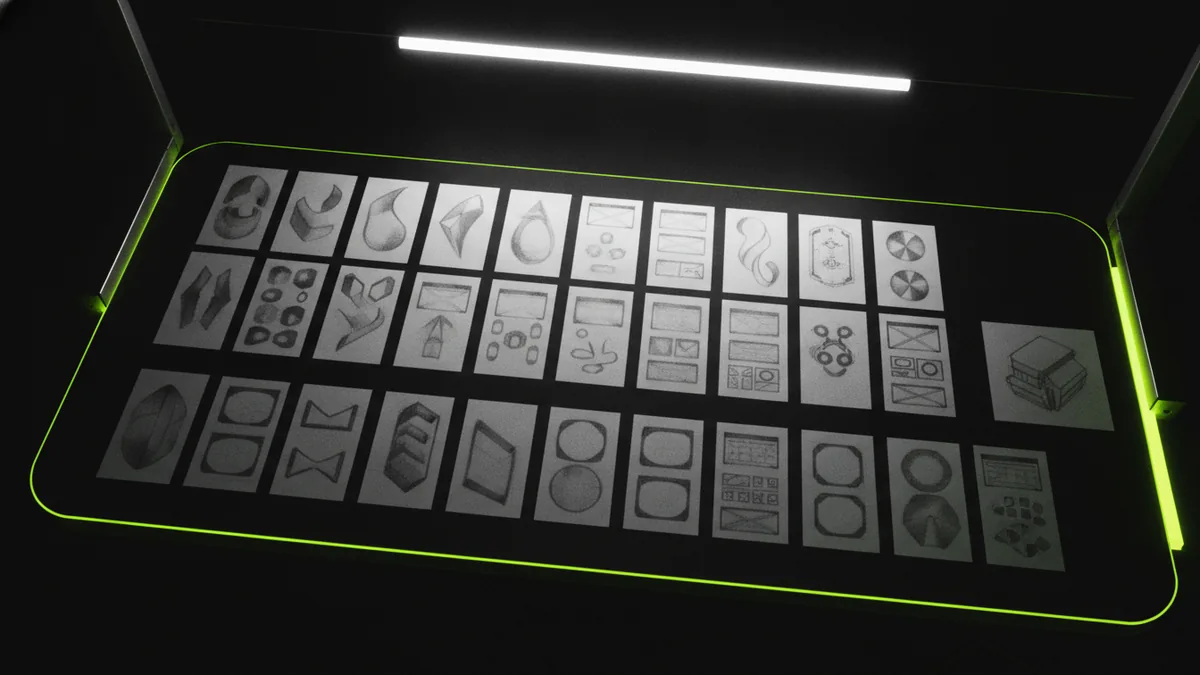
- Sketch rough ideas. Make quick black-and-white thumbnails. Aim for variety in shapes, not fine detail.
- Create digital versions. Move the best ideas into vector form. Build 2–4 options so you can compare later.
- Get feedback. Ask for first-impression reactions. Also ask which version looks best at small size.
Keep the logo design tight. If you cannot explain the mark in one sentence, it may be too complex. After you narrow to one direction, refine the details like spacing, stroke weight, and letterforms. That is where a logo becomes polished.
Choosing colors and typography that stay readable
Color decisions should support recognition and contrast. Start by choosing one primary color and one supporting color. If you add more, ensure they work together in small areas like circular icons.
Also plan for backgrounds. A logo that works on white might fail on a dark thumbnail. Test it with a simple dark background and a light background before you commit.
Typography is part of your logo, even if you use an icon. Choose fonts that match your channel tone and stay legible in small sizes. For letter-based logos, focus on spacing and x-height. If viewers cannot read it at thumbnail scale, you lose the benefit of a wordmark.
Color and typography work best when they follow a few rules. Use contrast, limit the palette, and avoid thin strokes. Thin lines look great on screen at large sizes, but they break into visual noise when scaled down.
- Use 1–2 brand colors. Make one color dominant for fast recognition.
- Test contrast early. Check readability on dark and light backgrounds.
- Prefer legible forms. Avoid super-thin strokes for icon versions.
- Match the channel mood. Pick color and type that fit your content.
Tools for designing logos: free options and pro workflows
You do not need expensive software to learn how to design youtube channel logo. Free tools can get you to solid drafts fast. However, vector output matters for a final logo that scales cleanly.
Canva is a popular starting point for layout and simple mark building. It helps you explore ideas quickly. Adobe Illustrator is a more advanced option for precise vector work and cleaner exports.
Logo makers can also help you generate concepts. They can be useful for getting direction, especially when you are short on time. Still, be careful. Some generated designs are hard to customize and may look generic if you do not refine them.
If you want a smoother path, use digital design tools in phases. Draft in a flexible tool, then rebuild your winner in a vector editor. That approach improves quality and prevents pixelated edges.
| Tool | Best for | What to watch |
|---|---|---|
| Canva | Fast drafts and layout exploration | Export quality and vector precision |
| Adobe Illustrator | Clean vector logo creation | Time cost if you start from scratch |
| Logo makers | Idea generation and quick variations | Uniqueness and customization limits |
When you use any tool, aim for two end results. You need a full logo and an icon version. The icon version is what will often show up in small UI elements.
Testing and finalizing your YouTube logo
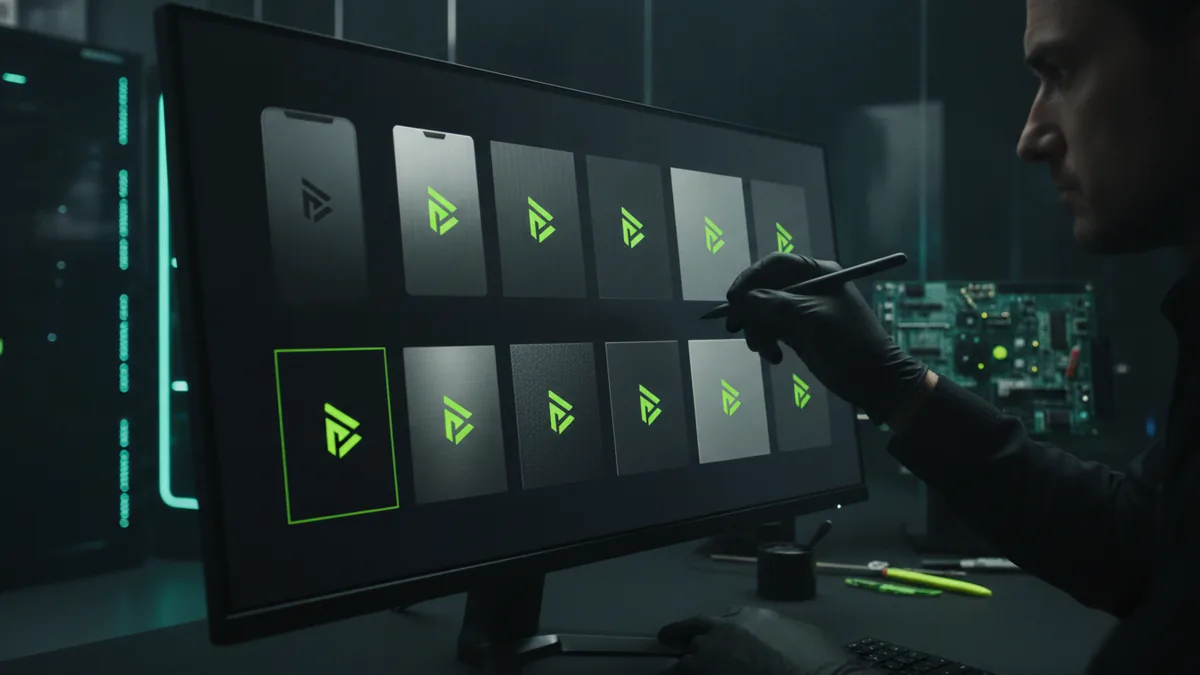
Before you export the final files, test the logo like it will appear on YouTube. Shrink it down to thumbnail size and check whether the icon and text remain clear. If it only looks good large, you still have work to do.
Also test edge cases. Try the logo in one color, because sometimes your channel graphics will be limited. Test it with a circular crop, since many avatars appear in a circle. If your design relies on long horizontal shapes, it may lose meaning when cropped.
Scalability is the real goal. A logo should look sharp at small sizes and still hold detail at bigger sizes like channel banners. Create versions that support both scenarios, rather than stretching one file.
After you choose the final design, gather files you can reuse. Export the logo as vector when possible. Also export a high-resolution PNG for quick use in thumbnails. That saves time when you are producing new videos.
- Check at thumbnail size. If you squint, simplify the mark.
- Test one-color use. Convert to black and white and re-check clarity.
- Verify icon readability. Make sure the icon works without text.
- Export multiple formats. Vector plus high-res PNG covers most needs.
Examples of effective YouTube logos and why they work
Look at successful channels and notice the design choices, not just the style. Effective logos are usually simple and recognizable in motionless views. They often use strong contrast and clear shapes that survive size changes.
For example, many tech channels use clean icons with minimal detail. That works because viewers scan fast and associate the icon with a topic. If the icon is tied to the channel theme, the logo becomes a shortcut for what to expect from content.
Gaming channels often use bold typography or high-contrast color blocks. That helps the logo stand out in crowded thumbnail grids. Lifestyle and creators sometimes use rounded shapes and warm colors to feel approachable.
You can apply these patterns without copying them. Focus on what makes each logo effective: clear shape hierarchy, limited colors, and strong legibility. Then adapt the approach to your own niche and tone.
- Simple icon hierarchy. The main shape reads first at small sizes.
- Limited color palette. Colors support recognition, not decoration.
- Clear edge definition. Strokes stay visible after scaling.
- Consistent style across assets. Your logo matches thumbnails and channel art.
If you follow this process, you will learn how to design a youtube channel logo that holds up in real use. Not just on a design canvas. It will look good in the places viewers actually see it.
Frequently asked questions
What is a logo on YouTube, and what role does it play?
A logo is your channel’s visual mark used in comments, lists, and avatars. It supports branding by making your channel easier to recognize quickly.
How do I design a YouTube channel logo step by step?
Start with channel words and symbol ideas. Sketch options, build vector drafts, and get feedback on clarity at small size.
What colors work best for a YouTube logo?
Choose a primary color plus one supporting color. Then test contrast on both dark and light backgrounds to confirm readability.
Can I use a logo maker to learn how to design a YouTube logo?
Yes for early concept directions, but refine the design. For the final, rebuild in vector so it scales cleanly.
How do I test my logo for thumbnails and small screens?
Shrink it to thumbnail size and check icon readability. Also test one-color versions and circle crops to catch common failures.
What makes a YouTube logo effective compared to an average one?
Effective logos have simple shape hierarchy, limited colors, and crisp edges. They remain recognizable when cropped and scaled down.