How to Make a YouTube Logo for Your Channel (Free Tools)

Why your YouTube logo matters
Your YouTube logo is one of the fastest trust signals viewers see. It shows up on your channel page, next to videos, and in search results. A unique mark helps people recognize you even when thumbnails are small.
On YouTube, recognition beats originality. When your logo stays consistent, viewers learn your look and style over time. That is how branding becomes visual memory, not just a profile picture.
If you want a simple starting point, treat your logo like a “mini thumbnail.” It should still read at tiny sizes. That constraint shapes every choice you make in color, typography, and imagery.
Core elements of effective logo design
Good logos are built from a few strong design choices. Most beginners start with the idea, then struggle to make it work across sizes. Instead, start with what must survive small screens.
These elements matter most on YouTube:
- Color: Pick a small palette and keep contrast high. Use color theory to choose shades that feel right for your niche.
- Typography: Choose clear letterforms. Avoid fonts that look thin or decorative at small sizes.
- Imagery: Use simple shapes and symbols. Complex illustrations usually break when scaled down.
- Layout: Keep the logo balanced. A centered mark usually stays readable on round crops.
Think in terms of visual identity, not decoration. Your logo should match your channel vibe. If your content is energetic, your colors can be bolder. If your content is calm, use softer tones and cleaner shapes.
Free tools you can use to create your YouTube logo
You can create your own YouTube logo without paying for pro software. The goal is to use tools that export in clean formats and let you iterate fast. Speed matters, because you will test multiple versions.
Here are practical free options that many beginners find easy:
- Canva: Great for quick drafts and consistent templates. Use it to explore color and layout fast.
- Figma (free): Best when you want more control over shapes. It also helps with design feedback from others.
- Inkscape: Good for vector work. It is useful when you want crisp logos that scale cleanly.
- Photopea: Helpful if you need light edits to raster images. Use it for cleanup, not for deep vector design.
If your search is focused on how to make a youtube logo for free, start with Canva or Figma. Then move to Inkscape only if you need sharper vector exports. The workflow should match your skill level.
Step-by-step guide: how to make your YouTube logo
This is a beginner-friendly flow for how to make a youtube logo. It reduces decision fatigue and gives you a clear path from idea to final files. You will also build versions that you can test before committing.
- Write your logo goal in one line. Example: “A clean mark that feels friendly and modern for a gaming channel.” This keeps your choices aligned.
- Collect 10 logo references. Save them by vibe, not by exact style. Look for common patterns in colors and shapes.
- Pick a primary concept. Decide what your logo will show: an initial, an icon, or a simple symbol. If you plan to make youtube gaming logo, gaming often uses bold shapes and high contrast.
- Choose colors using contrast first. Pick one primary color and one supporting color. Add a neutral like white or dark gray for balance.
- Select readable typography. Test the font at small size. If you can’t recognize it quickly, switch fonts.
- Design in layers. Build the mark first, then add text. This makes it easier to adjust later.
- Create at least 3 variations. Make one icon-focused, one text-focused, and one combined version. This is the fastest way to discover what works.
- Export in the right formats. Save a transparent PNG for preview. Also export a vector file if your tool supports it.
When people ask how do you make a youtube logo, the missing step is usually testing. If you design only one version, you will waste time fixing problems later. The variations let you compare readability and style quickly.
If you want to make your own youtube logo and later reuse it, keep your file organized. Name layers clearly and group elements logically. That organization becomes useful when you create a new logo for a series or a special campaign.
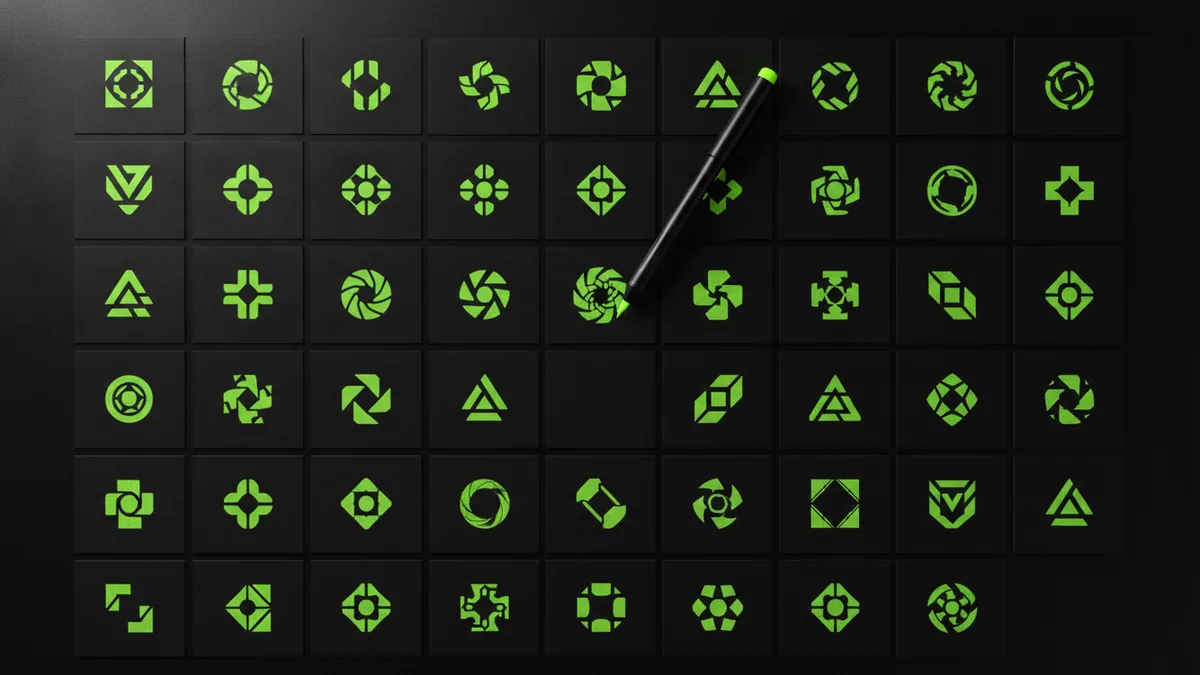
Customize your logo for a personal touch
Customization is where your logo becomes yours. Templates can be a start, but your best work comes from small changes that match your brand. This is also where logo creativity stays grounded in design feedback.
Try these customization moves:
- Use your channel initials: If your name is hard to fit, initials often read better at small sizes.
- Adjust the shape language: Rounded corners feel softer. Sharp corners feel bold. Pick one style and use it consistently.
- Apply simple icon rules: If you add an object, simplify it into 1–3 main shapes.
- Match color to content: Choose tones that fit your visual identity. Tutorials often work well with calm neutrals.
- Consider an animated version: If you want how to make youtube logo animation, start with a gentle effect like fade or rotation. Keep it short and subtle.
For watermark needs, you can make your own youtube watermark from the same logo system. Create a smaller version with extra spacing and export it as a PNG with transparency. This keeps your branding consistent across uploads.
For themed channels, you may even want alternate designs. A specific “gaming logo” variant can share the same colors and typography. That way, your visual identity stays stable even when your content changes.
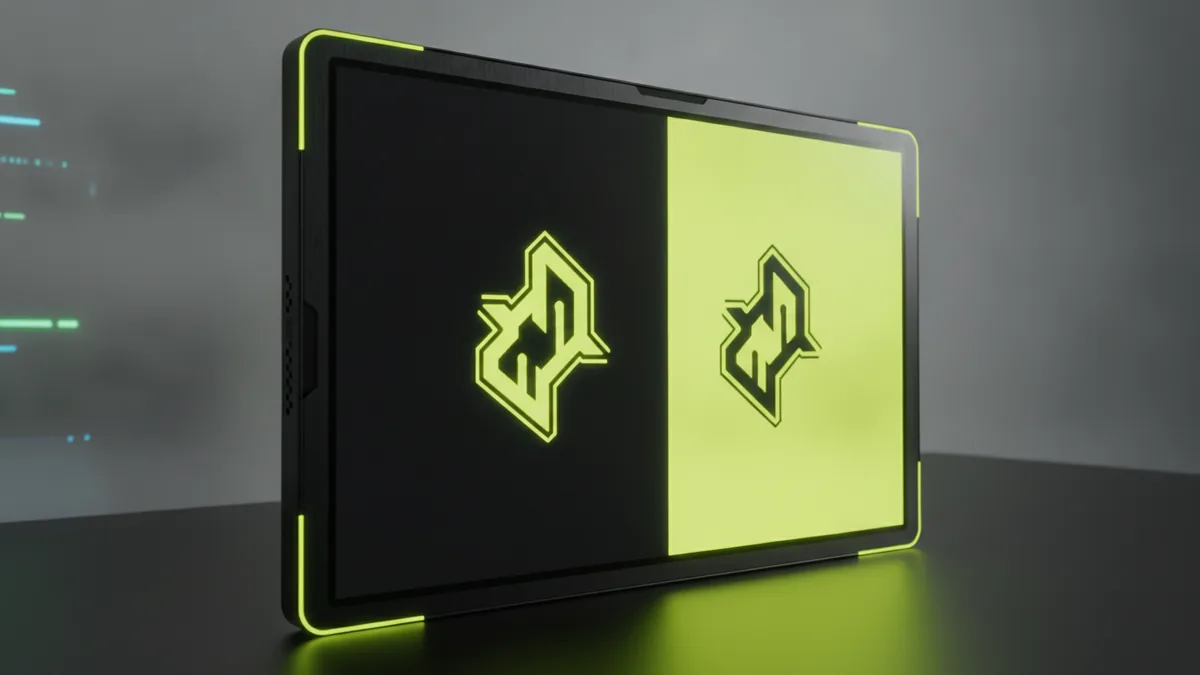
Test and validate your logo before finalizing
Testing is the difference between a pretty design and a usable brand asset. You need to validate clarity, appeal, and consistency. This matters because YouTube UI crops logos into small areas.
Use these checks before you publish:
- Small-size test: View the logo at thumbnail size. If details disappear, simplify shapes.
- One-color test: Turn your logo into a single color. If it still reads, your structure is strong.
- Contrast test: Check it on both dark and light backgrounds. Your colors must stay distinct.
- Feedback test: Ask 3 people to describe what they see in one sentence. If they describe the wrong thing, revise the icon.
- Consistency test: Confirm the colors and fonts match your channel banner. Visual identity should feel like one system.
Here is a simple validation workflow for how to make youtube logo free without guesswork. First, export your PNG and open it at multiple sizes. Second, compare versions side-by-side. Third, pick the version that stays readable and feels right to you.
Finally, keep your exports ready. You want a transparent PNG for profile, a larger PNG for banners, and the vector source if possible. When you update your channel later, you can iterate instead of starting over.
| What to test | How to test quickly | Common fix |
|---|---|---|
| Readability at small size | Zoom out until it feels like a YouTube thumbnail | Simplify icon shapes, reduce text density |
| Legibility in one color | Remove color and check contrast | Use bolder outlines and stronger spacing |
| Background fit | Place the logo on dark and light mock backgrounds | Adjust color values or add a subtle outline |
| Viewer interpretation | Ask for a one-sentence description | Change icon emphasis or typography |
Once it passes these checks, you can confidently upload it and start building branding with it. That is how to make your youtube logo work in the real world.
Quick FAQ about making a YouTube logo
How to make a youtube logo for free with no design experience?
Start in Canva or Figma. Build 3 simple variations using strong colors and readable type. Test each one at small size before picking your favorite.
How do you make your own YouTube logo that looks professional?
Use simple shapes, high contrast, and one clear concept. Keep the icon and text aligned. Then export a transparent PNG so it looks clean on any background.
What size should my YouTube logo be?
Use a square canvas and rely on transparent export. YouTube handles the final crop, so your main mark should stay centered. When testing, view it at thumbnail scale.
Can I create a logo for a specific style like a gaming channel?
Yes, but keep it consistent with your main brand colors and typography. You can make a gaming variant that shares the same icon family. That keeps your visual identity stable across uploads.
How do I make my own YouTube watermark from the same logo?
Reuse the same mark and create a smaller, simplified version. Export it as a transparent PNG. Then place it in the same spot across your videos for a consistent look.
Is it worth making a YouTube logo animation?
It can help, but only if it stays subtle. Use a short motion like a fade or quick rotation. The logo should still be clear when paused on the first frame.
Frequently asked questions
How to make a YouTube logo for free if I’m a beginner?
Use a free tool like Canva or Figma to draft three logo options. Keep shapes simple and test them at thumbnail size before you export.
How do you make a YouTube logo that looks good at small sizes?
Use high contrast, readable typography, and an icon with 1–3 main shapes. Do a small-size check early, then simplify what disappears.
What elements should my YouTube logo include?
Strong color choices, clear typography, and a simple icon or symbol usually work best. Aim for a balanced layout that stays readable when cropped.
Can I make a YouTube watermark using my logo?
Yes. Create a smaller version of the same mark, export it as a transparent PNG, and place it consistently across videos.
How do I know which logo version to pick?
Compare variations side-by-side on dark and light backgrounds. Ask for quick feedback, then choose the one that people describe correctly.