How to Get Nike Logo for Cricut (SVG + Illustrator)
Learn how to get a Nike logo for Cricut, find SVG files, create your own in Illustrator, and cut clean designs—plus key copyright notes.
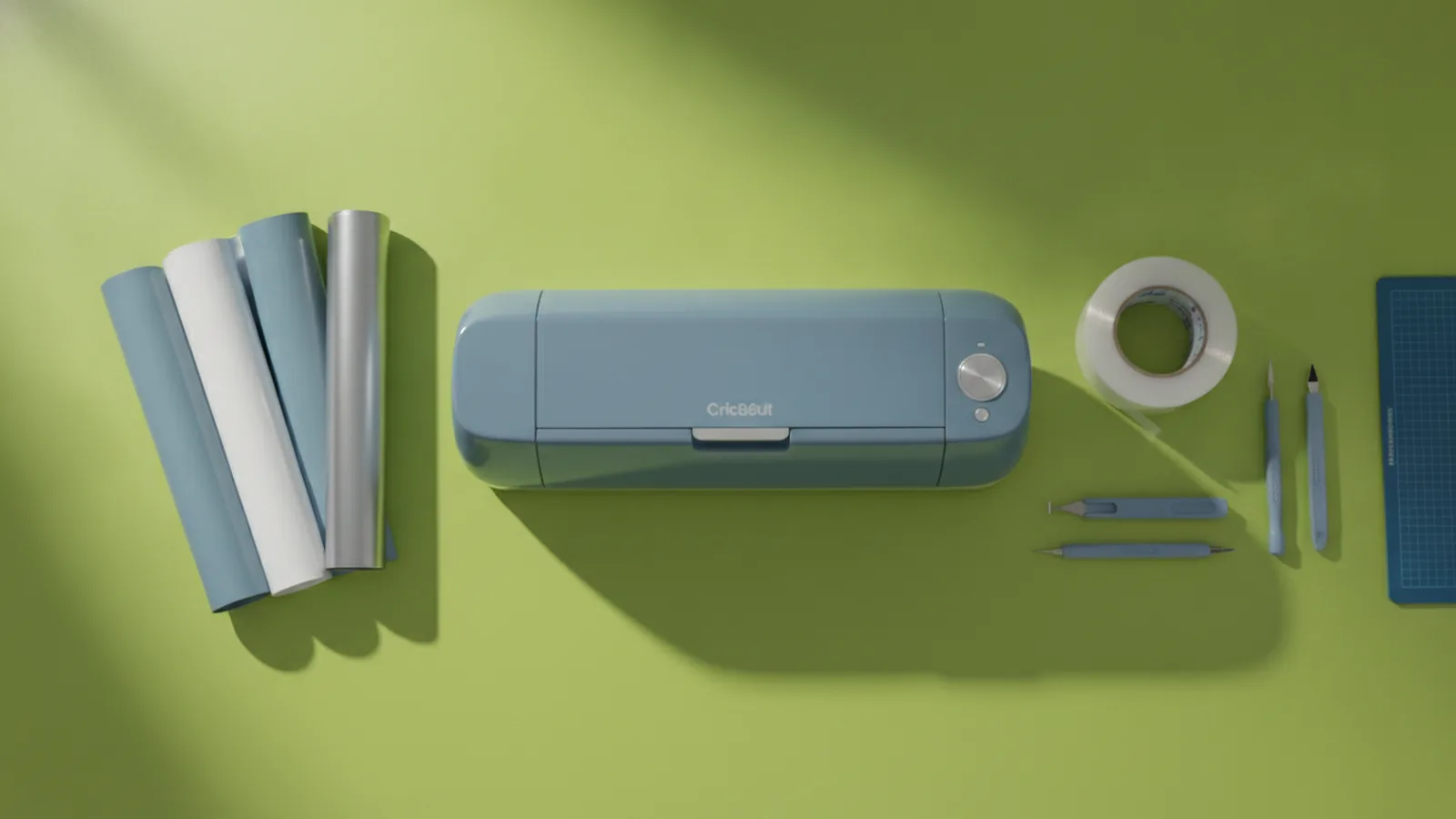
Understanding Cricut and Nike logos
If you want to use a Nike logo with a Cricut, the fastest path is getting an SVG file first. SVG is the file format that Cricut Design Space can use to cut shapes accurately. Without vector artwork, your design usually turns into jagged edges or uneven lines. So the core task is simple. Get the right artwork, then prepare it for cutting.
A Cricut cutting machine can handle many DIY crafting projects, from stickers to iron-on transfers. It does this by reading vector paths and translating them into tool paths. That is why clean logo geometry matters. You also need a design workflow that keeps the logo scalable and editable.
Before you start, decide what you are making. A vinyl decal needs different prep than a layered HTV transfer. You may also need to mirror the design for iron-on materials. Planning this early prevents rework later.
Finding Nike logo SVG files online
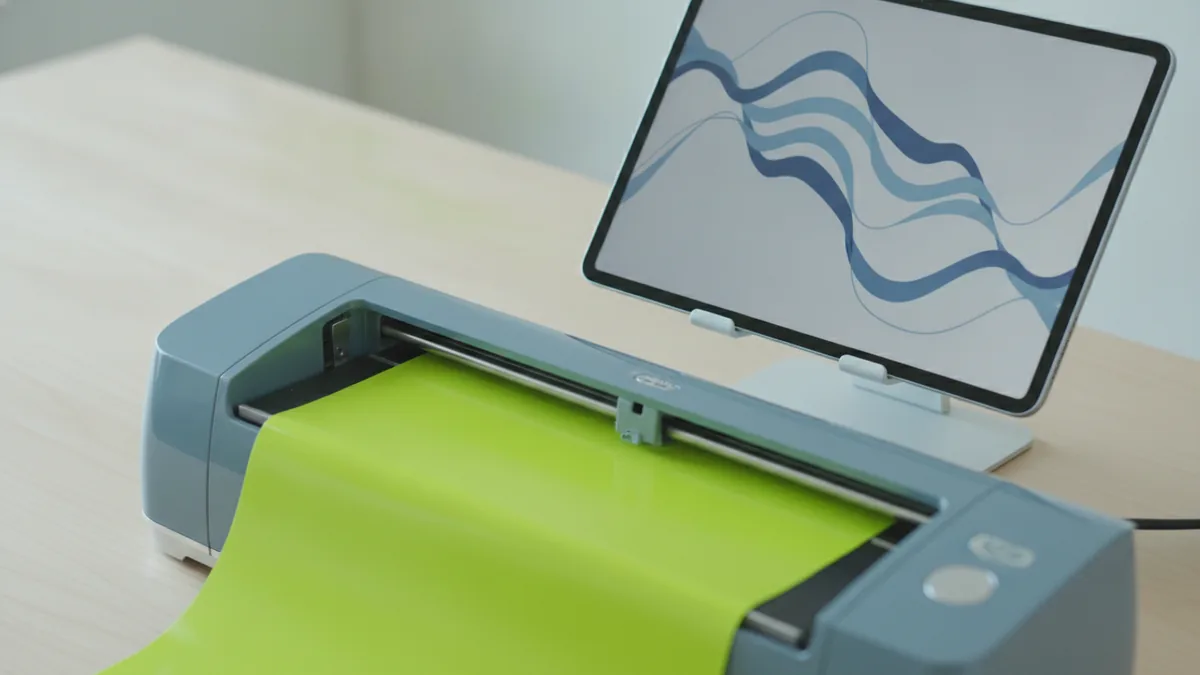
When people search “how to get nike logo for cricut,” they usually want a ready SVG download. Start by searching for “Nike logo SVG” plus “vector” and “path.” If you only find PNG or JPG, you will likely have to recreate it in Illustrator. That is slower, and the results can be less sharp.
Look for SVG sources that offer clean vector paths. A good sign is that the SVG opens in Illustrator without showing pixelated content. Another sign is that the file uses fewer, clear shapes rather than hundreds of tiny fragments. For Cricut project ideas, simple layered shapes cut more predictably.
If a site provides multiple formats, download the SVG specifically. Cricut can import SVGs directly, which keeps the workflow smooth. After importing, always preview the cut lines. Zoom in until you can see whether edges are smooth or broken.
- Prefer SVG files that import cleanly into Illustrator
- Check that paths look continuous, not like scattered dots
- Preview layers in Cricut Design Space before cutting
If you cannot find a high-quality file, switch to the next step. Creating your own vector is often more reliable than patching a poor SVG.
Creating a Nike logo using design software
There are two practical ways to answer “how to make a nike logo.” You can recreate it as a clean vector yourself, or convert an existing graphic into a vector you can edit. For Cricut use, you want a vector with clear curves and consistent stroke edges.
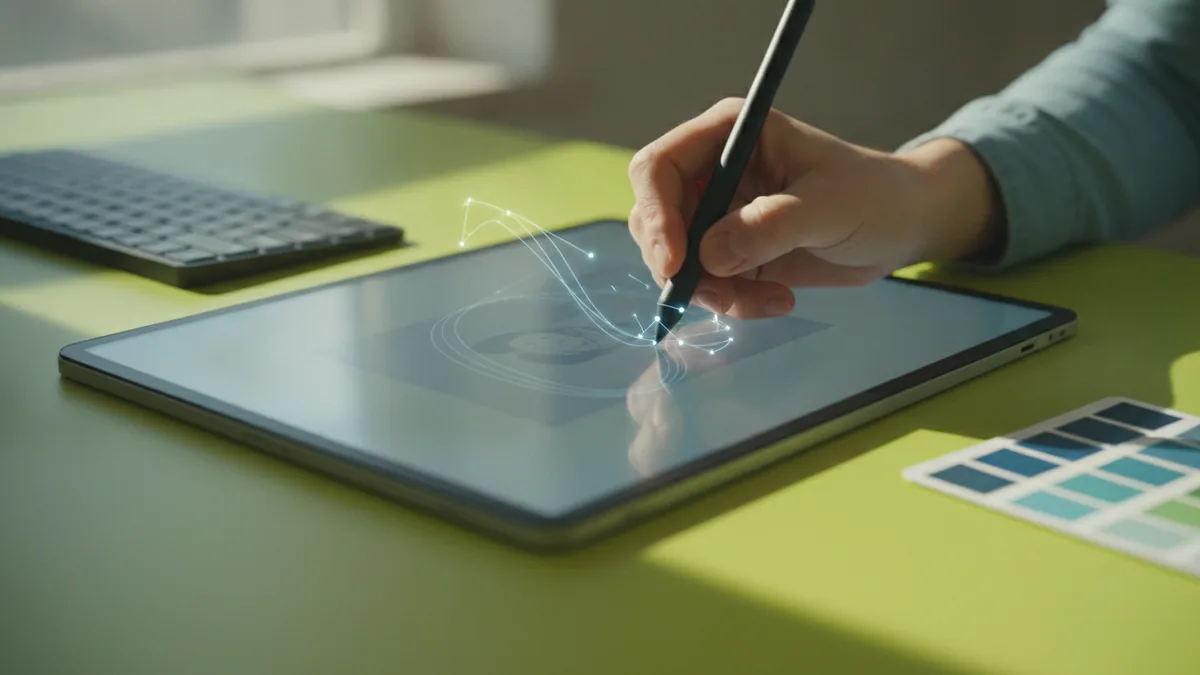
If you are aiming for “how to make nike logo in illustrator,” start with a base reference. Use a high-resolution image as a guide, not as your final artwork. Then trace key shapes using the Pen tool for best control. Illustrator tutorials often recommend building the logo from simple paths first, then refining curves.
Here is a straightforward Illustrator workflow that works well for logo shapes. Use the Pen tool to draw the outer contours. Next, add inner cutouts as separate paths. Then unify matching shapes using the Pathfinder tools so layers stay clean.
- Place a reference image on a locked layer
- Trace main shapes with the Pen tool
- Create cutouts as separate vector paths
- Use Pathfinder to combine or subtract shapes
- Export as an SVG for Cricut import
To “make a nike sign,” think in layers. For example, a two-tone vinyl decal might use a background layer plus a foreground layer. You will cut each layer separately, then align them. Keeping layers as separate paths is the key.
Tips for Cricut cutting with Nike logos
Once you have an SVG, the quality of your cut depends on settings and setup. Start with a test cut on scrap material. Even if the settings look right, material batches can vary. A two-minute test can save a full sheet.
Clean cuts also depend on vector simplification. If your SVG has too many tiny path segments, the machine will spend time moving and cutting everywhere. That can lead to rough edges. In Cricut Design Space, check whether you can clean up the design by adjusting layer order or removing micro details that do not matter.
Use the right blade and mat for your material. For vinyl, a standard fine point blade is common, but your exact setup depends on your Cricut model and vinyl type. For iron-on, use the correct iron-on workflow and check pressure settings. If your logo includes thin lines, those are the first to lift or tear.
- Run a small test cut before the full logo
- Keep thin areas as sturdy shapes, not hairlines
- Use correct mat type and blade for your material
- Turn on “mirror” only when using iron-on
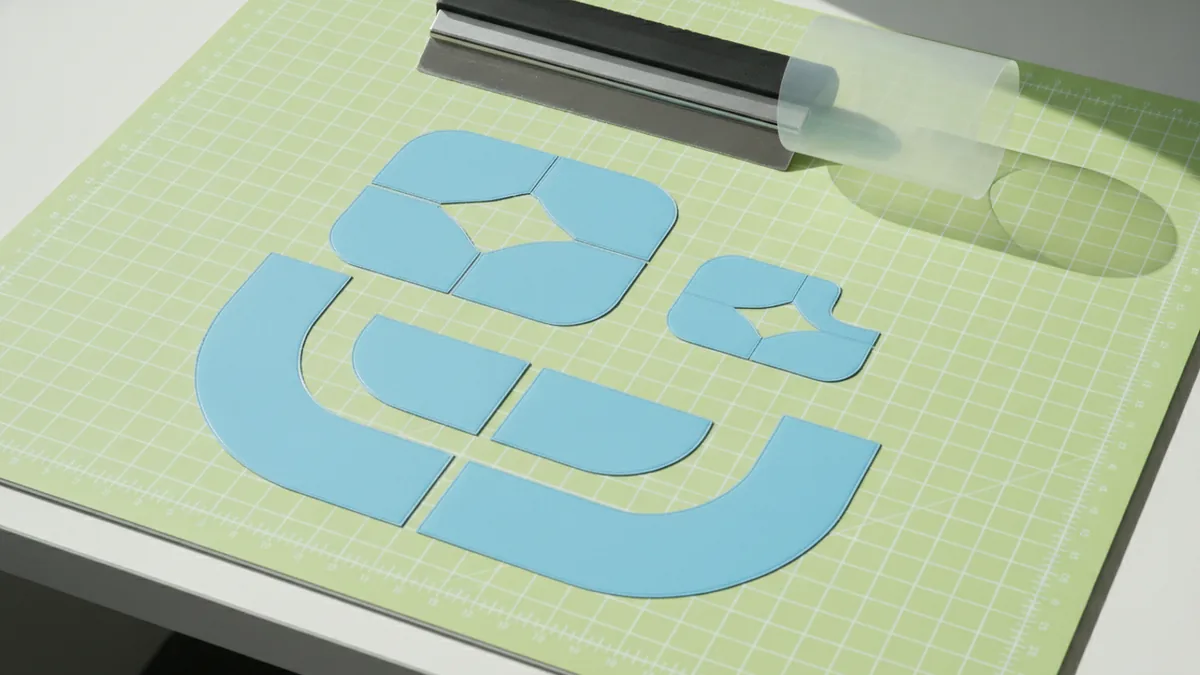
For layered designs, cut each layer at the same scale. Then use registration marks if you struggle with alignment. You can also apply transfer tape carefully to reduce stretching. Go slow while weeding, because delicate parts fail during removal.
Legal considerations for using Nike logos
Before you print, cut, or sell anything using a Nike logo, understand the risks. Nike is a trademarked brand, and logo use is often restricted by trademark law. Even if you create an SVG from scratch, that does not automatically grant permission to use the mark commercially.
Copyright also matters when someone else provides a logo file. A downloaded SVG might be shared without the right permissions. If you use that file in public or sell finished products, you could receive a takedown request. For personal DIY crafting projects, risk is usually lower, but it is not zero.
Practical guidance helps you decide your next move. Keep the use clearly personal, like a non-sold craft for your own use. If you plan to sell, consider using a licensed logo source or switching to an original design. When in doubt, consult a qualified legal professional for your exact plan.
| Use case | Common risk level | Safer approach |
|---|---|---|
| Personal wall decal or gift | Lower, still not risk-free | Keep it non-commercial |
| Online posting for sale | Higher | Seek permission or use original art |
| Downloads and reselling SVG files | Highest | Do not redistribute trademarked assets |
If you are building Cricut project ideas around sports brands, a clean alternative is making your own “athletic vibe” logo. Then you avoid trademark use while still getting the design you want. You can also experiment with abstract swooshes or custom shoe-themed graphics.
For trademark basics and how marks are protected, you can review guidance from the USPTO on trademarks and proper use. USPTO trademark guidance explains how marks work and why permission matters.
Recommended workflow summary
If your goal is “how to get nike logo for cricut,” your quickest route is to start with an SVG. If the SVG quality is weak, recreate the artwork in Illustrator for cleaner paths. That is also the best route for layered projects where you need precise control.
Once your vector is ready, import it into your Cricut design software and preview cut paths at high zoom. Run a test cut on scrap material, then adjust if thin lines or corners peel. After that, focus on careful weeding and alignment for multi-layer results.
Finally, keep the legal side in mind. Trademark permission drives whether you can make and sell physical products. For purely personal DIY, you can usually proceed with lower concern, but still avoid redistributing logo files.
Frequently asked questions
- How to get Nike logo for Cricut without a messy cut?
- Get a clean SVG vector, not a PNG. Import it into Cricut Design Space and preview the paths at high zoom.
- How to make a Nike logo for Cricut in Illustrator?
- Trace the logo shapes with the Pen tool, build cutouts as separate paths, then export as SVG.
- How to make a Nike sign that cuts well as vinyl layers?
- Design it as layered vector shapes. Cut each layer separately, then use transfer tape to align them accurately.
- What Cricut settings help for small logo details?
- Run a test cut and adjust blade, pressure, and mat type for your exact material. Thin lines may need to be thicker for reliable peeling.
- Can I sell Cricut projects using the Nike logo?
- Nike is a protected trademark, and selling branded products may require permission. For safety, avoid commercial use or use licensed/original artwork.
Related reading

Logo vs Symbol: Definitions, Similarities, and Design Differences
Logo vs symbol: definitions, similarities, and real branding examples.
How to Do a Logo Presentation That Builds Trust
Learn how to make a logo presentation clients trust, with design, storytelling, and feedback steps.
How to Make a Clan Logo That Looks Memorable
Learn how to make a clan logo with gaming-ready design tips.