What UI and UX Design Means: Roles, Process, and Careers
A clear guide to UI, UX, roles, process, and career paths.
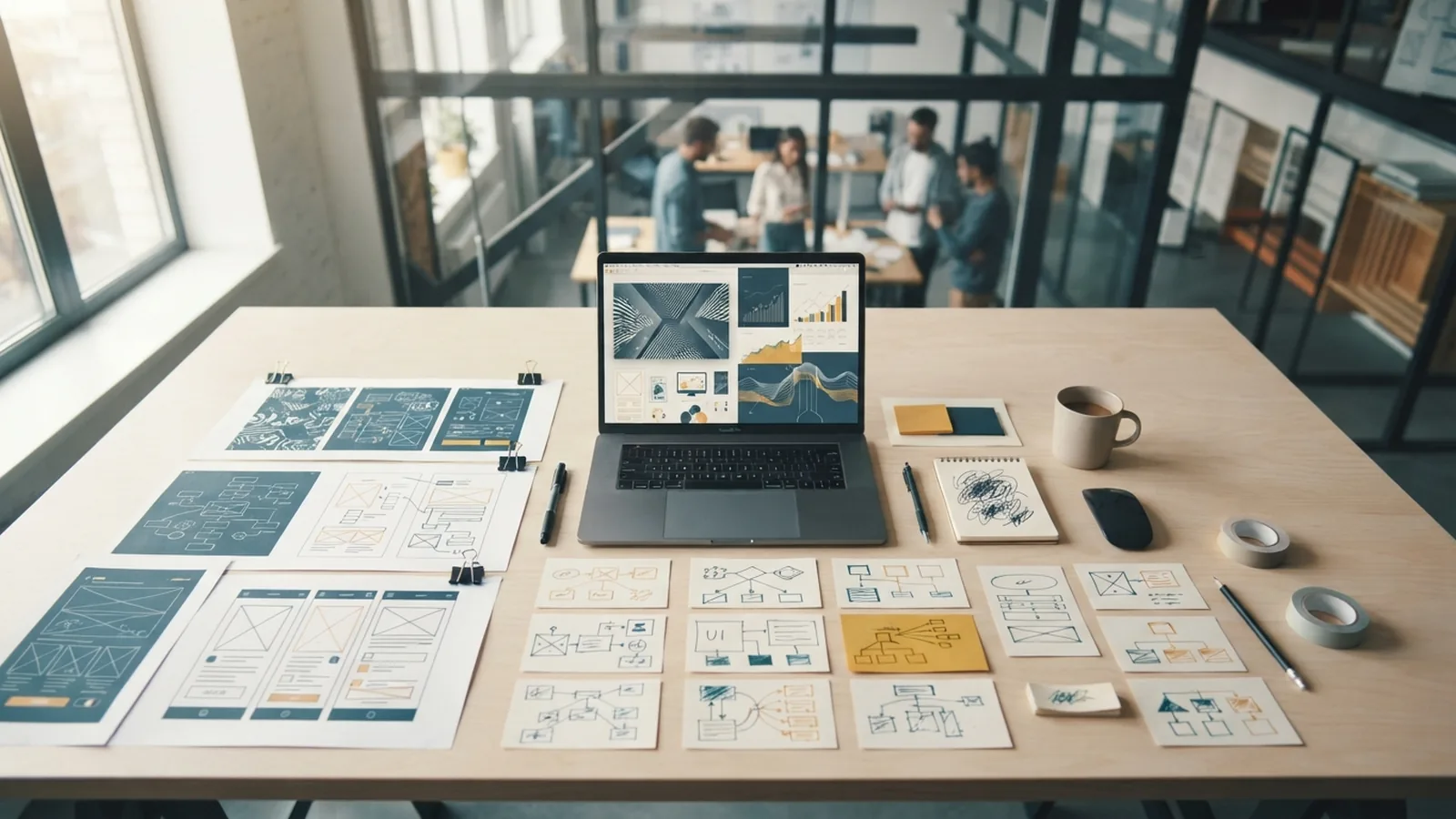
What Is UI and UX Design?
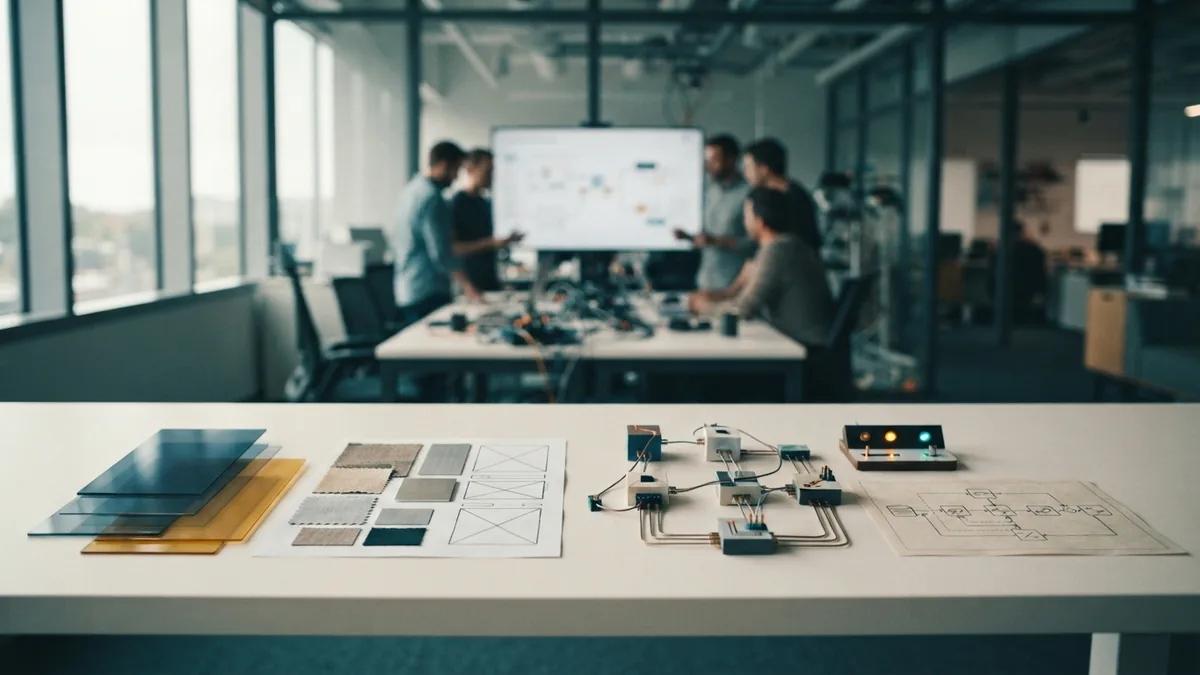
What is UI UX? UI means user interface. It covers the visual and interactive parts of a digital product.
Buttons, menus, screens, icons, colors, and type all form the UI. UI design helps people see what they can do next.
UX means user experience. It covers the full experience people have with a product. UX includes task flow, ease of use, speed, trust, and results.
So, what is UI and UX design? It is the joined work of shaping how a product looks and works. A banking app may have clean screens. Its UX must also make checking a balance feel simple.
If you ask, “what is UI UX mean?” the short answer is simple. UI shapes the product surface. UX shapes the full path through the product.
UI vs UX: What Is the Difference?
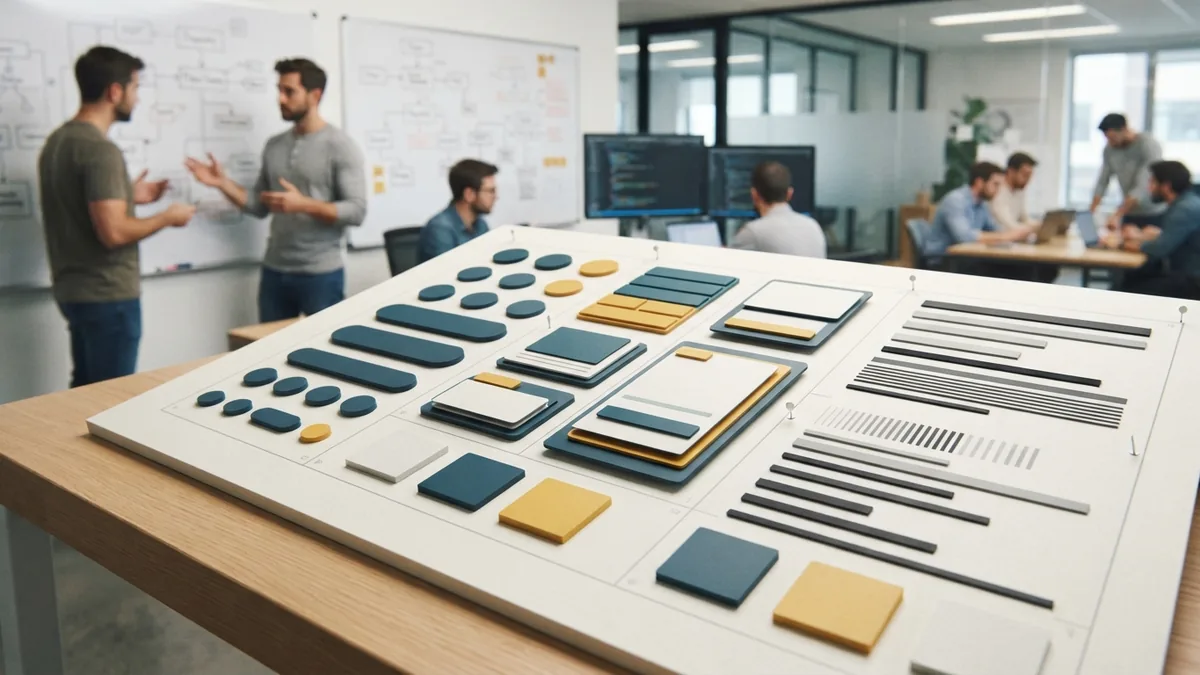
What is UI vs UX? UI design focuses on the product’s look and direct controls. UX design focuses on the user’s goals, needs, and task flow.
UI designers work on layout, color, type, spacing, buttons, and motion. UX designers work on research, structure, flows, and testing.
The phrase “UI vs UX what the difference” points to this split. UI asks if a screen feels clear. UX asks if people can finish tasks without confusion.
The fields overlap in practice. A good flow needs clear screens. A polished screen cannot fix a broken task path.
| UI design | UX design |
|---|---|
| Shapes screens and visual style | Shapes journeys and task flow |
| Designs buttons and menus | Studies needs and pain points |
| Checks visual consistency | Checks ease, speed, and success |
What is UI in web design? It is the visible layer of a website or web app. It includes page layout, links, forms, menus, controls, and feedback.
What Does a UI/UX Designer Do?
What is a UI UX designer? This person helps shape both the look and use of a digital product.
What do UI UX designers do each day? Their work can include research, planning, screen design, review, and testing. The exact mix depends on the team and product.
A UI designer creates the visual system for a product. This role covers buttons, navigation menus, forms, cards, icons, and other controls.
A UX designer studies user needs and turns them into useful flows. They may run interviews, build personas, map journeys, and test early ideas.
That answers “what is UI UX designer do” and “what UI UX designer do” in practical terms. They find user problems, shape solutions, and check if those solutions work.
- UI designer: owns the look and feel of screens.
- UX designer: owns research, flow, and ease of use.
- Product designer: links user needs, product goals, and design work.
- UI/UX designer: handles parts of both UI and UX in one role.
UI Design Elements That Guide Users

UI design turns a product plan into clear screens. Each element should show users what they can do next.
Layout creates order on a screen. Color can guide attention and show status. Typography helps users scan labels, prices, warnings, and results.
Interaction details matter as much as style. A button should look usable. A form should show its state. A menu should reveal where each choice leads.
Strong UI also supports access for more users. Clear contrast, useful labels, and visible focus states help people move through the interface. The W3C accessibility guidelines give teams a trusted baseline for these choices.
- Layout: groups related items and sets a clear reading path.
- Color: marks actions, status, risk, and brand tone.
- Typography: supports scanning and shows content order.
- Controls: let users act, choose, search, or submit.
- Feedback: confirms actions and explains errors.
The UX Design Process

The UX design process tests ideas before a team spends time building them. It often starts with user research.
Researchers may review support issues, watch task sessions, or speak with target users. These findings help the team define a clear problem.
Next, designers map needs and task paths. A persona can describe a key user type. A journey map can show pain points across each step.
Wireframing comes next. A wireframe is a simple screen plan with little visual detail. It lets the team review layout and flow first.
Prototyping adds clickable steps to the plan. Users can try a task before the product is built. Usability testing shows where users pause, fail, or choose the wrong path.
- Research: learn what users need and where tasks break.
- Define: set the user problem and success measure.
- Wireframe: plan screens, content, and task flow.
- Prototype: link key screens into a testable path.
- Test: watch users complete real tasks.
- Refine: fix weak steps and test the changes again.
What is UI UX testing? It is the review of both interface quality and user task success. Teams can test labels, layouts, flows, and working prototypes.
How UI and UX Work With Development
Designers and developers must work together from the start. Design sets the intended experience. Development turns that plan into a working product.
A UI/UX developer often sits between these areas. What is a UI UX developer? This role builds the front end while protecting key design choices.
What does a UI UX developer do? They may turn prototypes into code, add interaction states, and check mobile layouts. They also help designers spot ideas that may fail in a real build.
Some people ask, “what is a UI and UX developer?” The name can mean a developer with strong design skills. It can also mean a front-end developer who works closely with a design team.
What is UI UX development? It is the build work that connects user flows, interface designs, and live product features. Good teams review the result together.
- Designers explain user goals and key task paths.
- Developers flag limits before they become costly.
- Both teams check states, errors, speed, and access.
- Product owners measure task success after release.
UI/UX Roles and Career Opportunities
UI/UX roles and responsibilities vary by company size. A small team may need one broad product designer. A large team may split research, UI, UX, content, and front-end work.
How do I become a UI UX designer? Start with basic visual design and user research. Then build small case studies that show your choices and results.
A UI UX design course can teach core methods. Look for lessons on wireframing, prototyping, user research, visual design, and usability testing.
Practice matters more than course names. Redesign a sign-up flow. Explain the old problem, your changes, and what you learned from testing.
To become a UI UX designer, learn one design tool well. Study layout, type, color, and information structure. Then learn enough front-end code to discuss trade-offs with developers.
- Beginner: learn design basics and study real products.
- Builder: create flows, prototypes, and case studies.
- Job seeker: show clear work and explain your decisions.
- Growing designer: test work with users and track results.
Hiring teams often want designers who can cover both UI and UX. They value clear thinking, strong craft, and teamwork. A portfolio should show how each project helped users complete a real task.
Quick Answers About UI and UX
What is UI UX design mean in plain terms? It means making digital products clear, useful, and easy to use.
What is UI and UX design means in a real project? UI shapes the screen. UX shapes the user’s path and checks whether that path works.
The terms describe linked skills, not two isolated jobs. Strong products need both sides.
- ui ux design
- user experience design
- user interface design
- ui ux designer roles
- usability testing process
Frequently asked questions
What is UI UX design?
UI means user interface. UX means user experience. UI shapes the screen, while UX shapes the full task journey.
What is a UI UX designer?
A UI/UX designer works on screens, flows, research, prototypes, and testing. The role may cover UI, UX, or both.
What is a UI UX developer?
A UI/UX developer turns designs into working front-end features. They build interactions, states, and layouts while working with designers.
How do I become a UI UX designer?
Start with visual design, user research, wireframing, and prototyping. Build case studies and test your work with real users.
What is UI vs UX?
UI focuses on visual and interactive parts. UX focuses on user needs, task flow, and ease of use.
Share this article


Building something similar?
Tell us about your product — we respond within one business day with a concrete next step.