What Is a Heat Transfer Logo? Guide & Uses
Learn what a heat transfer logo is, how heat transfer printing works, common materials, durability factors, and when to choose it.
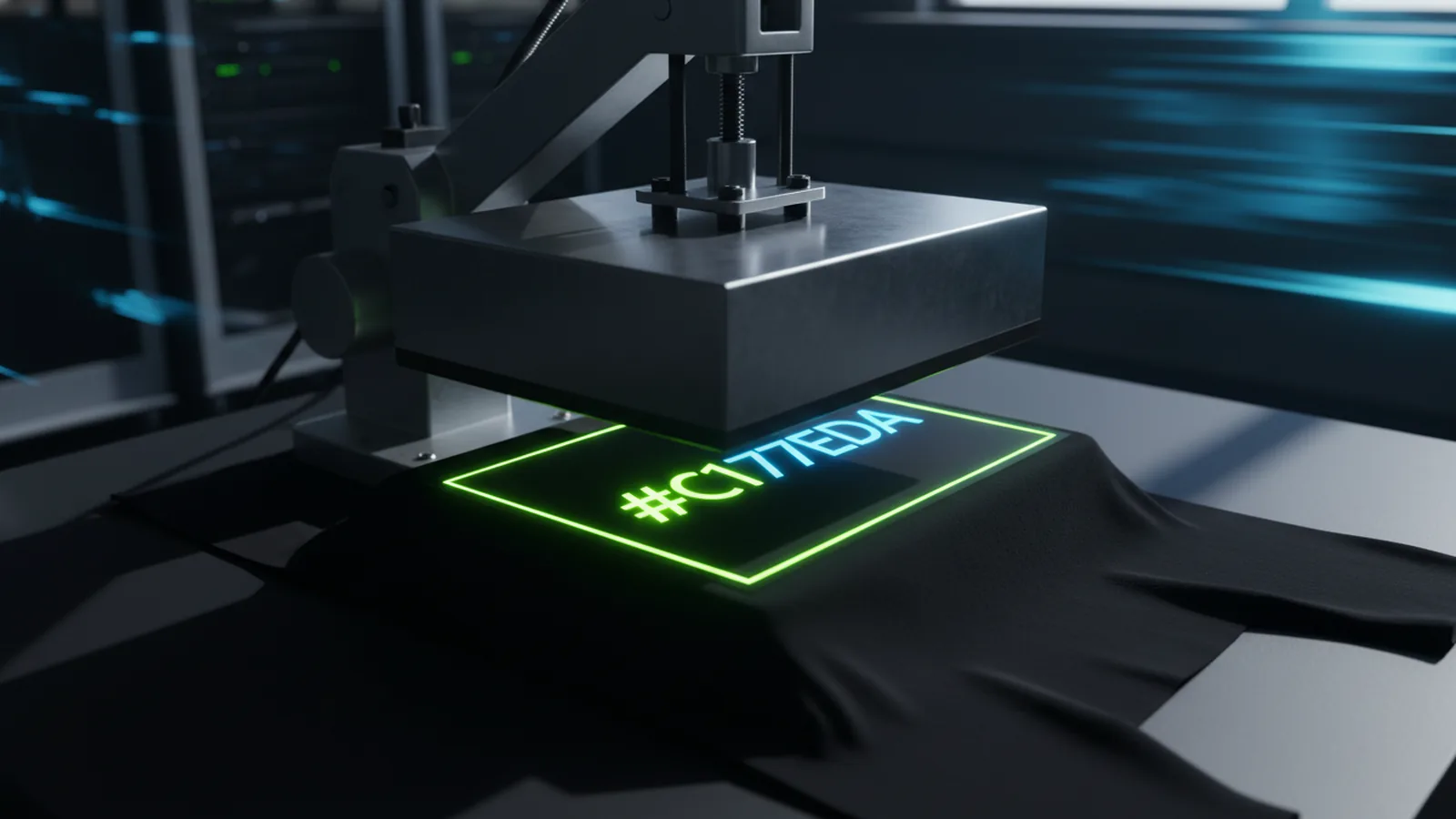
Heat transfer logos explained
A heat transfer logo is a brand or graphic applied using heat and pressure. No stitching, no direct ink printing. The logo moves from a carrier sheet to the target surface.
This method works well for apparel, uniforms, and branded items. It produces crisp edges and consistent color. It also handles small runs better than many direct-to-fabric methods.
In practice, "heat transfer logo" covers a few related methods. The most common is vinyl-based transfer, often called heat transfer vinyl (HTV). Transfer paper is another option. Your choice depends on the material and your tools.
- Goal: move a logo from a media layer onto fabric or another surface
- Mechanism: heat activates an adhesive or dye to bond to the target
- Outcome: a logo that feels like part of the surface
What is a heat transfer logo, really? (materials and types)
To pick the right option, start with the transfer type. Vinyl-based transfers use a solid cut layer that bonds under heat. Paper-based transfers use heat to move colorants into the target material.
The key difference is how the logo behaves after pressing. Think: thickness, flex, wash life, and fine detail. Vinyl transfers often look slightly raised. Paper or dye methods can be flatter, if the fabric fits.
Below is a quick comparison of common transfer styles and where they fit best.
| Heat transfer approach | Typical use cases | Common look/feel | Best material traits |
|---|---|---|---|
| Heat transfer vinyl (HTV) | Apparel logos, team wear, decals on soft goods | Slightly raised, durable, good edge definition | Fabrics that can accept adhesive bonding |
| Color transfer via transfer paper (varies by process) | Full-color branding, images on compatible fabrics | Can be flatter if the chemistry fits the fabric | Surfaces designed to receive the transfer medium |
| Sublimation-style transfers | All-over prints, performance wear, polyester blends | Often looks integrated into the fabric | Frequent best results on polyester or suitable coatings |
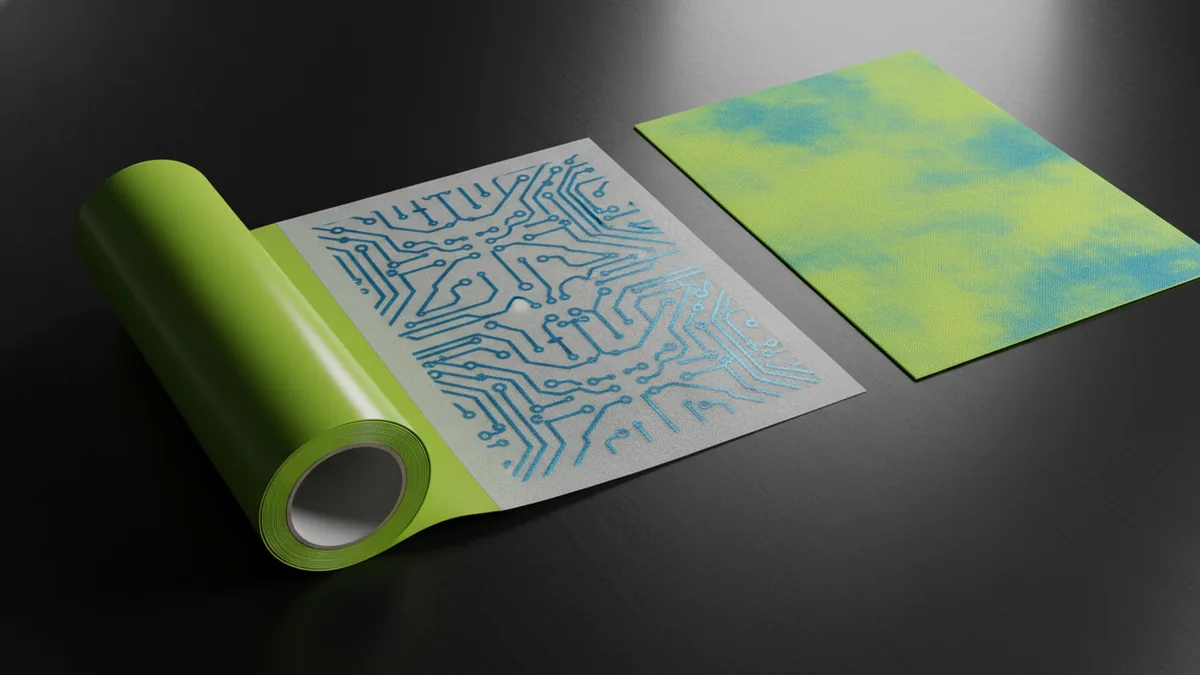
How a heat transfer logo is made (the workflow)
The workflow is simple: prepare art, cut or print it, align on the blank, then press. In most shops, the hard part is not the pressing. It's making sure the file, size, and material specs all match the transfer method.
First, prepare the art to match your method. Vinyl needs clean vector paths and layer choices. Transfer paper needs good color control and correct sizing so edges stay sharp.
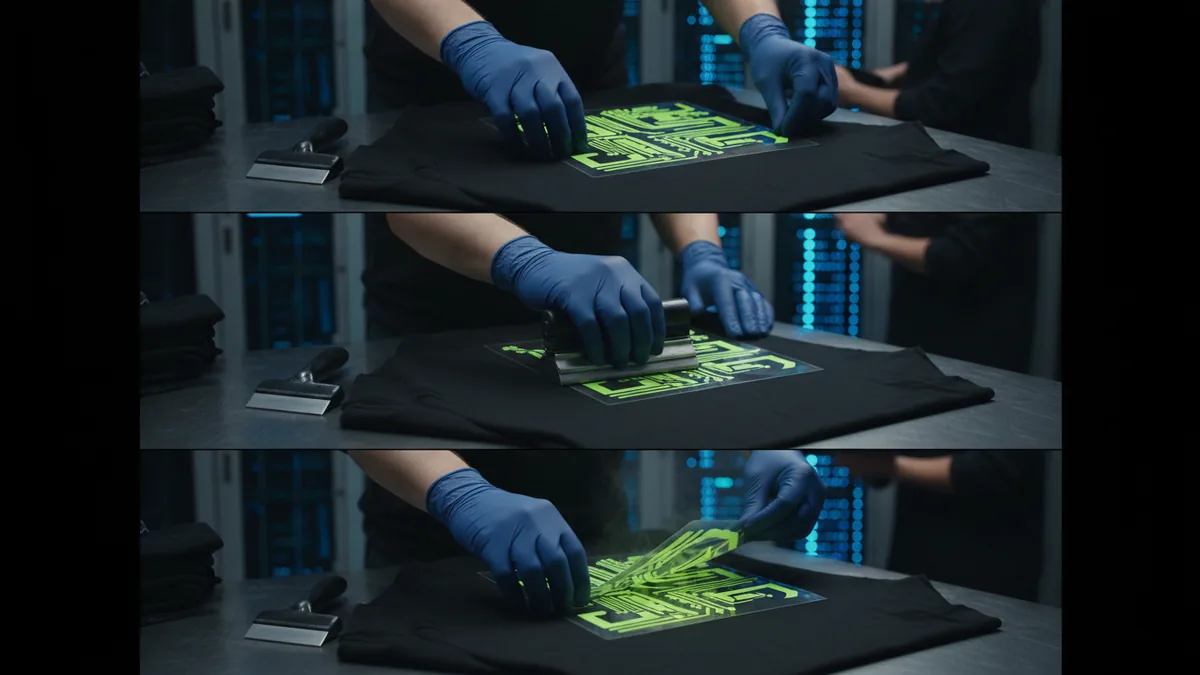
Next, set up the media and place the logo. Align it on the blank. Remove any carrier layers. Keep the surface clean and flat. Wrinkles and dust cause gaps and lifted edges.
- Prepare artwork: confirm colors, edges, and whether your logo will be layered or printed
- Produce the transfer: cut vinyl or print on transfer media using the right settings
- Position and secure: align on the blank and remove wrinkles
- Apply heat and pressure: press for the recommended time and temperature
- Cool and finish: allow proper cooling before peeling and inspect edges
Durability and quality factors (what affects wash life)
Durability is not just about press temperature. A logo's life depends on how well the media and fabric match. It also depends on your settings. Too much pressure or peeling too soon causes cracks and edge lift.
Material choice is the base. Natural fibers and blends act very differently from polyester or coated surfaces. Even weave density and finish affect how well the logo bonds.
Aftercare matters too. Wash gently. Dry on low heat. Turn garments inside out. That cuts abrasion on the logo and extends its life.
- Adhesion: determined by correct temperature/time and surface compatibility
- Edge quality: influenced by artwork resolution, cutting precision, and peeling method
- Flexibility: affects how the logo handles bending, stretching, and wear
- Washing conditions: heat, detergents, and abrasion can shorten lifespan
Design and prepress best practices for heat transfer logos
Prepress choices are where you win or lose. The biggest issues are tiny text, complex gradients, and art that ignores layering or film thickness.
Use vector art and simplify it. Thin strokes can break after trimming or pressing, especially on stretchy fabric. With multi-color logos, plan the layer order. Think about how small details will hold on the backing.
Plan size and placement too. A logo that looks great in a mockup can feel small on a pocket or sleeve. Check the minimum readable size. Note where seams or curves will fall.
| Artwork element | Common risk | Practical fix |
|---|---|---|
| Small text | Legibility loss or edge fraying | Increase font size and maintain clean vector outlines |
| Fine gradients | Banding or muddy transitions | Use solid shapes or limited color steps when possible |
| Thin outlines | Cracking or lifting | Thicken strokes slightly and test on the exact fabric |
| Complex multi-layer logos | Misalignment and peel issues | Reduce layer count or group colors thoughtfully |
When to choose a heat transfer logo (and when not to)
Heat transfer works well for consistent branding on many items. You get reliable results on apparel and promo blanks. It's also good when screen printing in-house is not an option. Run counts stay flexible.
Still, some jobs need a different method. High-stretch garments, ultra-thin layouts, and all-over photo prints may not suit heat transfer. Check whether your fabric is compatible before you commit.
When comparing options, ask your supplier these questions. Does it work with your exact garment? What are the press settings? How long will it last? Can they run a test piece first?
- Choose heat transfer when you want clear edges and branded consistency on blanks
- Choose another approach when your fabric or design does not match the transfer chemistry
- Always request a sample if your logo is complex or your fabric is unusual
How logomentary.com approaches logo-ready production files
Branding and web work differ. But the goal is the same: create assets that work in the real world. For heat transfer logos, treat the logo file as a system input, not just a visual draft.
Share placement, target size, and material type early. This avoids surprises. Text that's too small or colors that shift on the transfer medium are common late-stage problems. Early info fixes them.
Starting a project? Need help with brand assets for production? A quick call can map the path from logo concept to transfer-ready output.
Get a free consultation to plan your production-ready logo workflow alongside your web and e-commerce needs.
Frequently asked questions
- What is a heat transfer logo used for?
- Heat transfer logos are commonly used on apparel, uniforms, and promotional items where consistent branding is needed. They’re especially popular when you want clean edges and reliable placement.
- What materials work best for heat transfer logos?
- Compatibility varies by transfer method, but many processes work best with materials designed to accept the transfer medium. For best results, match the transfer type to the garment fabric or surface material.
- How long does a heat transfer logo last?
- Lifespan depends on transfer type, correct pressing parameters, and washing and drying habits. Gentle washing and avoiding excessive heat typically help logos keep their edges and color longer.
- Can heat transfer logos handle small text and fine details?
- They can, but small text and thin lines are more likely to lose clarity if they’re below practical minimum sizes. Simplifying artwork and increasing stroke weight often improves results.
- Why does a heat transfer logo peel or crack?
- Peeling or cracking usually comes from a mismatch between transfer media and substrate, incorrect heat/pressure/time, or peeling before proper cooling. Using the recommended settings for your exact materials is critical.
- Is a heat transfer logo the same as screen printing?
- No. Screen printing pushes ink directly onto the fabric, while a heat transfer logo bonds a pre-made graphic layer under heat and pressure. The look and durability can differ based on the transfer type and fabric.
Related reading

Can You Use a Company Logo Without Permission? Legal Implications
Fair use is narrow. Learn logo risks, legal limits, and safer alternatives.
How to Get a Nike Logo for Cricut (SVG + Illustrator)
Get Nike logo SVGs for Cricut or make one in Illustrator, then cut clean with smart settings.

Logo vs Symbol: Definitions, Similarities, and Design Differences
Logo vs symbol: definitions, similarities, and real branding examples.