SaaS Platforms Explained for Modern Software Teams
Understand SaaS platforms, their benefits, parts, and common examples.

What Is a SaaS Platform?
SaaS means Software-as-a-Service. A SaaS platform is cloud-based software that users access through the internet.
The provider runs the software on cloud infrastructure. Users usually pay a monthly or yearly subscription fee. They do not need to buy servers, install updates, or manage the core software.
That setup answers the common question, “what is a SaaS platform?” It is a hosted service that delivers software features on demand. A web browser or mobile app often provides the main point of access.
For example, a trading firm might use a hosted back-office system. The provider manages servers, storage, security patches, and new releases. The firm can focus on its work instead of running the software stack.
Most SaaS products use multi-tenant architecture. This means many customers share the same application instance. Each customer still has separate data, users, settings, and access rules.
Strong tenant controls keep one customer from viewing another customer’s records. Providers also set service level agreements, or SLAs. These agreements set targets for uptime, support, and response times.
For more detail on cloud service models, see NIST’s cloud computing definition. It explains shared resources, on-demand access, and measured service use.
Core SaaS Platform Characteristics
SaaS platforms share a set of design traits. These traits shape the user experience and the provider’s work behind the scenes.
- Internet access: Users reach the service from a browser, mobile app, or connected system.
- Subscription pricing: Customers pay for access over time instead of buying one permanent license.
- Multi-tenant design: One software version can serve many customers with separate data.
- Automatic updates: The provider ships fixes and new features for all supported users.
- Elastic scale: The service can add computing power as demand grows.
- Usage tracking: The provider can measure storage, seats, requests, or other service use.
These SaaS platform characteristics reduce work for the customer. A new user may need only an account and a sign-in. A larger firm may connect the service to identity tools, payment systems, or data feeds.
Updates also work in a different way than they do in desktop software. The provider changes the central service. Customers do not need to download a patch for every machine.
Good SaaS design also includes strong access controls. Admins can set roles, limit data access, and remove users. Audit logs can record key actions for review.

The Main Benefits of SaaS Platforms
SaaS platform benefits come from shared tools and managed delivery. The customer pays for a working service instead of building the full software stack.
Cost is one clear benefit. A firm may avoid large server purchases and long setup projects. Subscription pricing also makes costs easier to plan. The total cost still depends on users, storage, support, and added features.
Access is another major benefit. Staff can use the service from any internet-enabled device with the right sign-in. This supports remote work, branch offices, and outside partners.
Scale can be faster too. An admin might add 20 users in minutes. A provider can also add cloud resources when traffic rises. This helps firms handle growth without buying hardware first.
Automatic updates save time for internal teams. The provider handles routine patches, fixes, and feature releases. Customers should still review release notes and test key workflows.
- Lower upfront spending than many self-hosted systems
- Faster rollout for new teams and locations
- Simple access across approved devices
- Less work for internal server and patch teams
- Flexible user counts and service tiers
- Built-in backups, logs, and support options on many plans
SaaS is not risk-free. A customer must assess data controls, uptime history, export tools, and exit terms. The provider’s SLA should match the cost of an outage.
Data location may matter for regulated firms. So may audit access, retention rules, and support access. Buyers should check these points before moving key business processes.
How SaaS Differs From Traditional Software
Traditional software often runs on a customer’s own computers or servers. The customer buys a license, installs the product, and manages much of its upkeep.
SaaS shifts those tasks to the provider. The provider hosts the application and controls the main release cycle. The customer manages users, settings, and business data.
| Area | SaaS platform | Traditional software |
|---|---|---|
| Hosting | Provider cloud or hosted data center | Customer device or private server |
| Payment | Recurring subscription in most cases | Upfront license or paid upgrades |
| Updates | Provider ships updates to the service | Customer installs patches and new versions |
| Scale | Resources and seats can grow with demand | Customer often buys more hardware or licenses |
| Access | Internet access from approved devices | Often tied to local machines or a private network |
What distinguishes a SaaS platform from regular software applications is the delivery model. SaaS is a managed service, not just a software package. The provider runs the shared service and keeps it available.
Traditional software can still suit firms with strict local control needs. It may work well where internet access is limited. It can also suit teams with mature in-house operations.
SaaS may offer less control over release timing. It can also create vendor lock-in if data export is weak. A fair comparison must include support, risk, downtime, and long-term cost.

What Is Included in a SaaS Platform?
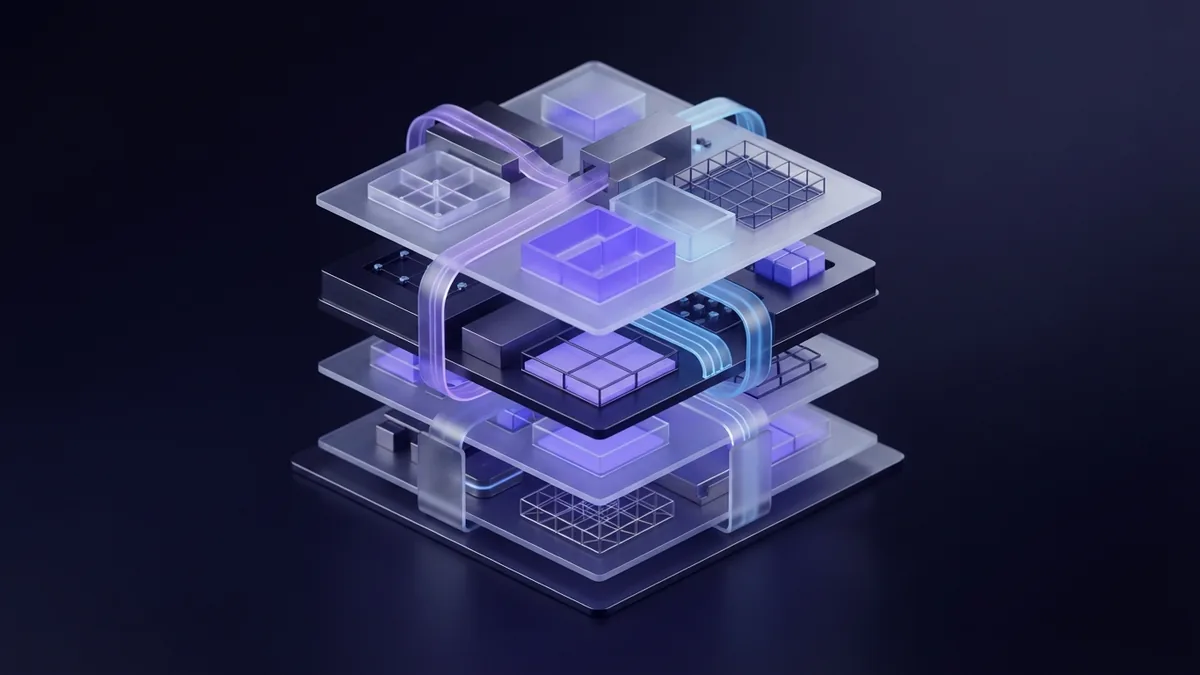
When people ask “which would be included in a SaaS platform,” they often mean more than the visible app. A full platform includes the software, cloud tools, and service systems behind it.
The front end is the part users see. It may include a browser app, mobile app, or API. An API lets other systems send data to the service and receive results.
The back end runs the main business rules. It stores records, checks permissions, processes tasks, and sends alerts. It may also connect with payment tools, identity services, and reporting systems.
- Application layer: Screens, workflows, rules, and user actions
- Data layer: Databases, file storage, backups, and data export
- Identity layer: Sign-in, roles, permissions, and audit logs
- Cloud layer: Servers, networks, storage, and traffic controls
- Service layer: Support, uptime checks, status alerts, and help content
- Business operations: Provisioning, billing, plans, and customer records
Provisioning means setting up an account, workspace, or tenant. Billing can track plans, invoices, renewals, and usage. Customer management can handle contacts, support cases, and account status.
Many platforms also offer application integration. They may connect to email, accounting, sign-in, analytics, or market data tools. These links help a SaaS product fit into a wider business process.
Security controls sit across every layer. Common controls include encryption, backups, role rules, and activity logs. Regulated markets may need added checks for records, approvals, and data access.
Popular SaaS Platform Examples
Salesforce is a well-known SaaS platform for customer and sales work. Teams use it to track leads, accounts, service cases, and related data.
Slack provides hosted team messaging and work channels. Dropbox offers online file storage, sync, and sharing. Both services show how users can reach the same product from many devices.
Other SaaS products support finance, design, marketing, human resources, and software development. The business goal changes, but the delivery model stays similar.
A custom SaaS platform can support more focused needs. A regulated trading firm might need order routing, user roles, trade records, and billing. The provider could host those tools while giving each client a separate workspace.
The right example depends on the buyer’s workflow. A product with many features may still fail if it lacks key integrations. Buyers should test real tasks before signing a long contract.
Where SaaS Is Heading
SaaS platforms are moving toward deeper automation. More services can set up accounts, assign roles, and spot unusual activity with less manual work.
Artificial intelligence will add new search, support, and data tools. The best products will keep a human review step for high-risk actions. Clear logs will matter when software makes a suggestion or takes action.
Platforms are also becoming more connected. Open APIs and event feeds can link SaaS tools with banks, exchanges, identity systems, and internal apps. This can cut duplicate data entry.
Data control will remain a key issue. Buyers will ask where data sits, how it moves, and how they can remove it. They will also seek clearer uptime terms and stronger export tools.
For regulated firms, the future will favor SaaS products with strong audit trails. They will need clear roles, steady uptime, and well-tested integrations. Convenience matters, but control matters too.
- saas platform benefits
- saas platform characteristics
- multi-tenant architecture
- cloud software delivery
- traditional software applications
Frequently asked questions
What is a SaaS platform?
A SaaS platform is cloud-hosted software that users access through the internet. Customers usually pay a recurring fee while the provider runs the system.
How does SaaS differ from traditional software?
SaaS runs on the provider’s cloud tools and receives central updates. Traditional software often runs on customer devices or servers.
What are the main SaaS platform benefits?
The main benefits include lower setup work, flexible scale, broad access, and automatic updates. Costs are often easier to plan with subscription pricing.
What does multi-tenant architecture mean in SaaS?
Multi-tenant architecture lets many customers share one application service. Strong access rules keep each customer’s data separate.
Which features are included in a SaaS platform?
A SaaS platform can include the user app, data storage, sign-in tools, cloud resources, billing, provisioning, support, and integrations.
Are SaaS platforms suitable for regulated businesses?
They can be suitable when the provider offers strong access controls, audit logs, data export, uptime terms, and clear data handling rules.
Share this article


Building something similar?
Tell us about your product — we respond within one business day with a concrete next step.