How to Make a Sonic Logo: A Practical Guide (Plus What a Sonic Logo Is)

How to Make a Sonic Logo: A Practical Guide (Plus What a Sonic Logo Is)
A sonic logo is a short, distinctive sound that helps people recognize a brand the way a logo and tagline do. When done well, what is a sonic logo becomes obvious in everyday life: you hear it and instantly think of the brand. This guide explains what is a sonic logo, then walks you through how to make a sonic logo from concept to final delivery.
Whether you’re building a new identity or refreshing an existing one, learning how to make sonic logo design decisions can save you time, money, and revision cycles. You’ll find practical steps you can follow, plus common mistakes to avoid so the sonic logo feels consistent across marketing channels.
What Is a Sonic Logo?
A sonic logo (also called a brand sound, audio logo, or audio mark) is a brief musical or sound-based signature. It is designed to be instantly recognizable and repeatable, typically lasting from a fraction of a second to a few seconds.
The core goal is recognition. Like visual branding, the sonic logo should be unique enough to differentiate your brand, but simple enough to remember. Most importantly, it should work across different contexts: ads, product experiences, customer support, and app notifications.
How a Sonic Logo Differs From a Jingle
Many people confuse a sonic logo with a jingle. A jingle is often a full musical piece that promotes a product or campaign. In contrast, the sonic logo is a compact identity element intended to be used repeatedly as an audio cue.
That difference matters when you design your sound. A jingle can evolve with campaigns, while a sonic logo should remain stable to build long-term recognition.
Typical Length and Format
Common lengths include 0.5 to 2 seconds, sometimes up to 3 seconds for longer placements. Designers often create multiple versions, such as a short “trigger” sound for UI events and a slightly longer version for video end cards.
Why Your Brand Needs a Sonic Logo
When you’re thinking about how to make a sonic logo, it helps to understand the real business value. A sonic logo can improve recall, strengthen brand consistency, and create a more memorable customer experience.
Stronger Recognition and Recall
Humans associate sound with meaning extremely fast. Used consistently, how to make sonic logo decisions—like the rhythm, tone, and timbre—can help people identify your brand in noisy environments where visual attention is limited.
Consistency Across Touchpoints
Your brand probably already has multiple visual marks. A sonic logo adds the same level of consistency to audio experiences, from onboarding to ads. This is especially useful for companies with app-based or service-heavy customer journeys.
Improved Emotional Connection
Sound communicates mood instantly. The sonic palette you choose—bright, warm, minimal, bold—can reinforce brand personality even when your audience isn’t actively watching or reading.
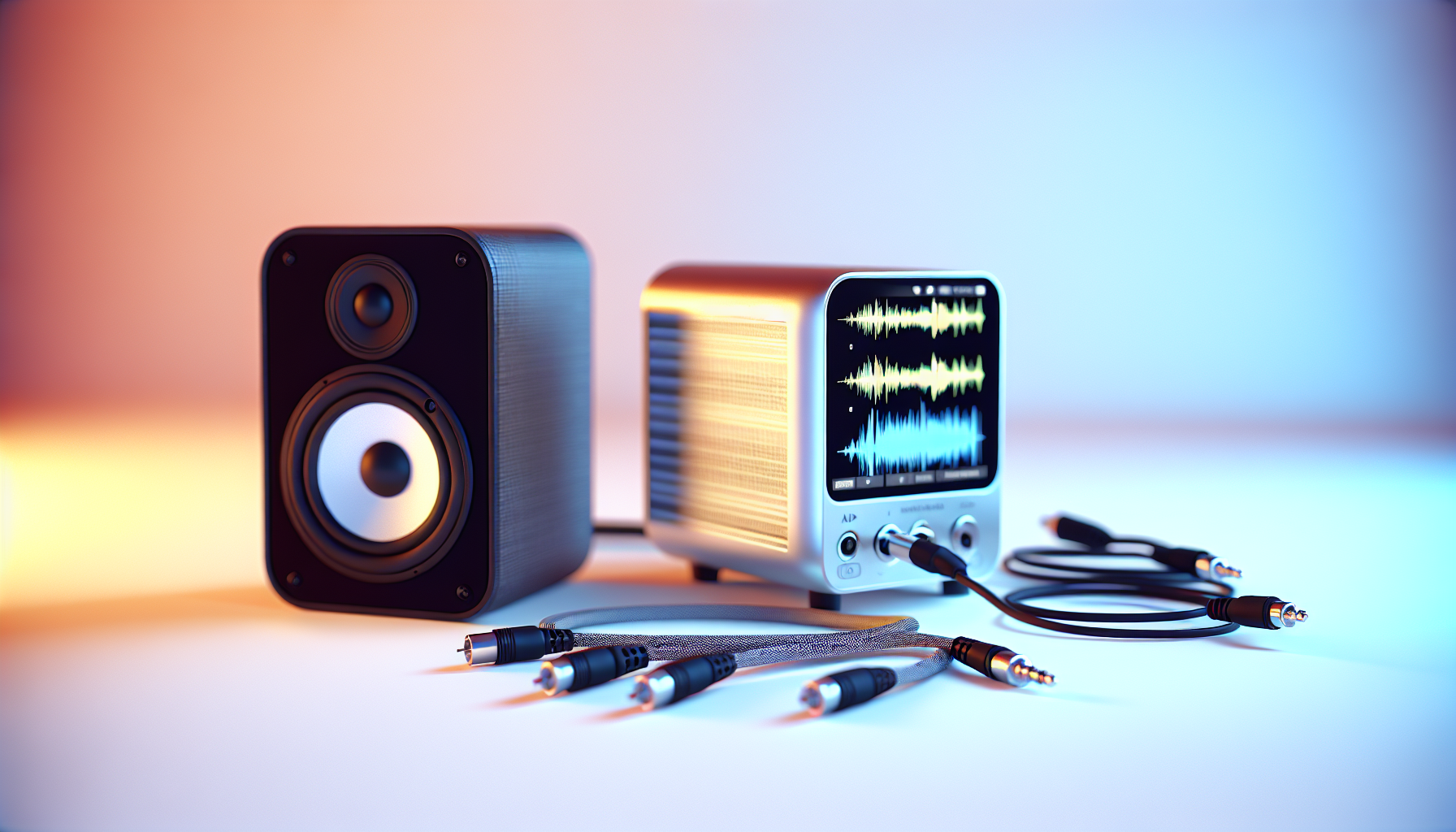
Step-by-Step: How to Make a Sonic Logo
Learning how to make a sonic logo is more than composing a pleasant sound. It’s a structured process that blends brand strategy with sound design and testing.
Step 1: Define Your Brand Intent
Before you press “record” or start a new project, decide what your sonic identity should communicate. Is your brand playful or premium? Calm or energetic? Modern or classic?
Create a short list of adjectives and translate them into sound qualities. For example, “premium” often suggests cleaner harmonics and controlled dynamics, while “playful” may involve quicker attacks and higher pitch elements.
Step 2: Build a Sonic Palette (Timbr e + Texture + Style)
Next, define the palette of instruments or sound sources you’ll use. A sonic logo can be created with synth tones, sampled instrument hits, short vocal textures (without lyrics), or even carefully designed found sounds.
The goal is recognizability through timbre. Even if two sounds share similar notes, different textures will feel different to listeners.
Step 3: Choose a Simple Musical Idea
For many brands, the most memorable sonic identities use a compact melody, interval pattern, or motif. Aim for something that can be perceived quickly even on a phone speaker.
In practice, this means you should test ideas in context early. If your theme only works at studio volume, it likely won’t survive real-world playback.
Step 4: Design the Rhythm for Instant Recognition
Rhythm is one of the strongest recognition tools in sound. Even if you change notes slightly, a distinctive timing pattern can keep the identity recognizable. As you develop how to make sonic logo drafts, consider a clear attack pattern and intentional silence or spacing.
Try multiple versions with the same pitch idea but different timing. One pattern will usually stand out as more “brand-like.”
Step 5: Keep It Short and Scannable
A sonic logo should be easy to “grab” in one listen. If it takes effort to understand, it’s probably too long or too complex. For most brands, a short motif plus a final punctuation sound (like a resolved chord or punchy transient) works well.
When designing, think of how your audience experiences the sound: a quick banner, an app notification, a loading transition. The sonic logo must land immediately.
Step 6: Match Your Visual Brand (But Don’t Imitate It)
Your sound should reflect your brand without becoming a direct translation of visuals. If your logo mark is angular and sharp, you might use staccato articulation or brighter transients. If your visual brand is soft and rounded, smoother envelopes and gentler dynamics may fit better.
That said, avoid making the sonic logo too literal. The strongest audio marks feel cohesive, not forced.
Step 7: Produce High-Quality Mixes and Safe Mastering
After composition, focus on audio quality. Ensure the sonic logo is clean, free of harsh frequencies, and consistent in loudness. Use fades or envelope shaping to prevent clicks and ensure the sound starts cleanly.
Export multiple formats for different uses. For example, a high-quality master for video and a compressed version for web or app distribution.
Tools and Workflow for Creating Your Sonic Logo
You don’t need a massive studio to start. Many creators build a first draft in a digital audio workstation (DAW) and then refine sound design and mixing.
Common Tools
- DAW software: any modern music production environment works (choose based on comfort).
- Sound libraries: synth presets, instrument samples, and percussion hits.
- Audio effects: EQ, compression, reverb (used sparingly), and transient shaping.
- Pitch and tuning tools: for consistent musical intervals.
A Practical Workflow
Start with short sketches: 10–20-second sessions where you generate multiple motifs quickly. Then narrow down to 2–3 candidates and test them at multiple volumes and playback devices.
Once you find the best direction, refine sound texture, transitions, and ending resolution. A sonic logo often becomes “brand-ready” after small edits to attack, decay, and final tail.
Testing: How to Ensure Your Sonic Logo Works
Creating how to make a sonic logo drafts is only half the work. Testing ensures recognition, consistency, and usability.
Test With Real Playback Conditions
Play the sound on phone speakers, cheap headphones, studio monitors, and car audio. If it disappears in common environments, adjust brightness, transient strength, and frequency balance.
Check for Confusability
A good sonic identity should be distinct. Compare your drafts against similar brands or common audio signatures. If your sound feels generic, simplify or change the motif’s rhythm and timbre.
Run Recognition Trials (If Possible)
If you can, do short recognition tests with people unfamiliar with the process. Play only the sonic logo and ask what brand they think of, then reveal context and compare performance.
The goal isn’t perfection in one session. It’s to identify whether people remember and associate it after repeated exposure.
Best Practices for a Memorable Sonic Logo
To improve your chances, follow proven design habits. These tips help you move from “nice sound” to “effective brand asset.”
Use a Clear Beginning and Ending
Start with a recognizable transient or tonal cue. End with a resolution that feels intentional—like a finish, not a fade-out that blends into surrounding audio.
Limit Complexity
Complex arrangements often fail when compressed, looped, or played quietly. Prefer one musical idea over layered busy content.
Think in Variants
Create at least two versions: a short form for quick triggers and a longer form for video or brand films. This ensures the sonic logo remains usable across formats.
Document It in a Sonic Guidelines
To keep your identity consistent, define parameters like tempo feel, loudness targets, approved instruments, and how it should be used. Clear guidelines prevent off-brand remixes and inconsistent future edits.
Common Mistakes When You Learn How to Make Sonic Logo
Understanding pitfalls will help you avoid rework and protect the brand. Many issues come from designing only for one environment or one use case.
Mistake 1: Designing Only for Music Playback
If the sonic logo only works in a music context, it may fail as a notification or UI sound. Test early with short placements and different volumes.
Mistake 2: Making It Too Long
Long intros and elaborate transitions reduce recognition. Keep your how to make a sonic logo approach focused on speed and clarity.
Mistake 3: Overusing Reverb and Effects
Heavy reverb can smear the transient and weaken identification, especially on small speakers. Use effects for polish, not for core identity.
Mistake 4: Ignoring Loudness Consistency
If the sonic logo is much louder or quieter than surrounding audio, it will feel inconsistent. Master for consistent loudness across deliverables.
How to Deliver Your Sonic Logo Assets
Once you’ve finalized the best version, prepare an asset pack. This is part of making sure how to make sonic logo ends with something usable, not just a single exported file.
- Short trigger version: for UI events and quick brand moments.
- Standard version: for video, web, and brand campaigns.
- Metadata and naming: organize versions clearly.
- Usage notes: specify volume targets and preferred contexts.
If you distribute across multiple platforms, ensure your exports meet technical requirements (sample rates, file types, and compression needs). Consistency protects the experience across devices.
Conclusion: Your Sonic Logo Should Be Instant and Distinct
When people ask what is a sonic logo, they’re really asking for a brand memory system they can hear. And when they search how to make a sonic logo, they want a process that results in a sound people recognize quickly.
By defining brand intent, building a sonic palette, creating a simple motif, and testing in real-world playback, you’ll be able to craft the sonic logo as a reliable identity asset. Use variants, document the rules, and treat the sound like a logo: consistent, intentional, and unmistakably yours.