How to Make a Custom Business Logo That Works
Build a clear custom logo with the right tools, steps, and file formats.
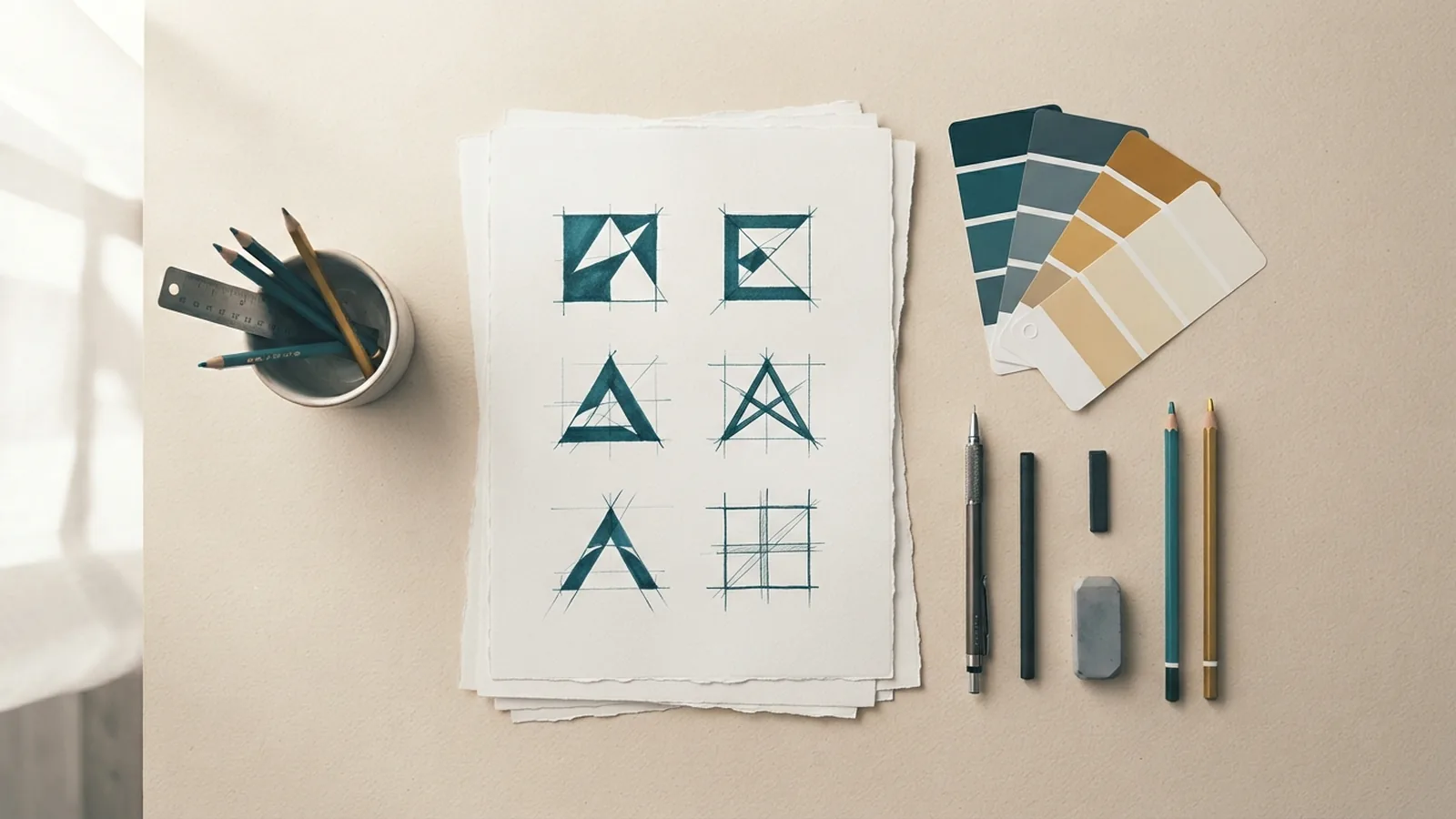
Understand What Your Logo Must Do
To learn how to make a custom business logo, start with its job. A logo should show what your business offers. It should also fit the people you want to reach.
Write one clear goal before you sketch. A coffee shop may want to feel warm and local. A trading firm may need to feel safe, sharp, and modern.
Study three to five brands in your field. Note their colors, shapes, type, and tone. Then find a clear way to stand apart.
- Define your business promise in one sentence
- List three traits your logo should show
- Name your target audience and its needs
- Study styles used in your market
Trends can guide you, but they should not lead the design. A trend may fade before your brand gains trust. Choose a style that can stay clear for years.
A strong logo also needs a clear use plan. List your website, signs, products, social profiles, and print needs. This list will shape the size, colors, and file types you need.
Choose Tools for Your Budget and Skill
Many people ask how to make a custom logo for free. A free online logo maker can help with early ideas. These tools often include templates, icons, color controls, and basic exports.
Paid tools give you more control over shape, type, and file output. Adobe Illustrator suits detailed vector work. Affinity Designer offers strong drawing tools at a lower cost.
Canva can help with quick layouts and simple brand kits. Photoshop works well for mockups and image effects. It is less suited to logos that need clean scaling.
If you wonder how to make a custom logo in Photoshop, begin with a large canvas. Use shape layers and smart objects. Keep a separate version with no effects for print use.
| Method | Best use | Main limit |
|---|---|---|
| Free logo maker | Fast drafts and small projects | Templates may look common |
| Paid design tool | Full control and vector files | It takes time to learn |
| Freelance designer | Fresh marks and complex needs | Higher upfront cost |
Check export rules before you choose a tool. Some free plans lock large files behind payment. Also check the rights for icons, fonts, and stock art.
To make a custom logo for free, you can draft the idea with paper first. Then use a free tool to test type and color. This cuts wasted time and helps you judge templates well.

Follow a Clear Custom Logo Design Process
The custom logo design process works best when each step has one goal. Start with ideas, not polished art. Gather words, shapes, and themes linked to your business.
- Write a brief. State your audience, promise, tone, and main uses.
- Collect references. Save styles that match your market and mood.
- Sketch many ideas. Make ten to twenty rough marks by hand.
- Pick two or three paths. Remove ideas that look unclear or too familiar.
- Build a draft. Test shape, type, color, and spacing.
- Test the mark. View it at small size, large size, and one color.
- Ask for feedback. Show drafts to peers and likely customers.
- Refine and export. Fix weak details and save each needed file.
Keep early sketches loose. A useful idea may look plain at first. Try symbols tied to a customer need, not just the product.
Ask focused questions during review. Does the mark fit the business? What service does it suggest? Can people recall its main shape?
Limit the review group to three to five people. A large group can turn a clear design into a confusing vote.

Customize Color, Type, and Symbols
Color theory in design helps set a clear mood. Blue may suggest trust. Orange may feel active and friendly. Culture and context can change these links.
Start with one main color and one support color. Then test the mark in black and white. A logo should not need color to make sense.
Typography in logos affects tone and ease of reading. A bold sans serif can feel clean and direct. A serif can feel more rooted and formal.
Use one or two type families at most. Check letter spacing at the size customers will see most often. Script type often fails at small sizes.
Icons should add meaning, not clutter. Use simple shapes with a clear outline. Remove details that vanish on a phone screen or label.
- Test colors for contrast and print use
- Keep type readable at small sizes
- Use symbols that fit the brand promise
- Remove details that add no meaning
These logo design tips apply to brands and personal projects. They also help when you make custom emblems for teams, clubs, or online groups.
For a gaming project, the same rules still matter. You can learn how to make a custom gaming logo by mixing a bold shape with one clear theme. Do not add tiny game scenes that vanish in an avatar.
To make a custom Discord logo, test the mark inside a round crop. For how to make a custom FNF logo, study rhythm, color, and motion. Create an original style rather than copying game art.
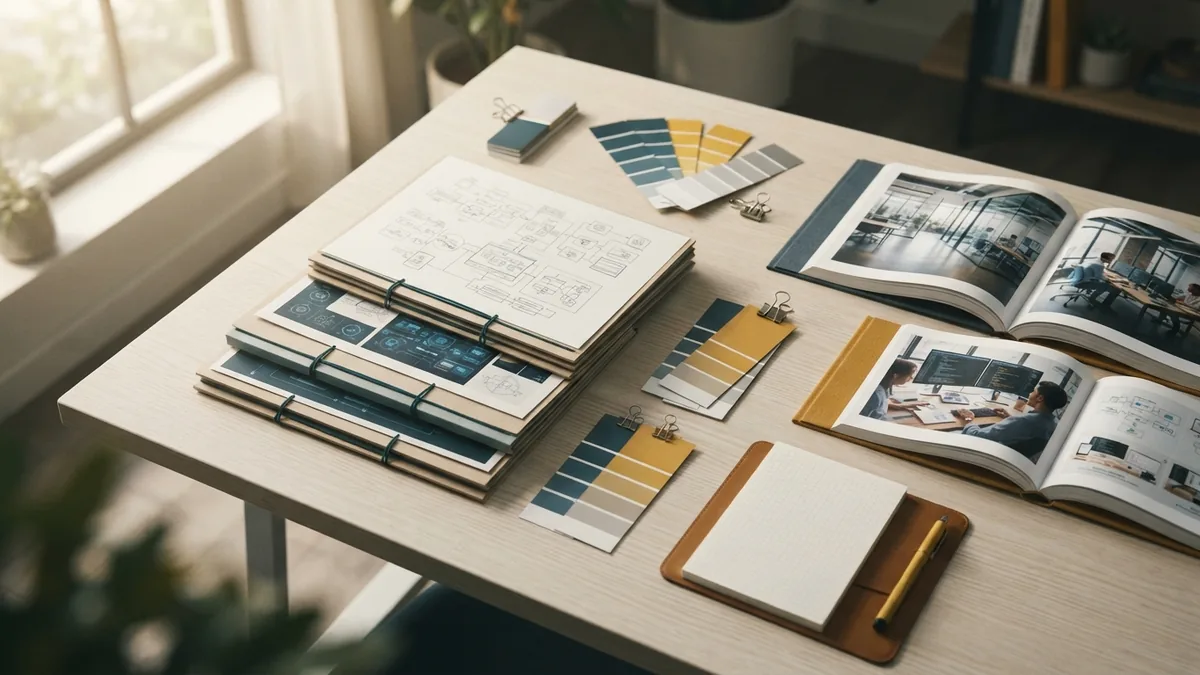
Plan Logo Files for Every Use
A finished logo needs more than one saved file. Vector files keep shapes sharp at any size. Common vector types include SVG, AI, and EPS.
Raster files use pixels. PNG works well for web use because it can support a clear background. JPG suits simple images with a solid background.
Make light, dark, full-color, and one-color versions. Also save a wide mark, a stacked mark, and a small icon. Each version should keep the same core shape.
| File type | Good for | Watch for |
|---|---|---|
| SVG | Websites and sharp digital use | Some old tools may not read it |
| PNG | Social profiles and web pages | It may blur when enlarged |
| JPG | Simple web previews | It lacks a clear background |
| EPS or AI | Print and future edits | Design tools may be needed |
If you want to make a custom logo for YouTube, test it as a small channel icon. A simple mark works better than a long name. The same advice covers how to make a custom YouTube logo.
Keep source files in one folder. Name each file by use, color, and size. This makes handoff easier when a printer or web team needs the mark.
Choose Between DIY and Expert Help
Learning how to make my own custom logo can save money. It also gives you close control over each choice. Set a time limit so endless edits do not slow your launch.
Learning how to make your own custom logo works well for a small test brand. It may not suit a firm with many products or legal needs. In those cases, a designer can build a wider brand system.
If you ask how to get a custom logo, start with your needs and budget. You can use a free tool, buy a template, or hire a designer. Each path gives a different level of control.
To learn how to get a custom logo made, prepare a short brief first. Include your audience, uses, colors, rivals, and examples you like. A clear brief helps a designer give useful work.
Be careful with famous brands. Searches such as how to make a custom Starbucks logo may point to a fan project. Do not copy Starbucks branding or any protected mark for business use.
Avoid Common Logo Mistakes
Many weak logos try to show every part of a business. This creates clutter and poor recall. Pick one idea that people can spot fast.
Do not rely on trends, stock icons, or effects alone. Check whether the mark still works without a glow, shadow, or rich color. A plain test often reveals the truth.
- Do not use too many colors or type styles
- Do not copy a rival or famous brand
- Do not trust one display size
- Do not skip black-and-white testing
- Do not ignore usage rights
Review the mark with real brand content. Place it on a website header, social avatar, invoice, and product label. Test each version before you call the work done.
Save the rejected drafts and your design notes. They can show why you made each choice. They also help prevent old ideas from returning later.
Find Useful Design Inspiration
Good design inspiration resources show how marks work in real settings. Study online gallery sites, brand books, packaging, signs, and app icons. Look for the idea behind each mark, not only its surface style.
Design books can teach shape, type, spacing, and color through many examples. Library copies offer a low-cost way to explore new ideas. Keep notes on styles that fit your field.
Market research for logos can reveal common colors and shapes in your industry. Use that knowledge to spot gaps. Do not treat common patterns as rules.
When you learn how to design a custom logo, compare your draft with its real rivals. Ask whether it looks clear at a glance. Then revise it until the mark feels distinct and useful.
There is no single answer to how to make a custom logo. The best method matches your time, skill, budget, and brand goals. Start simple, test often, and keep the final files ready for every use.
- custom logo design process
- logo design tips
- free logo maker
- logo file formats
- brand color choices
Step by step
- Define the logo goal Write your brand promise, target audience, tone, and main uses. Study a few rivals to spot common styles.
- Sketch several ideas Make ten to twenty rough marks. Keep each idea tied to one clear theme or customer need.
- Build and test a draft Use a free tool or design software to shape the best ideas. Test color, type, spacing, size, and one-color use.
- Gather focused feedback Show two or three drafts to peers and likely customers. Ask what they recall and what the mark suggests.
- Refine and export files Fix weak details, then save vector, web, print, light, dark, and one-color versions.
Frequently asked questions
How do I make a custom business logo?
Start with your audience, brand promise, and main uses. Then sketch ideas, test type and color, gather feedback, and export several file types.
How can I make a custom logo for free?
Yes. Use paper for sketches, then test the idea in a free online logo maker. Check template rights and export limits before publishing.
How do I get a custom logo made?
Use a free tool for simple needs, paid software for more control, or a designer for a full brand system. Your budget and skill should guide the choice.
How do I make a custom Discord logo?
Use a bold, simple shape and test it inside a round crop. Keep small details out of the mark.
How do I make a custom logo in Photoshop?
Use shape layers and smart objects on a large canvas. Keep a plain version without effects for print and small uses.
How do I make a custom YouTube logo?
Create a simple mark that stays clear as a small channel icon. Make wide, stacked, and icon versions for different YouTube placements.
Share this article


Building something similar?
Tell us about your product — we respond within one business day with a concrete next step.