How to Graphic Design a Logo: A Step-by-Step Guide to Make Your Own Graphic Design Logo
How to Graphic Design a Logo: A Step-by-Step Guide to Make Your Own Graphic Design Logo
Learning how to graphic design a logo doesn’t require a studio background. With a clear process, the right tools, and a bit of experimentation, you can how to make a graphic design logo that looks professional and works across real-world uses.
This guide walks you through how to make a graphic logo from scratch, including how to graphic design a logo for free, how to make your own graphic design logo, and how to graphic design your own logo even if you’re starting from zero.
Start With the Purpose: What Your Logo Must Do
Before you design anything, define what your logo should accomplish. A logo’s job is to identify your brand at a glance, support recognition, and communicate a consistent style.
Ask yourself: Who is your audience? What do they value? What makes your business different? Your answers guide your color choices, typography, and the overall design direction.
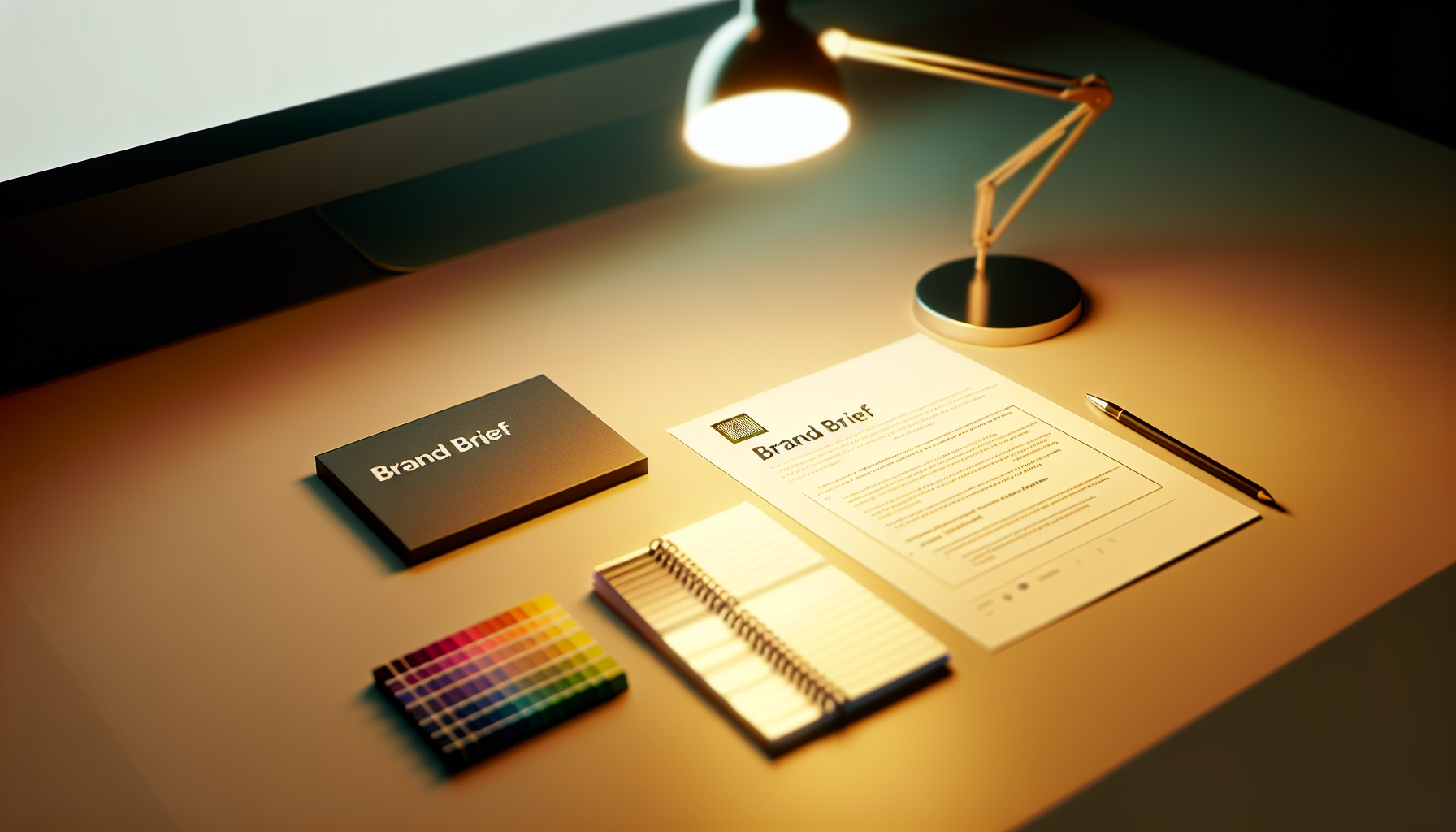
Write a simple brand brief
A brand brief doesn’t need to be long. Create a short list including brand name, industry, audience, brand personality (e.g., modern, friendly, premium), and three words your logo should feel like.
This becomes your decision filter when you’re learning how to make your own graphic design logo. If an idea doesn’t match the brief, it probably won’t last.
Pick a Logo Style That Fits Your Business
There are several common logo types. Choosing the right one early makes how to make a graphic design logo much easier because you’ll know what to design from the start.
Common logo categories
Wordmarks focus on typography (often best for brands with strong names).
Lettermarks use initials (great when you want a compact identity).
Icon or symbol logos use an image that represents the brand (useful for quick recognition).
Combination marks pair a symbol with text (versatile for websites and packaging).
Choose one primary use case
Decide where the logo will be most visible first—website header, social profile, storefront, or product labels. That determines how detailed it can be and how bold it should be.
If you want how to make a graphic logo that scales well, keep it simple enough to remain recognizable at small sizes.
Build Your Visual Direction: Color, Typography, and Shapes
Once you understand your goal and style, you can move into the design elements. This is where most beginners struggle, especially when figuring out how to graphic design a logo that looks cohesive.
Approach design like a system: choose a small set of colors, select typography that matches your brand personality, and use shapes that support the message.
Choose a color palette
Select 1 primary color, 1 supporting color, and optional neutrals (like black/white or gray). Use color meaning as inspiration, but don’t treat it as a rule.
For example, blue often signals trust, green can feel natural, and warm tones can feel energetic. The best palette is the one that fits your audience and stands out among competitors.
Select typography with intention
Typography is a major part of how to make your own graphic design logo look “real.” Use fonts that match the brand voice—serif fonts can feel traditional, sans-serifs often feel modern, and custom lettering can feel distinctive.
Limit yourself to one main font family and one optional complementary style. Too many fonts usually makes a logo look inconsistent.
Use shapes to communicate personality
Geometric shapes tend to feel structured and modern. Rounded shapes feel friendly and approachable. Sharp angles can feel bold or high-energy.
If you’re wondering how to graphic design your own logo without experience, shape language is a great shortcut. It gives you a reason for your design choices instead of random trial and error.
Sketch Before You Create: Generate Logo Ideas Fast
Design improves dramatically when you start with quick sketches instead of jumping directly into software. Spend 20–40 minutes exploring variations of symbols, word layouts, and icon directions.
This is the stage where you learn how to make your own graphic design logo efficiently: you’re exploring possibilities, not perfecting one design.
Use a simple sketch framework
Try these three categories for your early concepts:
1) Icon-first: sketch symbols that could work alone.
2) Word-first: test different text treatments and spacing.
3) Combined: pair an icon with text in stacked and horizontal formats.
After sketching, pick 2–3 directions that best match your brand brief. Those become your digital drafts.
How to Make a Graphic Logo in Software (Beginner-Friendly Workflow)
Now it’s time to how to make a graphic design logo using vector tools. Vector graphics are crucial because logos need to scale cleanly for business cards, websites, signage, and more.
If you’re searching for how to graphic design a logo for free, there are solid options, including free tiers or browser-based vector editors. The important part is exporting in high-quality formats.
Choose tools that fit your budget
For a free workflow, look for software that supports vector shapes, layers, and clean exporting. Many creators start with free or trial versions and upgrade only if their project grows.
Whether you use a free app or a paid one, the workflow stays similar: create shapes, adjust spacing, refine typography, and align everything precisely.
Start with the grid and alignment
Use guides and grids to keep your logo balanced. Center alignment is common, but perfect centering isn’t always best. Visual balance matters more than mathematical symmetry.
Keep stroke widths consistent, ensure icon proportions feel right relative to the text, and check spacing between letters and elements.
Turn sketches into vector shapes
For icons, begin with simple geometric forms. Combine, subtract, and refine until the shape matches your direction.
For wordmarks, focus on letter spacing (tracking) and consistent baseline alignment. These details are often what makes the difference between amateur and professional.
Make Your Logo Look Professional: Refinement Checklist
After your first draft, spend time refining. Many people asking how to make my own graphic design logo expect instant perfection, but the real quality comes from iteration.
Refinement steps that matter
- Test at small sizes: zoom out and see if it still reads clearly.
- Check contrast: confirm it works in dark and light backgrounds.
- Limit complexity: fewer details often look better at scale.
- Unify style: ensure the icon style matches the typography style.
- Align edges and centers: use consistent spacing rules across elements.
If you’re how to make a graphic design logo for free, it’s even more important to refine carefully because you may not have advanced design assets. Your best tool is precision.
Export Correctly: Final Files You Should Always Create
When you ask how to graphic design your own logo, you should also plan for deliverables. Logos aren’t useful if you can’t export them in the right formats.
Recommended export set
- SVG for scalable vector use on websites and future editing.
- PDF for print-ready sharing with vendors.
- PNG with transparent background for quick digital use.
- JPG only if transparency isn’t needed (common for previews).
Also export a one-color version (black or white). This is essential for stamps, embroidery, and situations where color printing isn’t available.
Common Mistakes When You Try to Make Your Own Graphic Design Logo
Knowing the pitfalls helps you avoid wasted time. Many beginners run into these issues when they learn how to make a graphic logo and aim for a polished result.
Top mistakes
- Using too many fonts or mismatched typography styles.
- Over-detailing icons so they don’t scale down.
- Ignoring spacing between letters and logo elements.
- Picking trends blindly without tying them to brand personality.
- Not exporting correctly for print and digital use.
If you fix these early, your learning curve for how to make your own graphic design logo becomes much shorter.
How to Graphic Design a Logo for Free (Practical Tips)
You can absolutely learn how to graphic design a logo for free by using free tools, free assets, and disciplined design fundamentals. Focus on building the skills first, then refine the output.
Here’s how to make sure your free process still produces a professional result.
Use free resources responsibly
If you use any icons or fonts, verify licensing. Avoid random assets that can create legal and branding issues later.
Even if you’re using free tools, your logo still needs original arrangement and thoughtful design choices. The “work” is in the system you build: palette, layout, spacing, and style consistency.
Plan a simple revision cycle
Make 2–3 drafts, pick one direction, and iterate 2–3 times. This method is faster than endlessly tweaking a single idea.
When you’re learning how to graphic design your own logo, the goal is progress and clarity, not endless perfection.
Quick Answer: How to Graphic Design a Logo (In 7 Steps)
If you want a straightforward summary of how to make a graphic design logo, follow this path:
- Write a short brand brief and define your audience.
- Choose a logo style (wordmark, icon, lettermark, or combination).
- Select color, typography, and shapes that match your personality.
- Sketch 10–30 quick concepts.
- Recreate the best ideas in vector software.
- Refine spacing, alignment, and readability at small sizes.
- Export SVG/PDF/PNG and a one-color version.
By following these steps, you’ll know exactly how to make your own graphic design logo—and you’ll be able to confidently answer when someone asks how to make a graphic logo.
Next Steps: Test and Get Feedback
After you finish your design, test it in real contexts: social profile icons, website headers, and simple mockups. This is how you see whether your logo communicates clearly.
Get feedback from people who match your target audience. If multiple people mention the same improvement, prioritize it. That feedback loop helps your final result become the logo you’d want to use for years.
If your goal is how to graphic design your own logo with confidence, treat the process like learning a craft: iterate, refine, and keep your design grounded in your brand brief.