How to Create a Logo That Fits Your Brand
Learn how to create a logo from scratch or for free. Follow clear steps for sketches, colors, fonts, tools, testing, files, and trademark checks.
Understanding Logo Design
A logo is a visual mark that helps people spot and recall a brand. It may use a symbol, a name, or both. Good logo design supports a clear brand identity.
Your mark may appear on a site, package, sign, invoice, or social profile. A strong design makes these uses feel linked. It also helps a small business look ready to serve.
How can I create a logo that lasts? Start with one clear idea. The mark should fit the brand and stay clear at small sizes.
- Simple: The shape is easy to see and recall.
- Relevant: The design fits the brand and its audience.
- Versatile: The mark works in print and on screens.
- Distinct: The design does not copy a rival mark.
- Lasting: The style does not rely on a short trend.
A logo cannot fix a weak product or poor service. It can make each brand touchpoint feel more joined up. That helps people know who they are dealing with.
Before you design, define the mark's job. A bakery may need a warm sign for boxes and shop windows. A software firm may need a clean mark for small screens.
Steps to Create a Logo
How do I create a logo? Use a short process with clear checks. Start with the brand before opening a design tool.
Write down the business name, audience, offer, and tone. Add three words that describe the feeling you want. This brief keeps each design choice on track.
- Set the goal: State what the mark should help people feel or recall.
- Choose a logo type: Pick a wordmark, symbol, badge, monogram, or mixed mark.
- Brainstorm: List ten to twenty words linked to the brand.
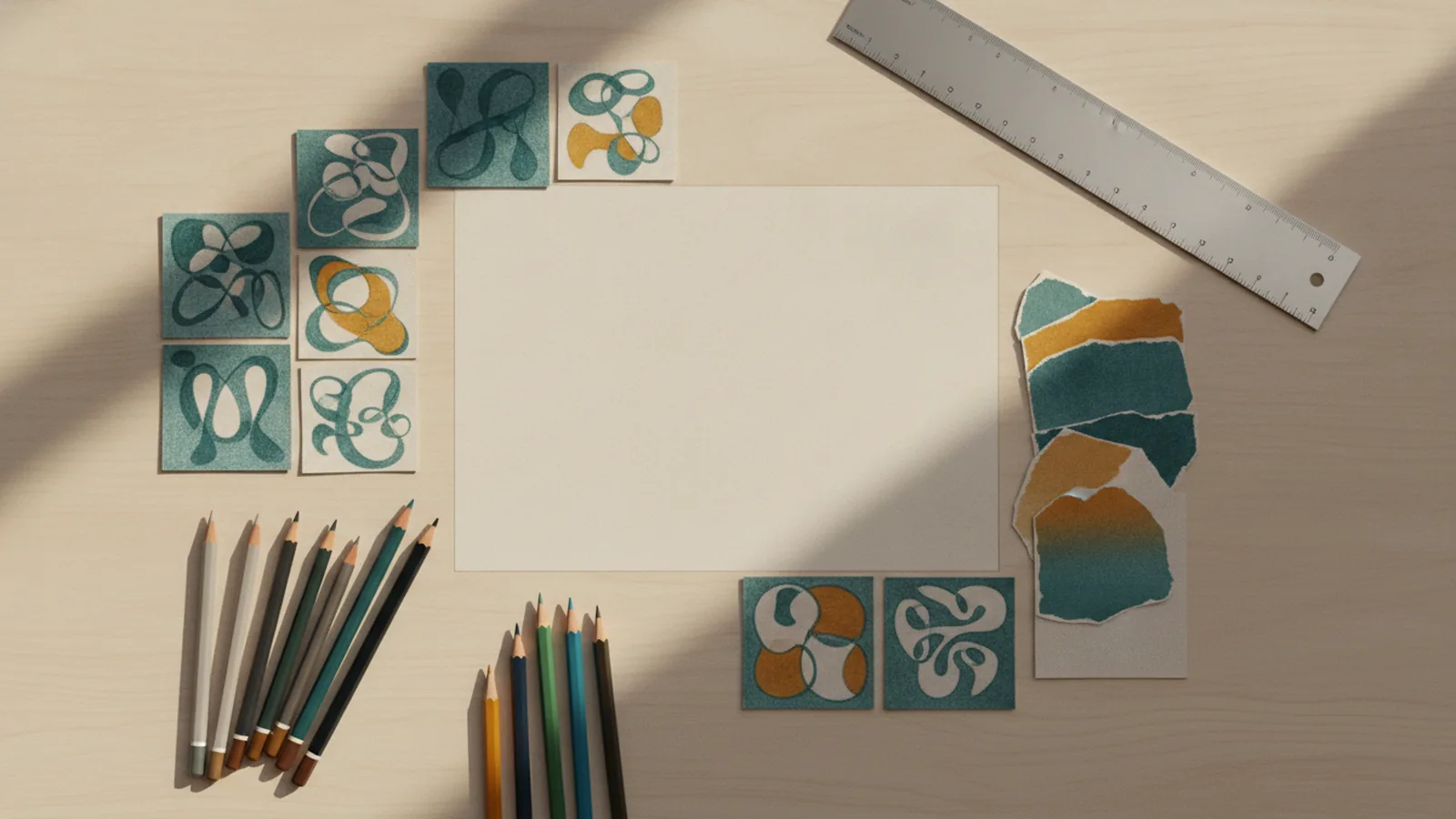
- Sketch ideas: Draw small shapes by hand before using software.
- Select design elements: Test colors, fonts, shapes, and spacing.
- Build drafts: Create two or three strong options.
- Test each draft: Check size, contrast, and use on real layouts.
- Export the files: Save editable and ready-to-use versions.
Sketching helps you find ideas without fighting software controls. Keep each sketch small. Small sketches reveal weak shapes early.
Next, choose one main idea. Avoid mixing many symbols into one crowded mark. A single clear shape often beats a detailed scene.
Ask three people to describe each draft in one sentence. Their answers can show whether the mark sends the right signal. Revise the design when their answers miss your goal.
How can you create your own logo with a personal feel? Use one detail tied to the brand story. Keep that detail simple enough to work without extra explanation.
Choose Colors, Fonts, and Shapes with Care
Color affects how people read a brand. Blue may suggest calm or trust. Red may feel bold or urgent. These links are common, not fixed rules.
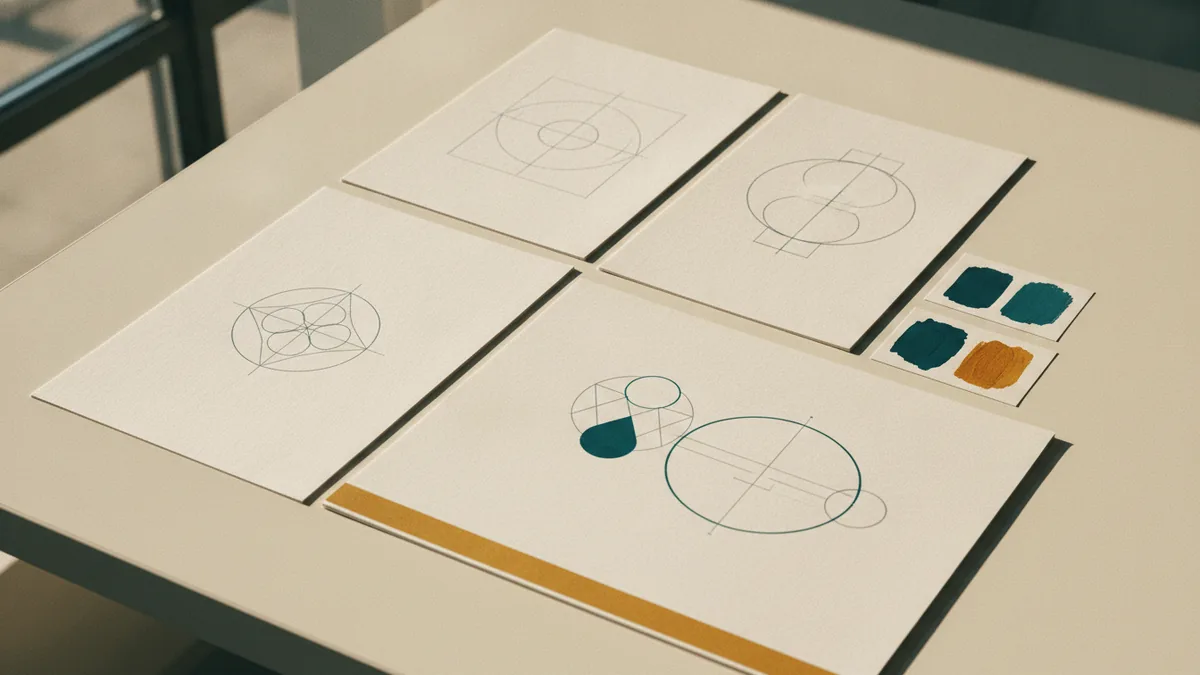
Choose one main color and one support color first. Then test the mark in black, white, and gray. A design that needs color may lack a clear shape.
Typography means the style of type in a design. A rounded font can feel warm. A sharp sans serif can feel clean. Pick a font that stays clear at small sizes.
- Use no more than two font families in one mark.
- Give each character enough space to stay clear.
- Keep thin strokes away from very small uses.
- Test the mark on light and dark backgrounds.
- Check color contrast before launch.
A wordmark makes the brand name the main mark. This is often called a logotype. A monogram uses one or more initials.
Shape also carries meaning. Circles can suggest unity. Straight lines can suggest order. Use these ideas as guides, not strict rules.
Keep the audience in view. A playful mark may suit a toy shop but not a law firm. The right choice supports the brand promise.
Best Tools for Logo Creation
How do you create a logo for free? Begin with a tool that fits your skill and goal. Free logo makers can produce a quick first draft.
Canva is one answer for how to create a logo on Canva. Start with a template, then change its type, colors, spacing, and shapes. Do not keep the default layout as your final design.
Inkscape gives you control over custom vector shapes. Figma works well for simple vector work and feedback. Adobe Express can help you explore layouts and brand colors.
| Tool type | Best use | Watch for |
|---|---|---|
| Logo maker | Fast ideas and simple drafts | Common templates and export limits |
| Vector editor | Custom shapes and sharp files | A steeper learning curve |
| Template editor | Quick type and color changes | Layouts that need more custom work |
Free tools can lower the cost of a first draft. They may limit file types, font rights, or asset use. Check the terms before using a mark for paid work.
How to create a logo with Canva depends on your editing choices. Replace stock symbols, change the spacing, and redraw weak parts. Customization helps your mark avoid a shared template look.

Tips for a Unique Logo Design
A unique logo does not need a strange shape. It needs a clear idea and a fresh way to show it. Study rivals before sketching so you can avoid their common forms.
Look for patterns in your market. Many firms may use the same colors, icons, or font style. Choose a different route only when it still fits your audience.
How can you create a great logo for your business? Remove details that do not help the main idea. Then test the mark at the size of a small profile icon.
- View the mark from a distance.
- Test it in one color.
- Place it on a real sign or web page.
- Ask what people notice first.
- Check that the name remains easy to read.
For a business, the name and mark should support each other. A shop may need a clear name logo. A podcast or game may benefit from a bold symbol that works on small screens.
Do not chase every trend. A design that looks fresh today may date quickly. Favor strong shapes, clear type, and a useful color set.
Free Logo Design Resources
Free resources can help you learn how to create your own logo. Use them for research, sketches, and early tests. Do not assume that every free asset is safe for commercial use.
Search for open fonts, free vector tools, and color guides from trusted sources. Keep a record of each asset license. This small step can prevent a costly redesign.
You can also create a logo for free with your own sketches and a free vector editor. This path takes more time than a template. It gives you more control over the final shape.
Where to create a logo depends on your needs. Use a browser tool for speed. Use vector software for clean curves and future edits. Hire a designer when the mark needs deep research or many brand uses.
Cost varies by route. A free tool may cost nothing at first but charge for downloads. A paid app may cost less over time if you need many edits. Ask how much to create a logo only after you define the work and file needs.
Finalize and Protect Your Logo
Before launch, test the mark in every place you plan to use it. Check a web header, profile icon, invoice, sign, and printed page. Look for blur, weak contrast, and poor spacing.
Export a vector file for future size changes. Also save a transparent PNG for quick use. Keep black, white, full-color, and horizontal versions in one folder.
- Editable vector file
- Transparent PNG
- Black and white versions
- Color values and font names
- Simple use notes for your team
Before you publish, search for similar marks in your market. A basic search is not a full legal check. In the United States, the USPTO trademark guidance explains the main steps for protecting a brand mark.
Trademark rights vary by country and by use. Speak with a qualified lawyer when the mark is central to your business. A final review can save time before you print signs or launch a site.
How to create your logo well comes down to a clear idea, careful testing, and useful files. Start small, remove clutter, and make sure the mark works without a long explanation.
How to do it
- Define the brand goalWrite down the audience, offer, tone, and feeling the mark should convey. Add three words that guide your design choices.
- Choose a logo typePick a wordmark, symbol, badge, monogram, or mixed mark. Choose the type that best suits your name and use cases.
- Brainstorm and sketchList related ideas, then draw small shapes by hand. Keep the early sketches quick and simple.
- Build a few draftsSelect colors, fonts, shapes, and spacing. Create two or three strong options in a design tool.
- Test the designsView each draft in black and white, at small sizes, and on real layouts. Ask a few people what they notice first.
- Export and protect the markSave vector and transparent files with clear color notes. Search for similar marks and review trademark needs before launch.
Frequently asked questions
How can I create a logo from scratch?
Start with your brand goal, audience, and tone. Sketch several ideas, choose clear design elements, test the mark, then export useful files.
How do I create a logo for free?
You can create a logo for free with Canva, Inkscape, Figma, or another free design tool. Check export limits and asset licenses before commercial use.
How to create a logo on Canva?
Use a Canva template as a starting point. Change the symbol, type, colors, spacing, and layout so the result fits your brand.
How to create a logotype?
A logotype is a logo built around the brand name. Choose clear type, set good spacing, and test the name at small sizes.
How do I create a logo for my business?
Create a short brief with your name, audience, offer, and tone. Then build a simple mark that works in color, black, white, and small sizes.
How much does it cost to create a logo?
A free tool may cover the first draft, but paid costs can arise for downloads, fonts, or legal work. The price depends on the tool and the level of custom design.
Share this article
Related articles


Building something similar?
Tell us about your product — we respond within one business day with a concrete next step.